
TL;DR: Klaviyo and Omnisend remain the two strongest email marketing automation apps for Shopify in 2026, both offering native real-time event syncing far deeper than Shopify’s built-in email tool. Every Shopify store should run at minimum three automated flows — welcome series, abandoned cart, and post-purchase — before investing time in anything more advanced. Below, we cover app selection, essential flows, and setup steps.
Executive Summary
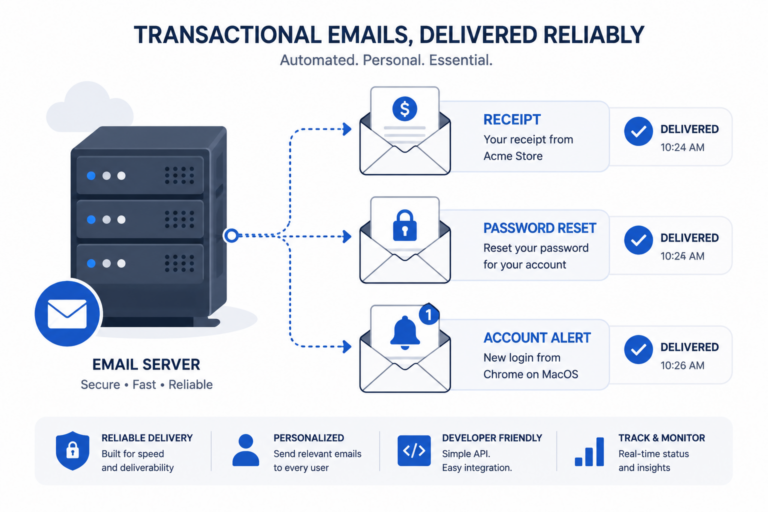
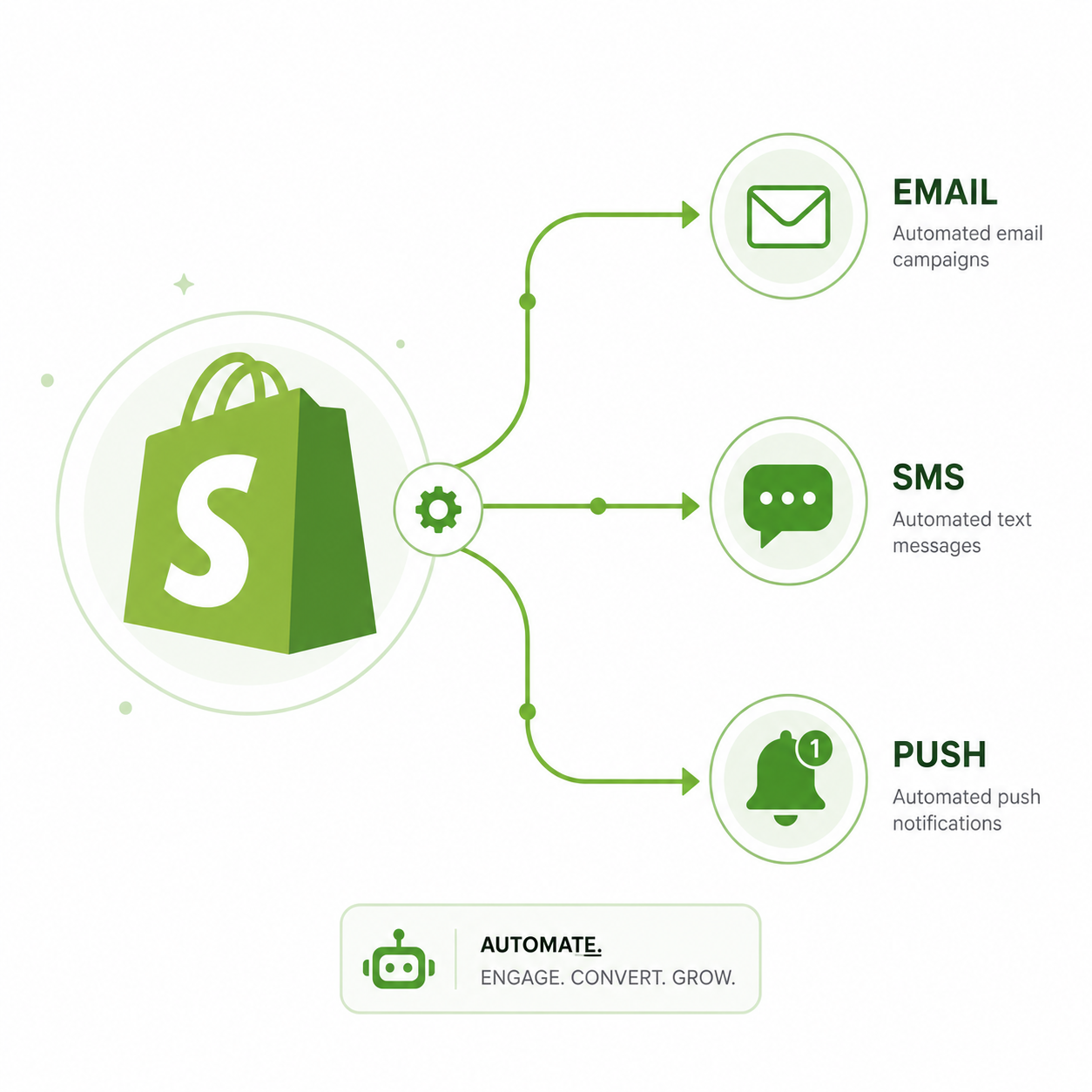
Shopify’s built-in email marketing tool covers basic campaign sending, but lacks the deep behavioral automation that drives the majority of email-attributed revenue for serious ecommerce stores. Dedicated email marketing automation apps sync real-time store events — product views, cart additions, purchases, refunds — directly into automated flows that respond to actual customer behavior.
This guide covers the leading Shopify-native email automation apps, the flows every store should run, and a practical setup sequence.
Who This Guide Is For
- Shopify store owners currently using only manual campaign sends
- Stores using Shopify Email wanting to upgrade to deeper automation
- Merchants evaluating Klaviyo, Omnisend, or other Shopify email apps
- Anyone setting up email automation for a new Shopify store launch
Best Email Marketing Automation Apps for Shopify
| App | Starting Price | Native Shopify Integration | Best For |
|---|---|---|---|
| Klaviyo | $20/month | Excellent, real-time event sync | Established stores, predictive analytics |
| Omnisend | $16/month | Excellent, native SMS included | Growing stores wanting value |
| Mailchimp | $13/month | Basic, limited event sync | Non-ecommerce-focused or very early stores |
| Seguno | $11/month | Good, built specifically for Shopify | Stores wanting Shopify-native simplicity |
| Shopify Email | Free–$varies | Native (built-in) | Basic campaign sending only |
(For a full head-to-head, see our Mailchimp vs Klaviyo and Omnisend vs Klaviyo comparisons.)
The Essential Flows Every Shopify Store Needs
1. Welcome Series
Triggered when someone subscribes via a popup, footer form, or checkout opt-in. Introduces your brand, sets expectations, and often includes a first-purchase incentive.
Recommended structure: 2-3 emails over the first week, with the first sent immediately upon signup.
2. Abandoned Cart Flow
Triggered when a customer adds items to cart but doesn’t complete checkout. This is consistently the highest-ROI automation for ecommerce stores.
Recommended structure: 3 emails — 1 hour, 24 hours, and 72 hours after abandonment, with discount incentive reserved for the final email.
(For example copy, see our Abandoned Cart Email Examples guide.)
3. Post-Purchase Flow
Triggered after a completed order. Confirms the purchase, sets delivery expectations, and sets up the relationship for repeat purchase.
Recommended structure: Order confirmation, shipping update, and a follow-up requesting a review or recommending complementary products 1-2 weeks after delivery.
4. Browse Abandonment Flow (Secondary Priority)
Triggered when a customer views a product but doesn’t add it to cart. Lower intent than cart abandonment, but still valuable for stores with meaningful traffic volume.
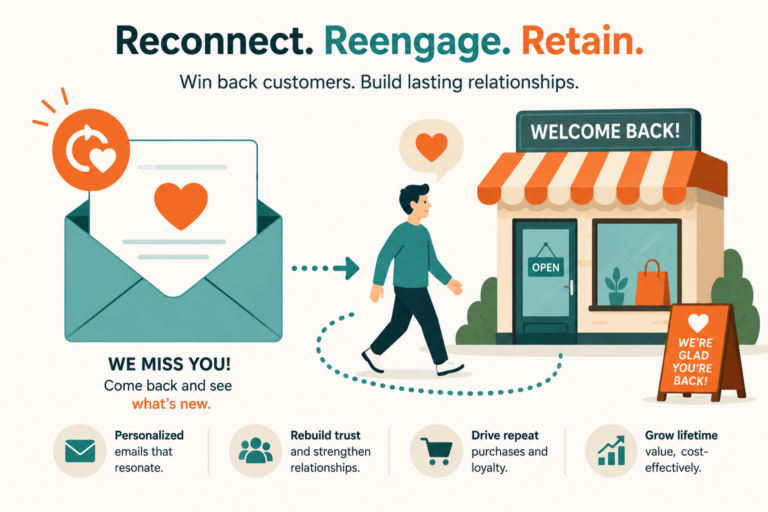
5. Winback / Re-engagement Flow
Triggered for customers who haven’t purchased in a defined period (commonly 60-90 days), aiming to bring lapsed customers back before they’re fully lost.
Setup Process: Connecting Your Email App to Shopify
Step 1: Install the App From the Shopify App Store
Search for your chosen platform (Klaviyo, Omnisend, etc.) and install directly through Shopify’s app marketplace for the smoothest integration setup.
Step 2: Authorize the Integration
Grant the app permission to access your store data — customers, orders, products, and behavioral events. This typically takes just a few clicks and a few minutes for the initial data sync.
Step 3: Verify Event Tracking Is Working
Before building flows, confirm the app is correctly receiving real-time events by testing a sample cart abandonment or product view on your own store.
Step 4: Build Your Core Flows Using Templates
Most platforms offer pre-built flow templates for welcome series, abandoned cart, and post-purchase — customize the copy and timing rather than building entirely from scratch.
Step 5: Set Up List Segmentation
Create basic segments (new customers, repeat customers, high-value customers, lapsed customers) to enable more targeted campaigns beyond just the core automated flows.
Step 6: Test Each Flow End-to-End
Place a test order and abandon a test cart to verify each flow triggers correctly and the timing and content appear as intended before going fully live.
Common Shopify Email Automation Mistakes
- Relying only on Shopify’s built-in email tool past the very earliest stage, missing real-time behavioral automation entirely
- Leading abandoned cart emails with a discount immediately, training customers to wait for one on every purchase
- Not segmenting one-time buyers from repeat customers, sending identical messaging regardless of purchase history
- Skipping post-purchase flows and missing the highest-trust moment to encourage reviews and repeat purchases
- Forgetting to sync product catalog data for dynamic product recommendation blocks within emails
Shopify Email Automation by Store Stage
| Store Stage | Recommended Approach |
|---|---|
| Pre-launch / very early | Shopify Email or free tier of Omnisend/Klaviyo for basic welcome flow |
| Growing (under 1,000 orders/month) | Omnisend or Klaviyo with 3 core flows fully built |
| Established (1,000+ orders/month) | Klaviyo with predictive segmentation and advanced flow branching |
Frequently Asked Questions
Is Shopify’s built-in email tool good enough for a small store?
For very early-stage stores with minimal traffic, it can work temporarily, but most stores quickly benefit from dedicated automation apps once they