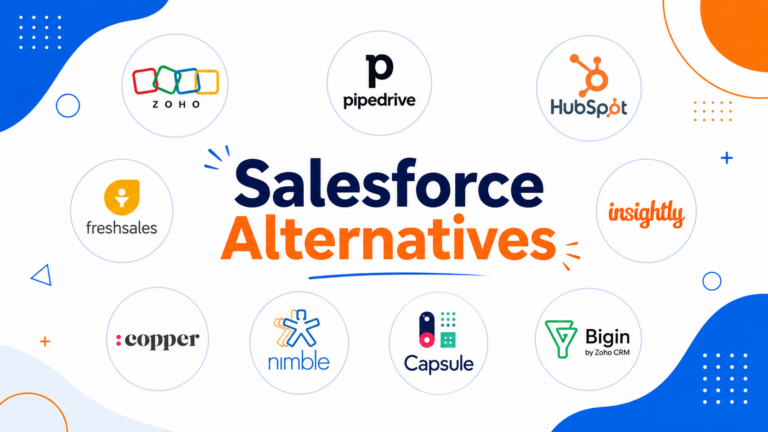

TL;DR: Pipedrive remains the best overall sales pipeline software for its visual simplicity and price-to-feature ratio. Close wins for inside sales teams needing built-in calling. HubSpot Sales Hub is best if you want pipeline management bundled with full CRM and marketing tools. Below, we compare 8 platforms by pricing, automation, and forecasting depth.
Executive Summary
A sales pipeline is only useful if your team actually updates it. The best pipeline software makes deal tracking feel almost effortless — visual, fast to update, and automated wherever possible — rather than another administrative task salespeople resent.
This guide compares the eight leading sales pipeline platforms in 2026, focused specifically on pipeline visualization, deal automation, and forecasting accuracy rather than broader CRM feature sets.
Who This Guide Is For
- Sales managers evaluating dedicated pipeline tools versus full CRM suites
- Small sales teams (1-15 reps) wanting visual deal tracking without complexity
- Businesses frustrated with low CRM adoption among reps
- Founders managing their own sales pipeline before hiring a dedicated team
Evaluation Criteria
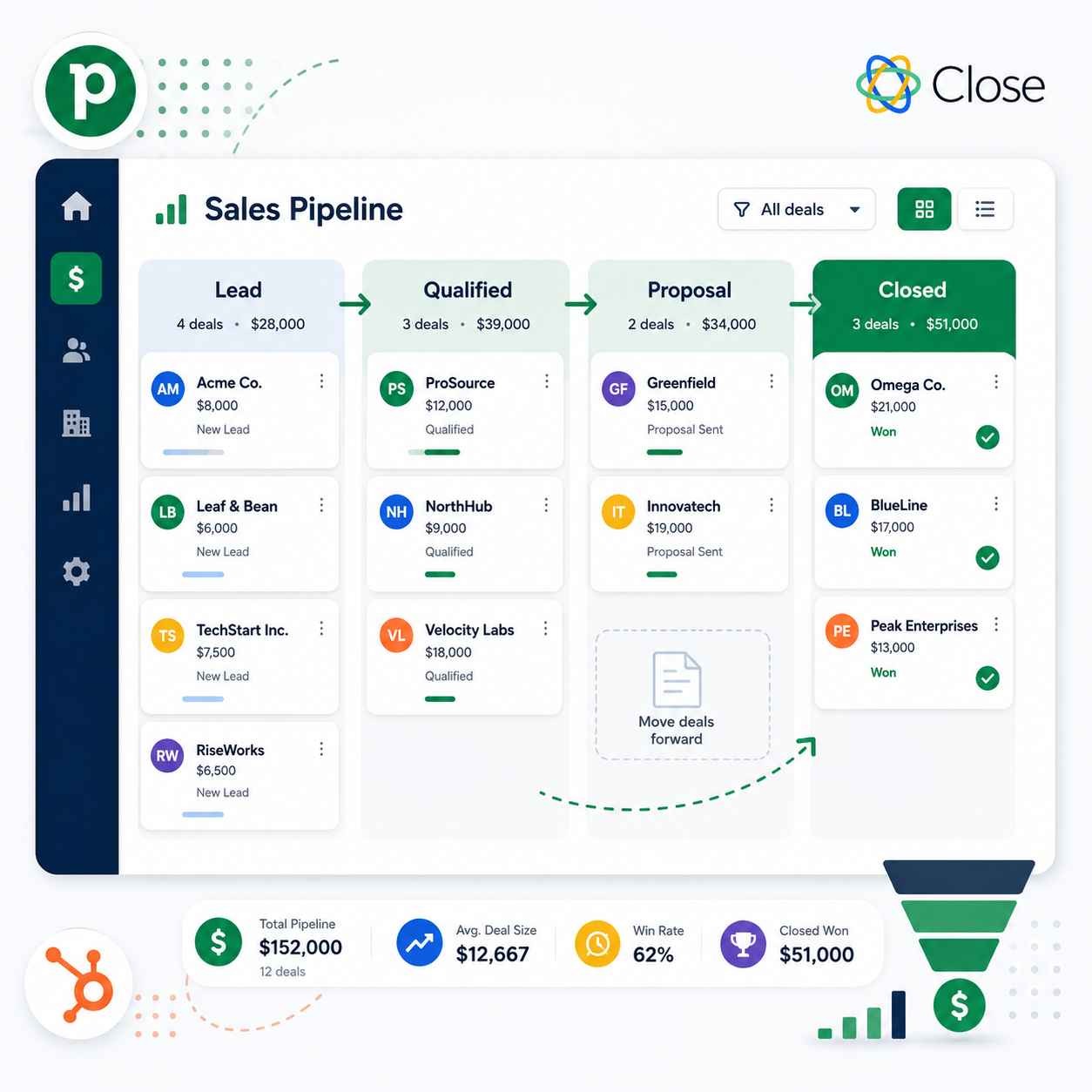
- Visual pipeline interface — drag-and-drop kanban-style deal tracking
- Automation — automatic stage movement, follow-up reminders, task creation
- Forecasting accuracy — revenue projection based on pipeline stage and probability
- Integration depth — email, calendar, calling tools
- Reporting — win rate, sales cycle length, rep performance
Quick Comparison Table
| Platform | Starting Price | Visual Pipeline | Best For |
|---|---|---|---|
| Pipedrive | $14/user/month | Excellent | Best overall value |
| Close | $49/user/month | Good | Inside sales with built-in calling |
| HubSpot Sales Hub | $20/user/month (Starter) | Good | Bundled CRM + marketing |
| Zoho CRM | $14/user/month | Good | Budget-conscious teams |
| Freshsales | $9/user/month | Good | Affordable AI-assisted scoring |
| Copper | $25/user/month | Good | Google Workspace users |
| Streak | $15/user/month | Basic | Gmail-native simplicity |
| Salesflare | $29/user/month | Good | Automated data entry |
Pipedrive — Best Overall Value
Pipedrive was built specifically around the visual pipeline concept, and it remains the most refined version of that idea on the market.
Strengths:
- Highly intuitive drag-and-drop pipeline interface
- Strong automation for repetitive tasks (stage-based follow-ups, email sequences)
- Affordable pricing relative to feature depth
- Customizable pipeline stages and multiple pipelines per account
Limitations:
- Marketing automation features are limited compared to HubSpot
- Advanced reporting requires higher-tier plans
Pricing: Starts at $14/user/month (Essential plan).
Best for: Small to mid-size sales teams wanting the cleanest visual pipeline experience at an affordable price.
Close — Best for Inside Sales Teams
Close is built around the idea that calling and emailing should happen directly inside the CRM, without switching tools.
Strengths:
- Built-in calling, SMS, and email — no separate dialer needed
- Power dialer and predictive dialer features for high-volume outbound teams
- Strong automation for sequences and follow-up cadences
Limitations:
- Higher starting price than most competitors
- Pipeline customization is less flexible than Pipedrive
Pricing: Starts at $49/user/month.
Best for: Inside sales teams making high call volumes who want communication tools natively built in.
HubSpot Sales Hub — Best Bundled Option
HubSpot Sales Hub offers solid pipeline management as part of a broader CRM and marketing ecosystem.
Strengths:
- Free CRM tier with basic pipeline included
- Seamless integration with HubSpot Marketing Hub if you use both
- Strong reporting and forecasting on Professional tier and above
Limitations:
- Becomes expensive quickly once you need Professional-tier automation
- Pipeline customization is less visually flexible than Pipedrive
Pricing: Starts at $20/user/month (Starter); Professional tier ~$100/user/month.
Best for: Businesses wanting pipeline management unified with marketing automation under one platform.
(For full pricing breakdown, see our HubSpot Pricing Explained guide.)
Zoho CRM — Best Budget Option
Zoho CRM offers a surprisingly complete pipeline management feature set at one of the lowest price points among full-featured platforms.
Strengths:
- Affordable pricing with a genuinely capable feature set
- AI-assisted lead scoring (Zia) included on higher tiers
- Strong customization options for pipeline stages and fields
Limitations:
- Interface feels less polished than Pipedrive or Close
- Customer support response times can be slower on lower tiers
Pricing: Starts at $14/user/month.
Best for: Budget-conscious teams wanting AI-assisted scoring without premium pricing.
Freshsales — Best Affordable AI Features
Freshsales bundles AI-powered lead scoring and deal insights into one of the most affordable platforms in this comparison.
Strengths:
- AI-based deal scoring highlights which deals are most likely to close
- Built-in phone and email within the platform
- Clean, modern interface with a short learning curve
Limitations:
- Smaller third-party integration ecosystem than Pipedrive or HubSpot
- Advanced automation requires higher-tier plans
Pricing: Starts at $9/user/month.
Best for: Small teams wanting AI-assisted prioritization without a high price tag.
Copper — Best for Google Workspace Users
Copper is built specifically to integrate seamlessly with Gmail and Google Workspace, automatically capturing data from email and calendar activity.
Strengths:
- Deep native Google Workspace integration — pipeline updates from within Gmail
- Automatic activity capture reduces manual data entry
- Clean, simple interface
Limitations:
- Less useful for teams not using Google Workspace
- Reporting is less advanced than Pipedrive or HubSpot
Pricing: Starts at $25/user/month.
Best for: Teams fully embedded in the Google Workspace ecosystem.
Streak — Best Gmail-Native Simplicity
Streak runs entirely inside Gmail, making it one of the lowest-friction options for very small teams or solo founders.
Strengths:
- Operates entirely within the Gmail interface — no separate app to learn
- Affordable pricing for solo users or very small teams
- Quick to set up with minimal configuration
Limitations:
- Lacks the depth and reporting of dedicated CRM platforms
- Not well suited for teams beyond a handful of users
Pricing: Starts at $15/user/month.
Best for: Solo founders or very small teams wanting the absolute simplest pipeline tracking inside Gmail.
Salesflare — Best for Automated Data Entry
Salesflare focuses heavily on eliminating manual data entry by automatically capturing emails, meetings, and contact information.
Strengths:
- Automatically logs emails, calls, and meetings without manual input
- Visual pipeline with minimal setup required
- Strong for relationship-based B2B sales with long cycles
Limitations:
- Higher price point relative to feature simplicity
- Smaller integration ecosystem than larger competitors
Pricing: Starts at $29/user/month.
Best for: Small B2B teams who want pipeline data captured automatically with minimal manual updates.
How to Choose the Right Sales Pipeline Software
If you want the best all-around value: Pipedrive.
If your team makes high call volumes: Close.
If you want pipeline bundled with marketing automation: HubSpot Sales Hub.
If budget is your top priority: Zoho CRM or Freshsales.
If your team lives in Google Workspace: Copper or Streak.
If you want minimal manual data entry: Salesflare.
Pipeline Software Adoption Checklist
A pipeline tool only works if your team actually uses it consistently. Before rolling out a new platform:
- Migrate existing deals first — don’t make reps start from zero on day one
- Customize stages to match your actual sales process — don’t accept default templates blindly
- Set mandatory fields sparingly — overly strict data entry requirements reduce adoption
- Automate the first follow-up reminder — this is the single highest-impact automation for most teams
- Review pipeline weekly as a team — software alone doesn’t fix sales discipline, but visibility helps reinforce it
Frequently Asked Questions
What’s the difference between a sales pipeline tool and a full CRM?
A dedicated pipeline tool focuses specifically on deal tracking and visualization. A full CRM includes pipeline management plus broader contact management, marketing automation, and customer service features.
Is Pipedrive good enough for a growing sales team?
Yes, Pipedrive scales well for teams up to roughly 50-100 reps before some businesses consider more enterprise-focused platforms. Its automation and reporting improve significantly on higher-tier plans.
Which pipeline software is best for solo founders?
Streak or Freshsales are good starting points — both are affordable and quick to set up without requiring a dedicated sales operations process.
Can I switch pipeline software without losing my deal history?
Yes, most platforms support CSV import/export, though you may lose some metadata (like email thread history) depending on the source and destination platforms.
Does sales forecasting accuracy depend on the software or the team?
Both. The software provides the calculation framework based on stage probability, but accuracy ultimately depends on reps updating deal stages and close dates honestly and consistently.
Is HubSpot Sales Hub worth it if I don’t need marketing automation?
The free tier is genuinely useful for basic pipeline tracking. However, if you only need pipeline management without marketing features, dedicated tools like Pipedrive often offer better value