
TL;DR: Accepting credit card payments online requires three core components: a payment gateway (processes the transaction), a merchant account (holds funds before transfer to your bank), and PCI compliance (protects cardholder data). Most small businesses today use all-in-one processors like Stripe, Square, or PayPal that bundle the gateway and merchant account together, simplifying setup to under an hour for most standard ecommerce platforms.
Executive Summary
Setting up online credit card acceptance used to require separately negotiating a merchant account with a bank, then connecting it to a payment gateway — a process that could take weeks. Modern all-in-one processors have simplified this dramatically, letting most small businesses start accepting payments within a single day.
This guide walks through exactly what’s required, how to choose between setup approaches, and the security and compliance obligations that come with accepting card payments.
Who This Guide Is For
- New businesses setting up online payment acceptance for the first time
- Businesses migrating from one payment processor to another
- Service businesses wanting to accept card payments for invoices
- Anyone confused by the difference between a payment gateway and a merchant account
The Three Core Components
1. Payment Gateway
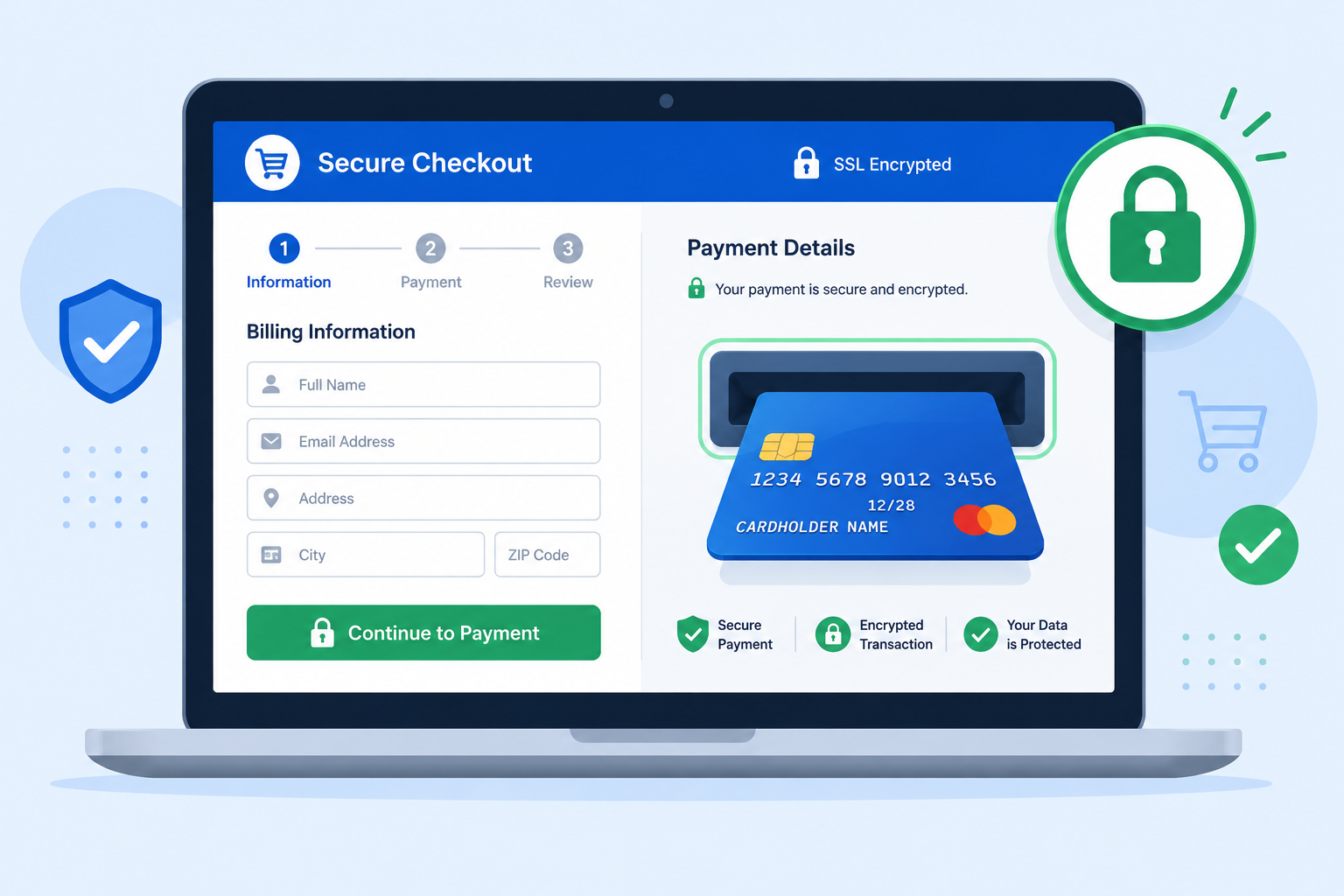
The technology that securely transmits payment information from your checkout page to the payment processor, encrypting card data in transit.
2. Merchant Account
A specialized bank account that temporarily holds funds from card transactions before they’re transferred to your regular business bank account, typically within 1-3 business days.
3. PCI Compliance
A set of security standards (Payment Card Industry Data Security Standard) that all businesses accepting card payments must follow to protect cardholder data, regardless of business size.
Important simplification: Most modern processors (Stripe, Square, PayPal) bundle the gateway and merchant account into a single service, and handle most PCI compliance requirements automatically when you use their hosted checkout — significantly simplifying what used to be a multi-vendor setup process.
Step-by-Step Setup Process
Step 1: Choose Your Payment Processor
Select based on your business type:
- General ecommerce: Stripe or Square
- Service businesses with simple invoicing needs: PayPal or Square Invoices
- High checkout trust priority: Include PayPal as at least a secondary option alongside card processing
(For a detailed processor comparison, see our Best Payment Gateway for Small Business guide.)
Step 2: Create Your Merchant Account
Sign up directly with your chosen processor. Most modern providers approve standard businesses within minutes to a few hours, though higher-risk industries (certain subscription services, CBD, adult content) may face additional underwriting review.
Step 3: Integrate the Payment Gateway With Your Website
Depending on your platform:
- Shopify, WooCommerce, BigCommerce: Most processors offer pre-built plugins requiring minimal configuration
- Custom-built websites: Requires developer integration using the processor’s API or pre-built checkout widgets
- No website yet: Most processors offer hosted payment links or simple invoicing tools requiring no website at all
Step 4: Configure Security Settings
Enable available fraud prevention tools:
- Address Verification System (AVS)
- CVV verification
- 3D Secure for additional authentication on higher-risk transactions
Step 5: Test Transactions Before Going Live
Most processors offer a test/sandbox mode allowing you to verify the full checkout flow works correctly before processing real customer payments.
Step 6: Configure Payout Settings
Link your business bank account and choose your payout schedule (standard transfer is typically free; instant transfer usually carries a small fee).
Choosing Between Setup Approaches
| Approach | Best For | Setup Complexity |
|---|---|---|
| All-in-one processor (Stripe, Square) | Most small businesses | Low — single signup, bundled gateway and merchant account |
| Separate gateway + merchant account (Authorize.net + bank) | Established businesses wanting more pricing control | Moderate — requires coordinating two vendor relationships |
| Payment links/invoicing only (no full website integration) | Service businesses, freelancers | Very low — no technical integration required |
For the vast majority of small businesses in 2026, the all-in-one processor approach offers the best balance of simplicity and functionality, without meaningfully sacrificing features compared to the more complex traditional setup.
PCI Compliance Requirements
Even though modern processors handle much of the technical PCI burden, you still have responsibilities:
- Never store raw card numbers in your own systems or databases — always use the processor’s tokenization
- Use HTTPS/SSL across your entire website, not just the checkout page
- Complete your processor’s PCI compliance questionnaire (often called a Self-Assessment Questionnaire, or SAQ), typically required annually
- Keep software and plugins updated if using a self-hosted ecommerce platform, since outdated software is a common vulnerability point
(For a detailed compliance checklist, see our PCI Compliance Checklist for Small Business guide.)
Understanding the Fees You’ll Pay
| Fee Type | Typical Range | Notes |
| Standard transaction fee | 2.6%–3.5% + $0.10–0.30 | Varies by processor and card-present vs. online |
| Monthly subscription (optional) | $0–89/month | Higher tiers unlock advanced features like inventory management |
| Chargeback fee | $15–25 per dispute | Charged regardless of dispute outcome on most processors |
| Instant payout fee (optional) | 1–1.5% | Standard transfer (1-2 days) is typically free |
(For a full fee breakdown by processor, see our Square Fees Explained guide.)
Common Setup Mistakes to Avoid
- Skipping test transactions before launch, risking a broken checkout experience for your first real customers
- Not enabling 3D Secure or AVS/CVV checks, increasing fraud and chargeback risk unnecessarily
- Storing card data directly instead of using the processor’s secure tokenization — a serious PCI compliance violation
- Choosing a processor based solely on the lowest advertised rate without considering feature fit, support quality, and hidden fees
- Forgetting to configure tax calculation for relevant jurisdictions, creating accounting and compliance headaches later
Accepting Payments Without a Full Website
If you don’t yet have a website, several options let you accept card payments immediately:
- Payment links — generate a simple URL customers can click to pay, shareable via email, social media, or text
- Invoicing tools — send a professional invoice with an embedded “Pay Now” button
- QR code payments — generate a scannable code linking to a payment page, useful for in-person or printed material use
Most major processors (Stripe, Square, PayPal) offer at least one of these options at no additional setup cost beyond standard transaction fees.
Frequently Asked Questions
How quickly can I start accepting credit card payments online?
With an all-in-one processor like Stripe or Square, most standard businesses can complete signup and basic integration within a few hours to one business day, assuming no additional underwriting review is required.
Do I need a website to accept online credit card payments?
No, payment links and invoicing tools from processors like Stripe, Square, and PayPal allow you to accept payments without any website at all.
What’s the difference between a payment gateway and a merchant account?
A payment gateway processes and encrypts the transaction technically; a merchant account temporarily holds the funds before transfer to your bank. Most modern processors bundle both into a single service.
Is PCI compliance my responsibility even if I use Stripe or Square?
Yes, partially. While these processors handle most technical security requirements, you remain responsible for never storing raw card data yourself and completing periodic compliance questionnaires.
How much does it typically cost to accept online credit card payments?
Most processors charge 2.9%–3.5% plus a small flat fee (typically $0.30) per online transaction, with no setup fee for standard all-in-one processors.
Can I accept international credit cards?
Yes, most major processors support international cards, though some apply an additional fee (typically around 1%) for cards issued outside your home country.
What happens if my business is considered “high-risk”?
High-risk businesses (certain subscription models, specific regulated industries) may face additional underwriting review, higher fees, or need a specialized high-risk payment processor rather than standard providers.
Do I need a developer to set up online payment acceptance?
For standard ecommerce platforms (Shopify, WooCommerce), no — pre-built plugins handle integration with minimal technical knowledge required. Custom website integration typically does require developer involvement.
Final Verdict
Setting up online credit card acceptance in 2026 is significantly simpler than it once was, thanks to all-in-one processors that bundle the payment gateway and merchant account into a single, fast signup process. For most small businesses, Stripe or Square will handle setup, security, and compliance fundamentals adequately without requiring separate vendor relationships or extensive technical integration.
Before going live, always test your full checkout flow, enable available fraud prevention tools, and confirm you understand your processor’s specific fee structure — these basics prevent the most common and costly setup mistakes.
This guide provides general informational content as of mid-2026. Specific processor features, fees, and requirements vary — verify current details directly with your chosen payment provider.