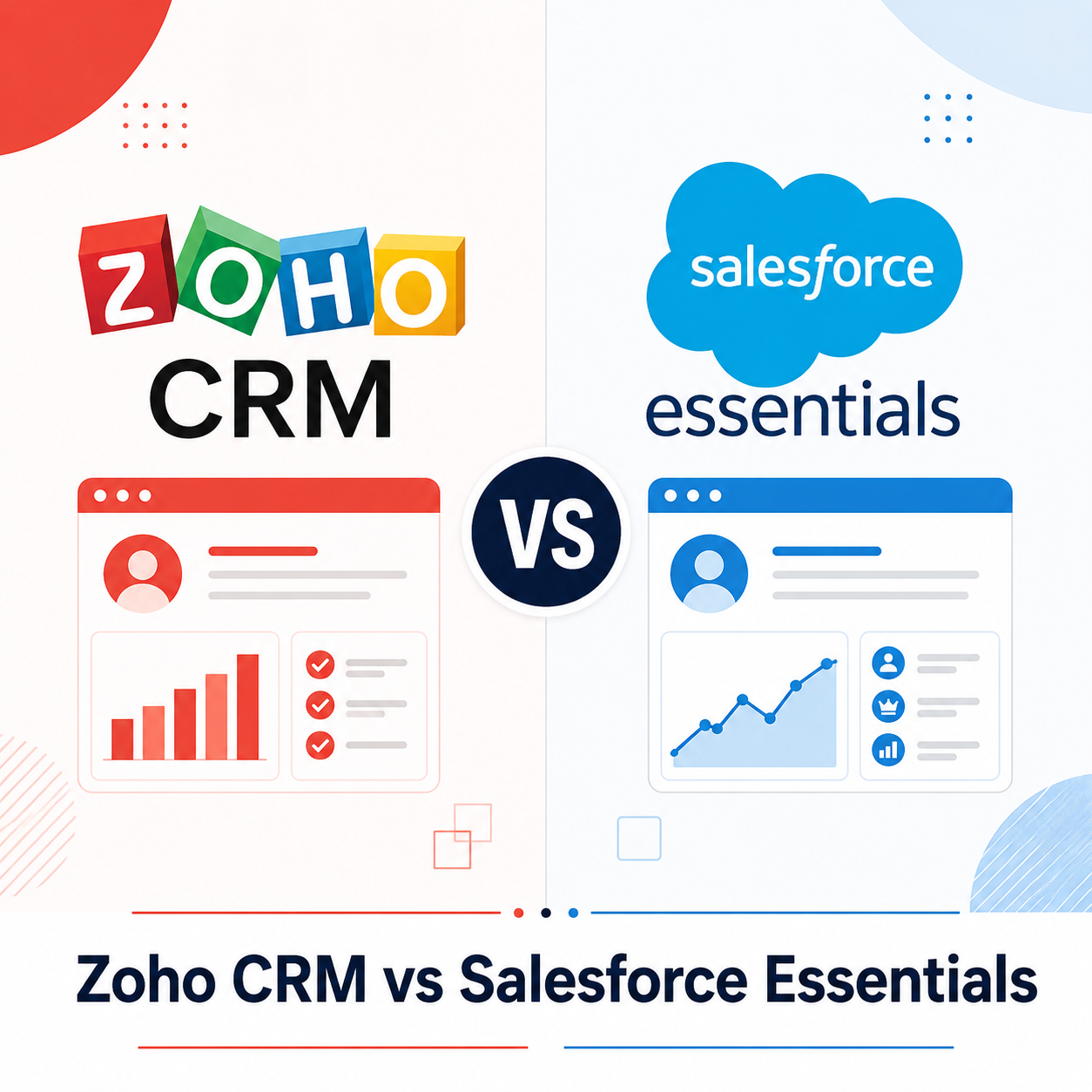

TL;DR: Zoho CRM is the better choice for small businesses prioritizing affordability and an all-in-one suite (CRM, email, helpdesk) without separate add-on costs. Salesforce Essentials/Starter wins if you anticipate significant growth and want a platform with the deepest customization and scalability ceiling, even though it costs more upfront. For most genuinely small businesses (under 20 employees), Zoho offers better immediate value.
Executive Summary
Salesforce is the most recognized CRM brand in the world, but its small business tier (now branded Salesforce Starter, previously Essentials) is a deliberately scaled-down version of a platform built for enterprise scale. Zoho CRM, by contrast, was designed from the ground up with small and mid-size businesses as its core audience.
This comparison looks past brand recognition to the practical differences that matter for a small business choosing between them in 2026: actual pricing, ease of setup, automation depth, and how much you’ll need to spend on add-ons to get a fully functional system.
Who This Guide Is For
- Small business owners choosing their first CRM
- Businesses currently on spreadsheets evaluating a move to a real CRM platform
- Teams comparing CRM total cost of ownership, not just sticker price
- Companies that tried Salesforce Essentials/Starter and found it limiting
Quick Comparison Table
| Feature | Zoho CRM | Salesforce Starter |
|---|---|---|
| Starting price | $14/user/month | $25/user/month |
| Free tier | Yes (up to 3 users) | No |
| Setup complexity | Low-moderate | Low (intentionally simplified) |
| Automation depth | Strong (Professional tier+) | Basic (limited on Starter) |
| Customization ceiling | High | Very high (but requires upgrade to Professional/Enterprise) |
| Built-in extras | Email, helpdesk, social, inventory (suite) | Minimal — most extras require add-ons |
| AI features | Zia AI (Enterprise tier) | Einstein AI (requires upgrade) |
| Best for | SMBs wanting affordable all-in-one | Businesses planning to scale into full Salesforce later |
Zoho CRM: Full Review
Why Small Businesses Choose Zoho
Zoho built its entire business model around serving small and mid-size companies affordably, and Zoho CRM reflects that — both in pricing and in how many adjacent tools (email marketing, helpdesk, inventory, social media management) are available within the same ecosystem at low additional cost.
Zoho Strengths
- Genuinely affordable at scale — Professional tier at $23/user/month includes workflow automation, which would require a much higher Salesforce tier
- Free tier available for up to 3 users, useful for very early-stage businesses
- Zia AI assistant (Enterprise tier) provides lead scoring, anomaly detection, and conversational queries
- Wide ecosystem — Zoho Desk, Zoho Campaigns, Zoho Books, Zoho Inventory all integrate natively, often at no extra licensing cost beyond their own subscription
- Multiple pipeline support and reasonably deep customization even on mid-tier plans
Zoho Limitations
- Interface feels less polished than Salesforce, particularly in reporting visualizations
- Smaller third-party app marketplace compared to Salesforce AppExchange
- Enterprise-level customization (custom objects, complex permission hierarchies) is less robust than Salesforce at the very top end
Zoho CRM Pricing 2026
| Plan | Price (per user/month) | Key Features |
|---|---|---|
| Free | $0 (up to 3 users) | Basic lead and contact management |
| Standard | $14 | Sales forecasting, basic automation |
| Professional | $23 | Workflow automation, inventory management |
| Enterprise | $40 | Zia AI, advanced customization, multi-currency |
Best for: Small businesses wanting strong functionality without paying for a name-brand premium.
Salesforce Starter (formerly Essentials): Full Review
Why Businesses Choose Salesforce
Salesforce’s appeal for small businesses is less about the Starter tier’s specific features and more about the platform’s ceiling — if your business grows significantly, you can scale within the same ecosystem rather than migrating to an entirely new CRM later.
Salesforce Strengths
- Unmatched brand trust and market presence — the most widely adopted CRM globally
- Massive AppExchange marketplace with thousands of third-party integrations
- Clear upgrade path — Starter, Professional, Enterprise, Unlimited all exist within one ecosystem, so growing businesses don’t need to migrate platforms
- Strong reporting and dashboard customization even at entry tiers
- Einstein AI (on higher tiers) offers genuinely advanced predictive analytics
Salesforce Limitations
- Starter tier is intentionally limited — many of the features that make Salesforce powerful require upgrading to Professional ($80/user/month) or higher
- Add-ons add up quickly — marketing automation, advanced support tools, and many integrations cost extra
- Steeper learning curve even at the Starter tier compared to Zoho
- Implementation often requires a consultant for anything beyond basic setup, adding cost
Salesforce Starter Pricing 2026
| Plan | Price (per user/month) | Key Features |
|---|---|---|
| Starter | $25 | Basic lead/contact management, email integration |
| Professional | $80 | Advanced reporting, forecasting, approval workflows |
| Enterprise | $165 | Custom objects, advanced automation, API access |
| Unlimited | $330 | Full platform access, premium support |
Best for: Businesses planning significant growth who want to stay within one CRM ecosystem long-term.
Head-to-Head: The Decisive Comparisons
Pricing and Value
At the entry tier, Zoho is meaningfully cheaper — $14 vs. $25/user/month — and Zoho’s Professional tier ($23) includes automation features that Salesforce doesn’t unlock until Professional ($80). For a 10-person team, that’s a difference of roughly $570/month at comparable feature levels.
Winner: Zoho CRM
Automation and Workflow
Zoho’s Professional tier includes workflow automation, blueprint process management, and basic AI scoring at a fraction of Salesforce’s cost for comparable features. Salesforce Starter’s automation is intentionally basic — real automation requires moving up to Professional or Enterprise tiers.
Winner: Zoho CRM (at comparable price points)
Scalability Ceiling
This is where Salesforce pulls ahead. If your business plans to grow into a complex, multi-department organization with intricate permission structures, custom objects, and deep API integrations, Salesforce’s Enterprise and Unlimited tiers offer a ceiling that Zoho doesn’t fully match at the very top end.
Winner: Salesforce
Ease of Use
Zoho’s interface, while less polished visually, tends to be more intuitive for small teams without dedicated CRM administrators. Salesforce’s interface, even at the Starter tier, reflects its enterprise heritage and often benefits from at least some onboarding support.
Winner: Zoho CRM
Ecosystem and Integrations
Salesforce’s AppExchange dwarfs Zoho’s marketplace in raw integration count. If you need a specific niche integration, Salesforce is more likely to have it.
Winner: Salesforce
All-in-One Value
Zoho’s broader product suite (Books, Desk, Campaigns, Inventory) integrates natively and is priced affordably alongside the CRM. Salesforce’s adjacent tools (Marketing Cloud, Service Cloud) are sold and priced entirely separately, often at premium rates.
Winner: Zoho CRM
Which Should You Choose?
Choose Zoho CRM if:
- You’re a small business (under 50 employees) prioritizing cost-effectiveness
- You want automation features without paying enterprise prices
- You’d benefit from an integrated suite (email, helpdesk, inventory) at low added cost
- Your team doesn’t have a dedicated CRM administrator
Choose Salesforce Starter if:
- You anticipate significant growth and want to avoid a future CRM migration
- You need access to specific AppExchange integrations not available elsewhere
- Brand recognition or investor/partner expectations favor Salesforce
- You’re willing to invest in implementation support for long-term scalability
Total Cost of Ownership: 10-User Team Over 12 Months
| Cost Factor | Zoho CRM (Professional) | Salesforce (Professional) |
|---|---|---|
| Base subscription | $2,760/year | $9,600/year |
| Typical implementation/setup | $0–$1,500 | $2,000–$8,000+ |
| Common add-ons needed | Usually included | Often $1,000–$5,000/year |
| Estimated Year 1 Total | ~$3,000–$4,500 | ~$13,000–$22,000 |
The gap narrows somewhat at true enterprise scale, but for genuinely small businesses, Zoho’s total cost of ownership is dramatically lower in the first year.
Frequently Asked Questions
Is Zoho CRM good enough for a growing business?
Yes, Zoho scales reasonably well into the mid-market range. Businesses with highly complex organizational structures or specialized integration needs may eventually outgrow it, but most small-to-mid businesses won’t hit that ceiling for years.
Why is Salesforce Starter so limited compared to other Salesforce tiers?
Salesforce intentionally simplifies the Starter tier to make onboarding accessible for small businesses, reserving its most powerful automation and customization features for Professional tier and above, which drives upgrade revenue.
Can I migrate from Zoho to Salesforce later if I outgrow it?
Yes, though migration involves exporting data and rebuilding workflows, automations, and integrations in the new platform — budget for both time and potential consultant costs.
Does Zoho CRM include email marketing?
Basic email capabilities are included, but full email marketing automation requires Zoho Campaigns, a separate (though affordably priced and tightly integrated) product within the Zoho ecosystem.
Is Salesforce worth it for a business with fewer than 20 employees?
Generally, no — unless you have a specific reason (investor expectations, required integrations, anticipated rapid growth) to justify the higher cost. Zoho or other SMB-focused CRMs typically offer better value at this size.
What AI features does each platform offer?
Zoho’s Zia AI is available on Enterprise tier ($40/user/month) and includes lead scoring and anomaly detection. Salesforce’s Einstein AI offers more advanced predictive capabilities but typically requires Professional tier or higher plus additional licensing.
Which platform has better customer support?
Both offer tiered support based on plan level. Salesforce’s support infrastructure is more extensive at higher tiers, while Zoho’s support is generally responsive but less robust at the enterprise level.
Can I use Zoho CRM with QuickBooks or Salesforce with other accounting tools?
Yes, both integrate with major accounting platforms, though Zoho’s native integration with its own Zoho Books product is tighter if you’re already using the broader Zoho ecosystem.
Final Verdict
For most genuinely small businesses, Zoho CRM delivers significantly better value — comparable or stronger automation at a fraction of the cost, plus a broader integrated suite without expensive add-ons. Salesforce Starter makes sense primarily as an entry point for businesses with clear, near-term plans to scale into Salesforce’s higher tiers, where its customization ceiling and ecosystem depth become genuinely differentiating.
If you’re unsure which category you fall into, start with Zoho. The cost of switching CRMs later, while real, is far smaller than the cost of overpaying for enterprise headroom you may never need.
Pricing reflects publicly available rates as of mid-2026 and may vary by promotion, region, and negotiated enterprise terms. Verify current pricing directly with each vendor.