
Executive Summary
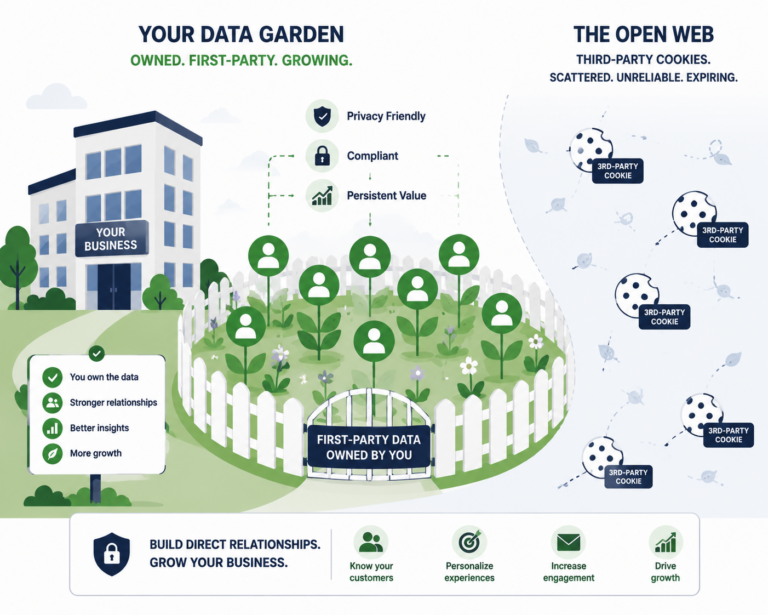
- Client‑side tracking breaks under ad blockers, ITP, and consent constraints. Server‑side routes key ecommerce events through your infrastructure, improving accuracy and privacy control—if implemented with proper consent and data minimization.
- Common patterns: GA4 server via Tag Manager Server, or a first‑party Event API that forwards to analytics/ads with consent checks. Expect higher setup effort but steadier data, better control over PII, and easier data residency management.
Who This Guide Is For
- Ecommerce teams that rely on accurate add‑to‑cart/checkout/purchase events for analytics and ads optimization across US/UK/CA/NZ/EU.
- Developers/marketers willing to invest in a structured implementation that respects consent and privacy by design.
Why Server‑Side (Accuracy, Control, and Privacy)
- Accuracy: mitigate client‑side loss from blockers/ITP; reduce sampling gaps; stabilize revenue attribution.
- Control: filter/transform payloads, strip PII, enforce naming conventions, throttle noisy vendors.
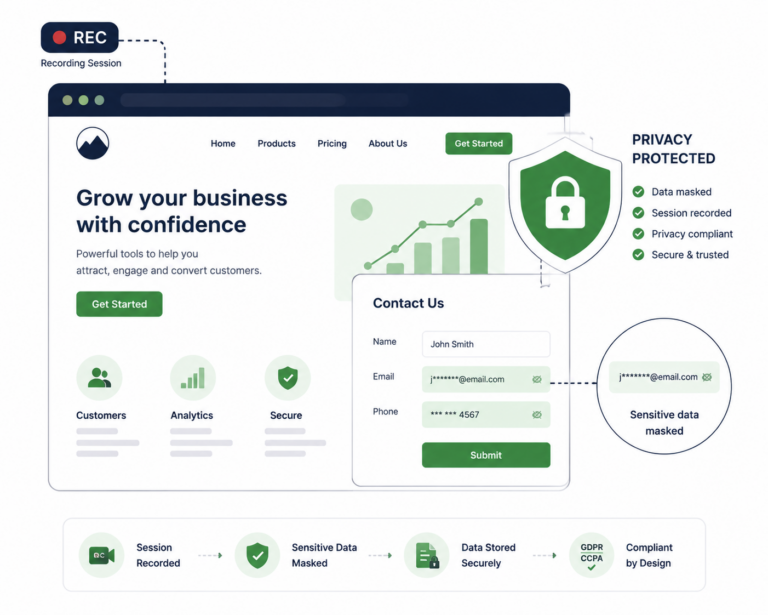
- Privacy: enforce consent centrally, manage data residency, log access, and retention consistently.
Architecture Options
GA4 Server‑Side (GTM Server/Cloud)
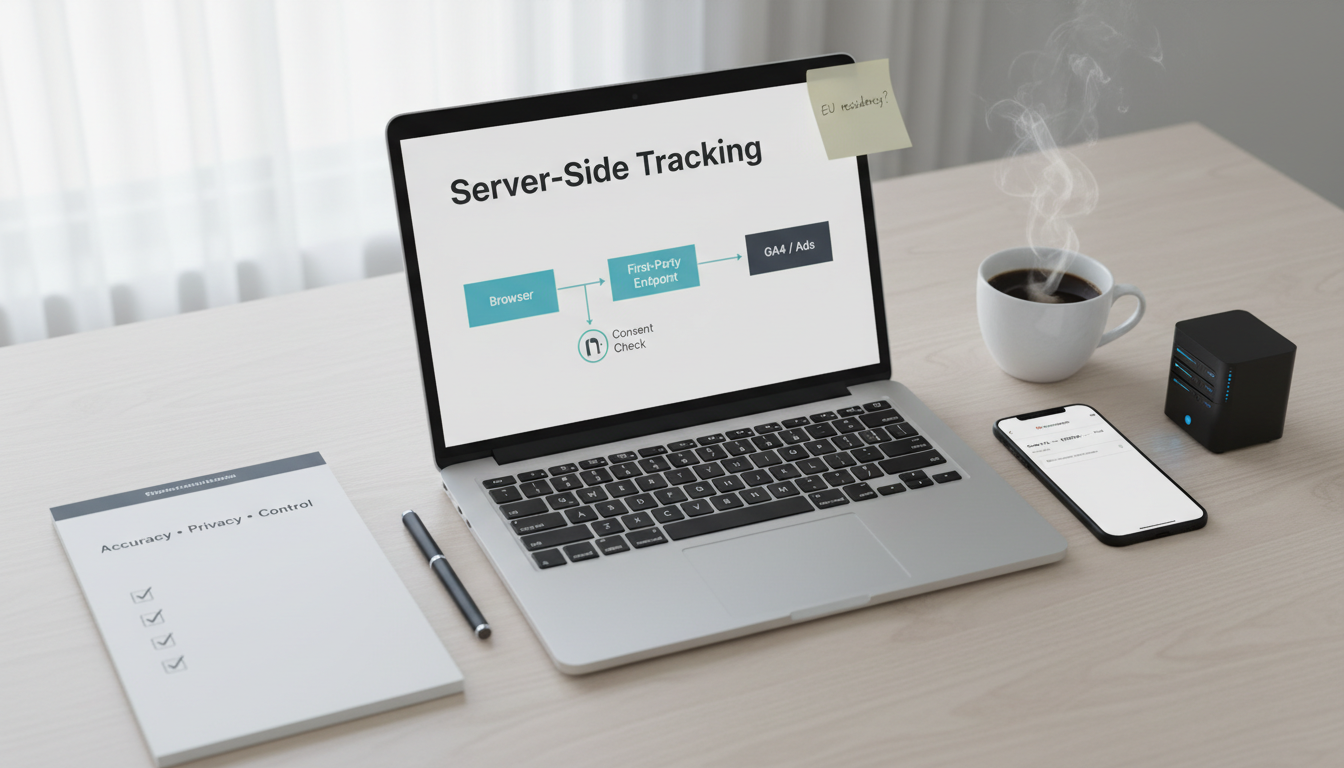
- Use Google Tag Manager Server container (App Engine/Cloud Run) as your collection endpoint (e.g., collect.yourdomain.com
- Client‑side sends to your first‑party endpoint; server container forwards to GA4/ads respecting consent signals.
- Pros: good docs, vendor templates, workable with Consent Mode; easy routing to multiple destinations.
- Cons: cloud costs, Google stack dependency, still need governance.
First‑Party Event API (custom endpoint)
- Build a /events endpoint that accepts JSON (event_name, user/session ids, value, currency, consent flags).
- Forward selectively to GA4, Meta CAPI, etc., only when consent=true for each purpose.
- Pros: full control, any cloud/provider, strict data minimization; easy to add non‑Google tools.
- Cons: more engineering; need retries, auth, schema versioning, and monitoring.
Hybrid: Client Hints + Server Events
- Use lightweight client scripts to capture consent and non‑PII context; server enriches with order data (value, items, currency) after purchase.
- Pros: practical compromise—lower client load, more robust purchases.
- Cons: still requires careful mapping and QA.
Compliance & Consent (GDPR/CCPA, Consent Mode, Data Residency)
- Maintain explicit purpose flags (Analytics, Ads, Functional).
- Enforce purpose gates at the server endpoint—drop/transform payloads if consent is missing.
- Respect regional rules: geotarget consent flows; store EU data in EU when feasible.
- Document data flows (records of processing), retention windows, and vendor contracts.
Implementation Blueprint (Step‑by‑Step)
Step 1: Event model and schema
- Define canonical events: view_item, add_to_cart, begin_checkout, purchase.
- Standardize params: value, currency, items (id, name, category, qty, price), client_id, session_id, consent: {analytics, ads}.
- Version the schema, e.g., v1, and track changes.
Step 2: Endpoint and infra
- Choose: GTM Server container or custom /events on Cloud Run/Lambda/Node server.
- Map DNS: s2s.yourdomain.com or collect.yourdomain.com with TLS.
- Add auth (signed tokens) to prevent abuse; add basic rate limits.
Step 3: Consent integration
- CMP sets a first‑party cookie or dataLayer state for consent purposes.
- Client passes consent flags with each event; server re‑checks/validates.
- No consent for Ads? Forward only to analytics with anonymization or drop entirely per policy.
Step 4: Sources and destinations
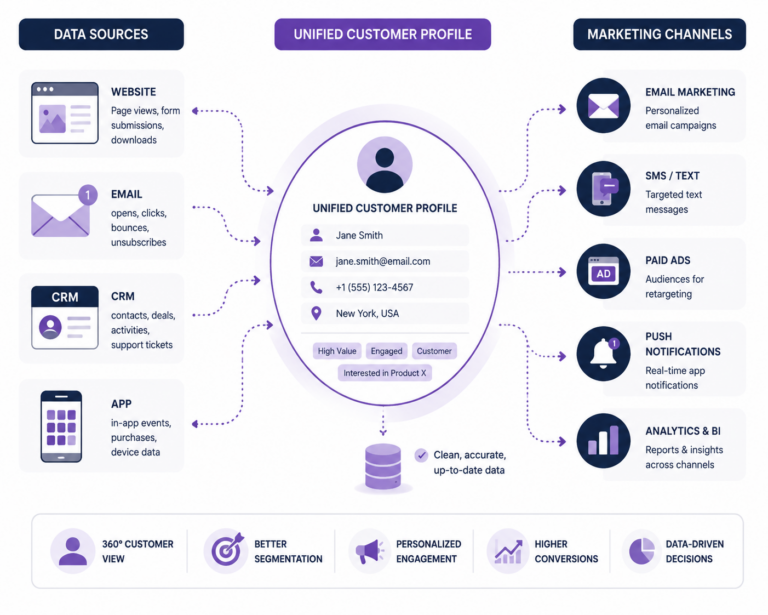
- Sources: client script (web), backend (order webhook), POS (if hybrid).
- Destinations: GA4 (Measurement Protocol), Meta CAPI, ad platforms that allow server events, data warehouse sink.
Step 5: Data minimization and privacy
- Strip email/PII unless strictly necessary and consented; hash when permitted (e.g., SHA256 normalized for CAPI).
- Anonymize IPs; set retention; log only needed fields.
Step 6: QA and roll‑out
- Staging: verify each event against orders; reconcile revenue daily for a week.
- Compare client vs server counts; fix duplicates (use event_id idempotency).
- Phase rollout: 10% → 50% → 100%.
Measurement & QA (What to Test)
- Event integrity: unique event_id, correct values/currency, item arrays.
- Consent correctness: ads events blocked when consent off; analytics only when allowed or anonymized per policy.
- Attribution: GA4 purchase counts vs backend orders (±3–10% target post‑blockers).
- Latency and retries: ensure events arrive within SLA; queue during outages.
- Data residency: verify storage region; review logs access.
Risks, Costs, and When Not to Use It
- Complexity overhead: infra costs, maintenance, and on‑call burden.
- Misconfiguration risk: duplicates, consent mishandling, or privacy violations.
- Not ideal if: low traffic, no ad spend dependency, or no dev capacity—start with a privacy‑lean client setup first.
Recommendations by Scenario
- Mid/high‑spend ads, accuracy pains, dev capacity available
- Pick: GTM Server or custom Event API; prioritize purchase and checkout events first.
- Privacy‑sensitive/EU‑heavy site
- Pick: server endpoint in EU, strict consent gates, minimal payloads.
- Small site with limited resources
- Start client‑side with cookieless analytics + strong consent; revisit s2s later.
FAQ
- Does server‑side bypass consent?
- No—and it shouldn’t. Enforce consent server‑side; never forward disallowed purposes.
- Is GA4 Measurement Protocol enough?
- For purchases and key events, yes; ensure client_id/session_id parity and deduplication.
- Will this improve Ads ROAS?
- Often, yes—cleaner purchase signals and reduced loss can stabilize optimization, but it depends on consent rates and data quality.
- What about iOS privacy and ATT?
- Server‑side helps with web events’ robustness but doesn’t override platform‑level restrictions; always honor user choices.