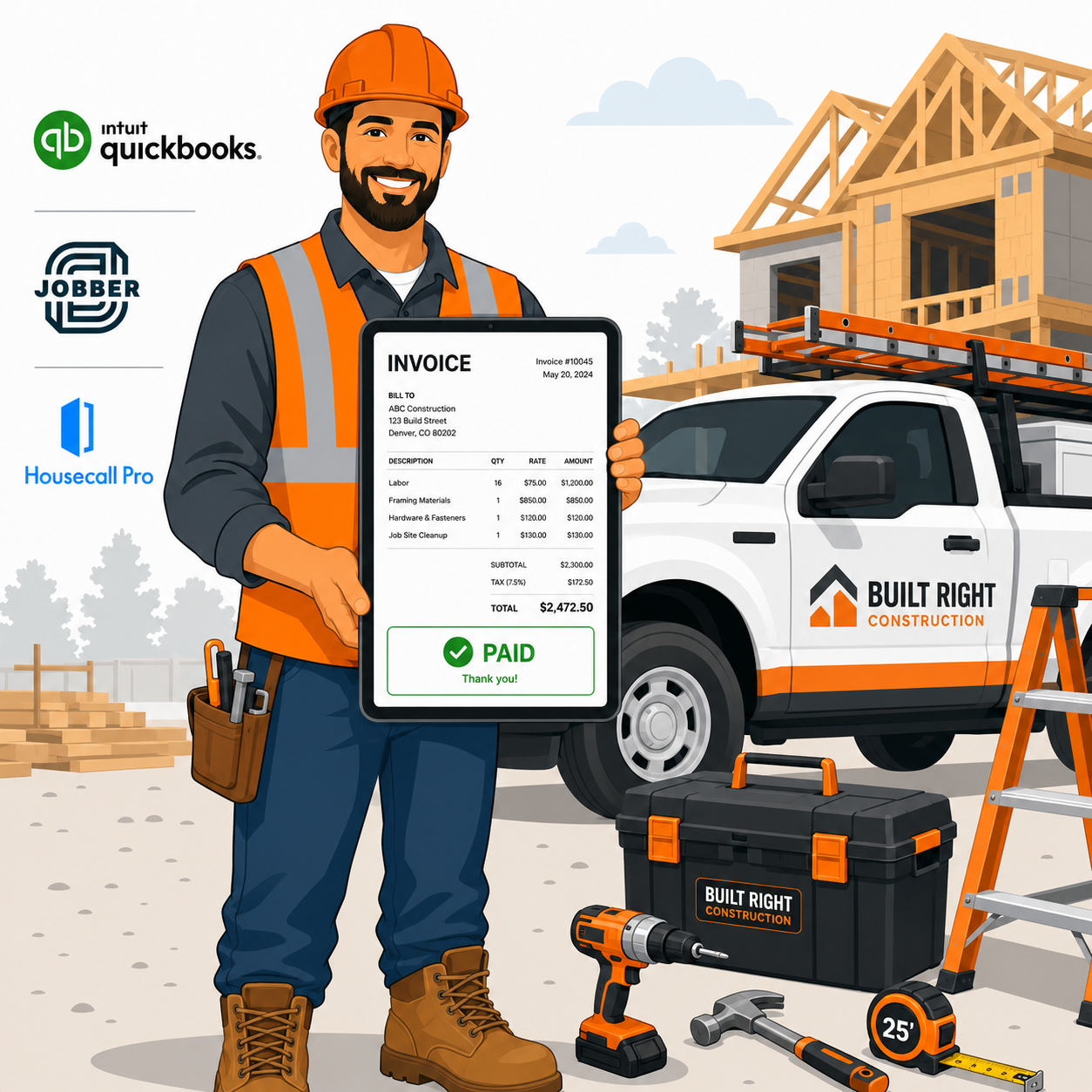

TL;DR: Jobber is the best overall invoicing software for contractors who need scheduling, job costing, and invoicing in one platform. Housecall Pro wins for home service businesses wanting strong customer communication tools. QuickBooks Online is the best choice if you also need full accounting, not just invoicing. Below, we compare 7 platforms by pricing, job costing depth, and mobile usability.
Executive Summary
Contractors lose money in two specific ways more than any other business type: underpriced jobs from poor cost tracking, and slow payment cycles from invoices that go out late or get lost in email threads. The right invoicing software fixes both problems by tying invoicing directly to job costing and making it possible to bill a client from the job site, same day.
This guide compares the seven leading invoicing platforms built specifically for contractors and field service businesses in 2026.
Who This Guide Is For
- General contractors, electricians, plumbers, and HVAC businesses
- Landscaping, cleaning, and home service companies
- Solo contractors and small crews needing mobile-first invoicing
- Businesses currently invoicing manually via spreadsheets or paper
Evaluation Criteria
- Mobile invoicing — ability to create and send invoices from a job site
- Job costing — tracking labor, materials, and margin per job
- Payment collection — built-in card/ACH processing and payment reminders
- Scheduling integration — linking invoices to scheduled jobs and crew time
- Pricing — cost relative to feature depth for small crews
Quick Comparison Table
| Platform | Starting Price | Job Costing | Best For |
|---|---|---|---|
| Jobber | $39/month | Yes | All-around field service management |
| Housecall Pro | $49/month | Yes | Home service customer communication |
| QuickBooks Online | $35/month | Limited | Full accounting + invoicing combined |
| FreshBooks | $21/month | Limited | Freelancers and small contractors |
| Buildertrend | $199/month | Yes (advanced) | Construction and remodeling projects |
| Invoice2go | $9.99/month | No | Simple, low-cost invoicing |
| ServiceTitan | Custom pricing | Yes (advanced) | Large field service operations |
Jobber — Best All-Around
Jobber combines scheduling, job costing, and invoicing into a single platform built specifically for field service contractors.
Strengths:
- Generate and send invoices directly from a completed job on mobile
- Job costing tracks labor hours and materials automatically against quoted price
- Client hub lets customers view and pay invoices online
- Strong scheduling and dispatch features bundled in
Limitations:
- Pricing increases significantly as you add more users/crew members
- Some advanced reporting features require the highest tier
Pricing: Starts at $39/month for solo users; team plans scale based on crew size.
Best for: Contractors wanting scheduling, job costing, and invoicing fully unified in one platform.
Housecall Pro — Best for Customer Communication
Housecall Pro emphasizes the customer experience side of field service — automated updates, online booking, and review requests alongside invoicing.
Strengths:
- Automated customer notifications (on-the-way texts, appointment reminders)
- Built-in online booking widget for new customer requests
- Automated review request follow-ups after job completion
- Strong invoicing and payment processing built in
Limitations:
- Job costing is less detailed than Jobber or Buildertrend
- Higher starting price than some competitors
Pricing: Starts at $49/month.
Best for: Home service businesses (HVAC, plumbing, cleaning) prioritizing customer communication alongside invoicing.
QuickBooks Online — Best for Full Accounting
QuickBooks Online is not field-service-specific, but its invoicing is deeply tied to full double-entry accounting, which many contractors eventually need anyway.
Strengths:
- Invoicing directly feeds into full accounting, tax prep, and reporting
- Strong mobile app for sending invoices from anywhere
- Wide acceptance among accountants and bookkeepers
Limitations:
- Lacks field-service-specific features like crew scheduling and dispatch
- Job costing requires manual setup and is less intuitive than dedicated contractor tools
Pricing: Starts at $35/month (Simple Start).
Best for: Contractors who want invoicing combined with complete bookkeeping rather than a separate field service tool.
(For a full QuickBooks comparison, see our QuickBooks vs Xero guide.)
FreshBooks — Best for Freelance Contractors
FreshBooks targets solo freelancers and very small contracting operations with simple, fast invoicing.
Strengths:
- Clean, fast invoice creation with professional templates
- Time tracking built in for hourly billing
- Affordable pricing for solo operators
Limitations:
- Job costing and crew management features are minimal
- Not well suited for businesses managing multiple crews or large projects
Pricing: Starts at $21/month.
Best for: Solo contractors and freelancers billing primarily by time or simple fixed jobs.
Buildertrend — Best for Construction and Remodeling
Buildertrend is built specifically for construction and remodeling businesses managing larger, multi-phase projects.
Strengths:
- Detailed job costing across multiple project phases
- Client portal for change orders, selections, and payment approval
- Strong project management features beyond just invoicing
Limitations:
- Significantly higher price point than other options on this list
- Steeper learning curve given the breadth of project management features
Pricing: Starts at $199/month.
Best for: General contractors and remodelers managing complex, multi-phase construction projects.
Invoice2go — Best Simple, Low-Cost Option
Invoice2go strips invoicing down to its simplest form for contractors who don’t need job costing or scheduling features.
Strengths:
- Very low starting price
- Fast, simple invoice creation from mobile
- Accepts card payments directly through the app
Limitations:
- No job costing or scheduling features
- Limited reporting compared to full field service platforms
Pricing: Starts at $9.99/month.
Best for: Solo contractors who only need basic, low-cost invoicing without additional management features.
ServiceTitan — Best for Large Operations
ServiceTitan targets larger field service businesses with dozens of technicians and complex dispatch needs.
Strengths:
- Advanced job costing, dispatch, and technician performance tracking
- Strong reporting across large multi-crew operations
- Built-in marketing and customer financing options
Limitations:
- Custom pricing typically inaccessible for small contractors
- Significant onboarding and setup time required
Pricing: Custom, typically enterprise-level for larger operations.
Best for: Larger field service companies with multiple crews and complex scheduling needs.
How to Choose the Right Invoicing Software
If you want scheduling, job costing, and invoicing unified: Jobber.
If customer communication and reviews matter most: Housecall Pro.
If you need full accounting, not just invoicing: QuickBooks Online.
If you’re a solo freelancer billing by time: FreshBooks.
If you manage complex, multi-phase construction projects: Buildertrend.
If you want the simplest, cheapest invoicing option: Invoice2go.
If you run a larger operation with multiple crews: ServiceTitan.
Job Costing Checklist for Contractors
Regardless of which platform you choose, accurate job costing requires:
- Track labor hours per job, not just total payroll
- Record material costs per job as they’re purchased, not estimated after the fact
- Compare actual cost against quoted price for every completed job
- Review margin trends monthly to catch consistently underpriced job types
- Adjust future quotes based on actual cost data, not gut estimates
Frequently Asked Questions
What’s the difference between invoicing software and full accounting software?
Invoicing software focuses on creating, sending, and collecting payment on invoices. Full accounting software (like QuickBooks) ties invoicing into complete bookkeeping, tax preparation, and financial reporting.
Can I send invoices directly from a job site?
Yes, all platforms in this comparison except Buildertrend and ServiceTitan (which are designed for office-based admin use alongside field crews) offer mobile apps for creating and sending invoices on-site.
Do I need job costing if I’m a solo contractor?
Job costing becomes valuable once you’re quoting multiple similar jobs and want to know if you’re consistently pricing accurately. Solo contractors doing simple, repetitive work may not need it immediately, but it becomes essential as you scale.
Which invoicing software accepts online card payments?
Jobber, Housecall Pro, QuickBooks Online, FreshBooks, and Invoice2go all support built-in card and/or ACH payment collection directly through invoices.
Is QuickBooks good enough for a contracting business?
Yes for accounting purposes, but it lacks field-service-specific features like crew scheduling and dispatch. Many contractors use QuickBooks alongside a dedicated field service tool, or rely on QuickBooks integrations within platforms like Jobber.
How much should a small contracting business budget for invoicing software?
For a solo contractor or small crew, expect $20-50/month. Larger operations with job costing and scheduling needs typically budget $100-300+/month depending on crew size.
Can these platforms integrate with QuickBooks?
Yes, most field-service-specific platforms (Jobber, Housecall Pro, ServiceTitan) offer native QuickBooks integration to sync invoices and payments into your accounting records.
What’s the biggest mistake contractors make with invoicing?
Delaying invoice creation until days after job completion. The longer the gap between job completion and invoicing, the longer the payment cycle and the higher the risk of disputes over job details.
Final Verdict
For most contractors managing crews and multiple jobs, Jobber offers the strongest combination of scheduling, job costing, and invoicing in one platform. Home service businesses prioritizing customer experience should consider Housecall Pro, while contractors who want invoicing tied directly to full accounting are better served by QuickBooks Online.
Whichever platform you choose, the real value comes from invoicing immediately after job completion rather than batching it for later — same-day invoicing consistently produces faster payment cycles than delayed billing.
Pricing reflects publicly available rates as of mid-2026 and may vary by plan tier, crew size, and add-on features. Verify current pricing directly with each vendor.