
Executive Summary
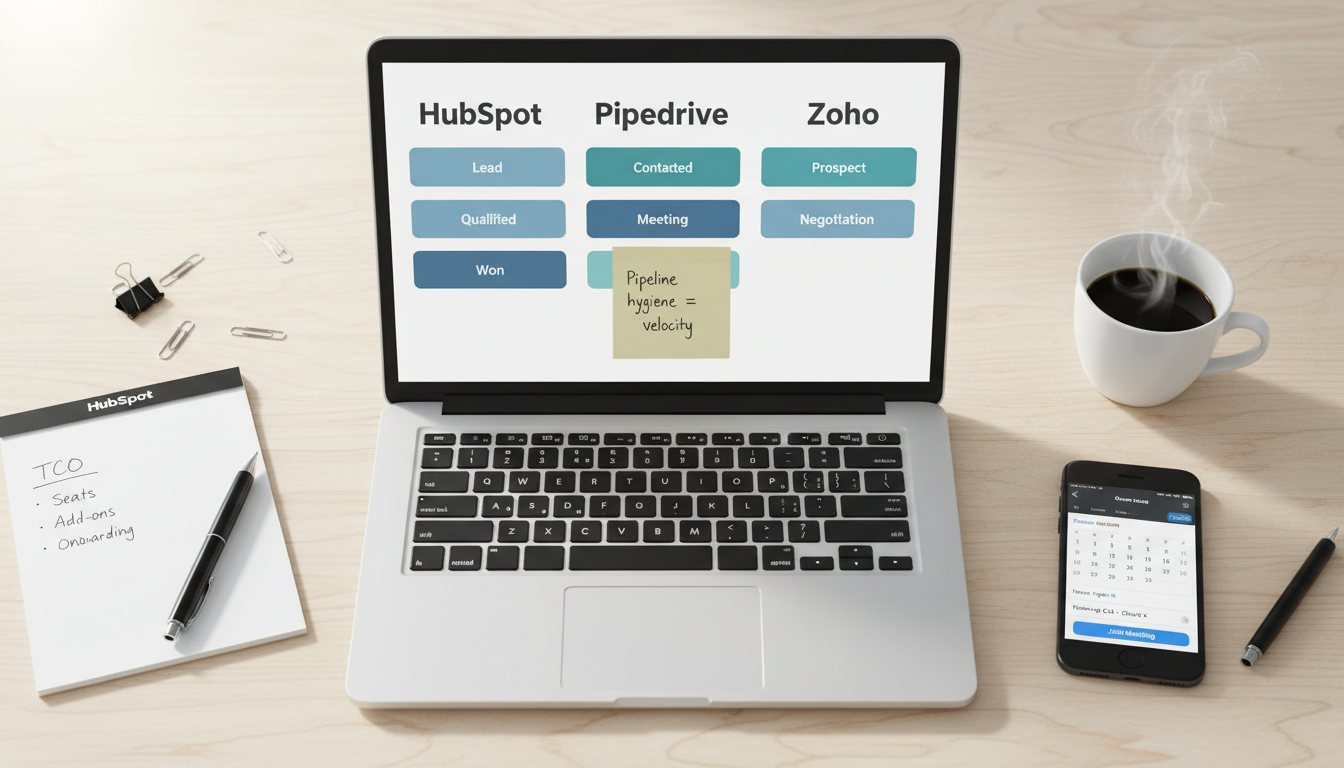
- Small agencies need a CRM that’s easy to onboard, great at pipeline hygiene, and flexible with email/automation—without ballooning costs. HubSpot brings the most complete all‑in‑one stack and partner ecosystem; Pipedrive excels at pipeline-led execution with friendly pricing; Zoho delivers the best value and suite breadth if you can live with a bit more setup.
- Pricing can be deceptive: entry tiers look cheap, but email automation, lead scoring, reporting packs, and add‑ons (calling, signatures, CPQ) raise TCO. Model 12‑month costs at your target seat count and required features before committing.
- Integration footprint matters. Agencies juggle proposals, e‑sign, billing, helpdesk, marketing automation, ads, and reporting. Choose the platform that connects cleanly to your existing stack—or replaces more of it natively.
- Quick picks: HubSpot for agencies that want CRM + marketing + service under one roof; Pipedrive for sales-led teams that need clarity and speed; Zoho for budget‑sensitive shops that want a broad suite (CRM, mail, projects, books) in one vendor.
Who This Guide Is For
- Small creative/performance/SEO/paid‑media agencies with 5–50 seats serving SMB/mid‑market clients in US/UK/CA/NZ.
- Teams standardizing on one CRM after spreadsheets or scattered tools, or replatforming to cut costs or unlock automation/reporting.
Evaluation Criteria (What Matters for Agencies)
- Pipeline management: custom stages, activity SLAs, deal rot/stagnation alerts, quick bulk updates.
- Automation & sequences: lead assignment, tasking, email sequences, workflow branching, webhook/API actions.
- Email & outreach: deliverability controls, templating, personalization tokens, meeting scheduling.
- Reporting & forecasting: team/rep dashboards, cohort/sources, weighted forecasts, revenue attribution to channels.
- Integrations & ecosystem: proposals/e‑sign, billing (Stripe, Xero, QuickBooks), project management, helpdesk, marketing tools, data connectors.
- Pricing & TCO: per‑seat cost, add‑ons (calling, signatures, reporting packs), implementation/onboarding, required marketing modules.
- Onboarding & governance: roles/permissions, audit, approval workflows, sandbox, security (SSO/SCIM).
- Support & partners: documentation, SLA, partner network availability.
Side‑by‑Side: HubSpot vs Pipedrive vs Zoho
Feature Comparison (Pipeline, Automation, Email, Reporting, Integrations)
- HubSpot
- Pipeline: robust with deal properties, playbooks, SLAs, multiple pipelines.
- Automation: powerful visual workflows across CRM + Marketing + Service.
- Email: sequences, templates, tracking; strongest if paired with Marketing Hub.
- Reporting: advanced reports/dashboards; attribution if on higher tiers.
- Integrations: deep ecosystem; native marketing/service; large partner network.
- Pipedrive
- Pipeline: best‑in‑class simplicity; visual drag‑and‑drop, activity focus.
- Automation: practical triggers for deals/activities; enough for most SMB sales.
- Email: built‑in email sync, templates, scheduler; outreach adequate.
- Reporting: solid standard dashboards; easy for managers.
- Integrations: strong app marketplace; connects well to proposal/e‑sign tools.
- Zoho
- Pipeline: flexible with custom modules; powerful if configured well.
- Automation: blueprints, workflows, assignment rules; suite‑wide hooks.
- Email: integrated with Zoho Mail/Desk/Campaigns; good personalization.
- Reporting: analytics via Zoho Analytics; very deep if you wire it up.
- Integrations: broadest suite (CRM, Books, Projects, Desk) under one vendor.
Pricing & Total Cost of Ownership (Seats, Add‑ons, Onboarding)
- Model these before buying:
- Seats: growth from 5 → 10 → 20 reps/managers.
- Email: sequences/marketing limits, sending caps, reputation setup.
- Add‑ons: calling minutes, signatures, CPQ/quotes, reporting/analytics packs.
- Services: onboarding, data migration, admin time (internal or partner).
- General patterns to expect:
- HubSpot: highest list prices but offsets via consolidation (CRM + marketing + service). Discounts at annual commitments. Cost spikes if you need Marketing Hub contacts at scale.
- Pipedrive: transparent per‑seat pricing; add‑ons for LeadBooster, Smart Docs, calling. Usually lowest TCO for sales‑led teams.
- Zoho: best value per seat, especially if you use the Zoho One suite (bundled apps). Time investment in setup/governance is the trade‑off.
Platform Deep Dives
HubSpot — Best All‑in‑One for Growing Agencies
- Strengths
- Unified platform: CRM + Marketing + Service + CMS + Ops; fewer vendor handoffs.
- Mature automation and attribution; good for multi‑channel campaigns and customer journeys.
- Partner ecosystem for onboarding, migrations, and custom solutions.
- Limitations
- Can be expensive as you add contacts and hubs.
- Complexity requires admin discipline; define processes early.
- Best fit
- Agencies offering retainer‑based marketing/service where CRM–marketing alignment is critical; teams ready to standardize on one platform.
Pipedrive — Best for Pipeline‑First Simplicity
- Strengths
- Fastest path to pipeline hygiene: clear stages, activity focus, and manager visibility.
- Lower TCO; minimal admin overhead; teams adopt it quickly.
- Good marketplace for proposals, e‑sign, and light automation.
- Limitations
- Marketing automation is lighter; you’ll rely on integrations for advanced nurture.
- Reporting depth is adequate but not enterprise‑level.
- Best fit
- Sales‑led agencies focused on pipeline velocity, simple outreach, and clean handoffs to delivery.
Zoho — Best for Value and Suite Integrations
- Strengths
- Broad suite: CRM, Books (accounting), Projects, Desk (support), Campaigns (email), Analytics.
- Highly customizable modules/fields/blueprints at a competitive price.
- Limitations
- Setup and governance need time; UX polish varies across apps.
- Best results come when you commit to multiple Zoho apps (suite mindset).
- Best fit
- Budget‑sensitive agencies wanting one vendor for CRM + finance + projects + support.
90‑Day Implementation Roadmap
- Days 1–7: Foundations
- Define pipeline(s), stages, and exit criteria; import clean data; set roles/permissions.
- Connect email/calendar; set meeting links; basic templates and sequences.
- Days 8–21: Automation & Integrations
- Lead routing and assignment rules; task automation; SLA reminders.
- Integrate proposals/e‑sign, billing (Stripe/Xero/QuickBooks), and project handoff.
- Days 22–45: Reporting & Forecasting
- Dashboards for reps/managers; source attribution; win‑loss notes.
- Build weighted forecast; weekly pipeline reviews; deal hygiene alerts.
- Days 46–90: Scale & Governance
- Playbooks for discovery/qualification; standardized notes and fields.
- Quarterly data cleanup; permission reviews; audit trails.
- Optional: marketing automation or service desk integration for a unified funnel.
Risks, Trade‑Offs, and When to Switch
- Tool sprawl vs consolidation: too many point tools create silos; one suite reduces flexibility.
- Under‑scoped TCO: ignoring add‑ons/onboarding leads to budget surprises.
- Low adoption: without manager‑led rituals (weekly pipeline reviews), any CRM underperforms.
- Switch when: pipeline reporting is unreliable, outreach is manual‑heavy, costs exceed value, or integrations keep breaking.
Recommendations by Agency Type
- 5–10‑seat performance/paid media shop
- Pick: Pipedrive
- Why: pipeline clarity, quick adoption, low TCO; add outreach/proposals via marketplace.
- 10–30‑seat full‑service agency with retainers
- Pick: HubSpot
- Why: tight CRM–marketing–service alignment; attribution and automation justify spend.
- Budget‑sensitive or suite‑minded agency
- Pick: Zoho
- Why: best value; add Books/Projects/Desk to unify finance–delivery–support.
FAQ
- Is HubSpot worth the price for small agencies?
- If you’ll use CRM + marketing + service cohesively, yes; otherwise, cost may outweigh benefits.
- Can Pipedrive replace HubSpot Marketing?
- Not fully. Pipedrive covers sales CRM well; for advanced marketing automation, use dedicated tools or integrations.
- Is Zoho too complex for a small team?
- It requires more initial setup, but pays off if you adopt the broader suite and document processes.
- How many pipelines should we use?
- Start with one main pipeline. Add more only when stages/SLAs are genuinely different (e.g., new business vs renewals).
- What metrics matter most?
- Activity adherence, stage conversion rates, deal velocity, forecast accuracy, source quality, and win/loss reasons.
Compliance & Security Notes
- Enforce least‑privilege roles; enable MFA; audit integrations quarterly.
- If handling PII beyond business contacts, coordinate with legal on data processing agreements and retention.