
Executive Summary
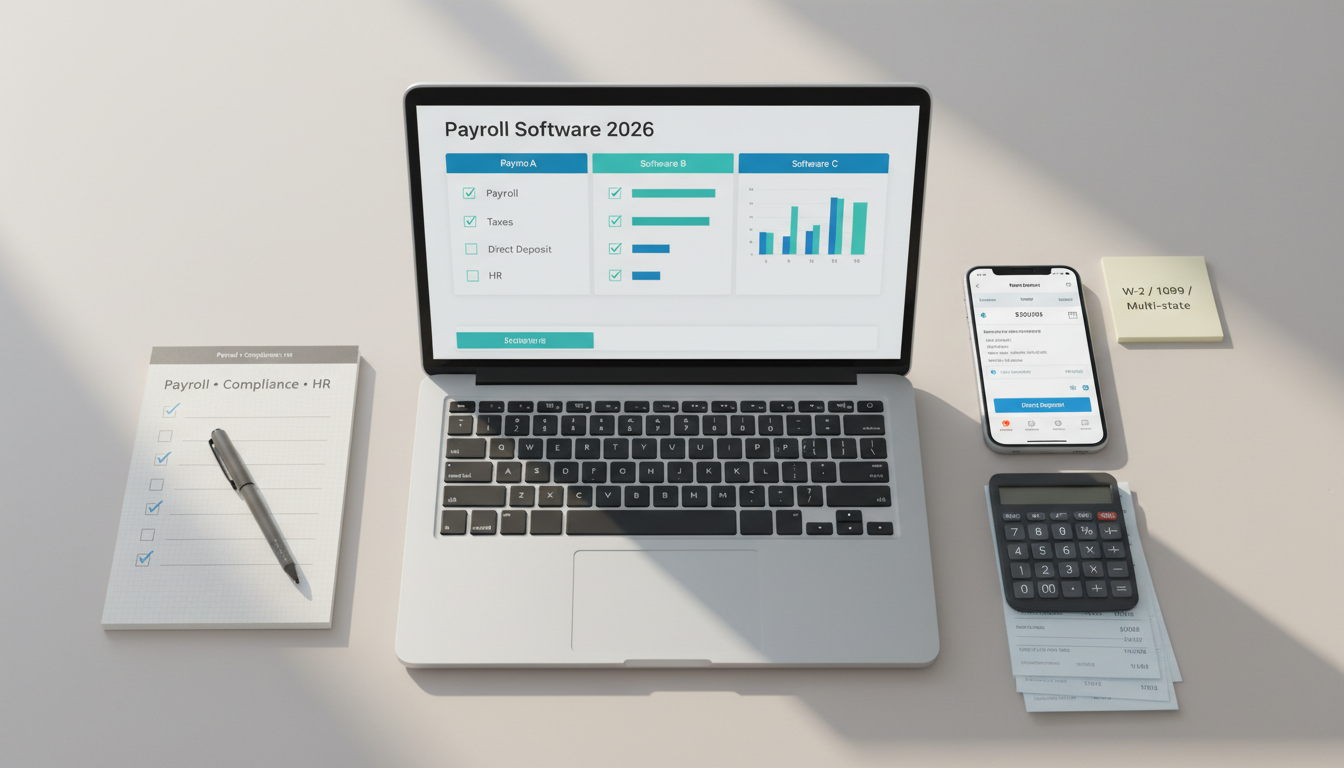
Payroll software is no longer just about calculating wages. For small businesses, the right payroll platform should handle tax filings, direct deposit, contractor payments, employee self-service, and compliance without creating extra admin work.
For most small businesses, Gusto remains one of the strongest all-around options thanks to ease of use, full-service payroll, and integrated HR features. QuickBooks Payroll makes the most sense for businesses already running on QuickBooks. ADP Run is a strong fit for growing companies that need broader payroll and HR depth. Rippling stands out when payroll needs to connect with HR, apps, and device management. Patriot Payroll is a practical choice for budget-conscious owners who want simplicity over bells and whistles.
The cheapest monthly plan is not always the lowest long-term cost. Payroll mistakes create tax penalties, compliance risk, and employee frustration. Reliability, support quality, and tax handling often matter more than saving a few dollars per month.
Who This Guide Is For
This guide is for:
- small businesses with 1-100 employees,
- founders hiring their first employees,
- businesses paying a mix of employees and contractors,
- teams in the US primarily, with useful comparisons for global readers evaluating payroll stack structure.
It is especially relevant for businesses choosing between a payroll-first tool and an accounting-led solution.
Evaluation Criteria (What Small Businesses Actually Need)
We evaluated payroll software using the factors that matter most in day-to-day operations:
- Payroll processing: regular payroll runs, off-cycle payroll, bonuses, reimbursements, contractor payments, multi-state support.
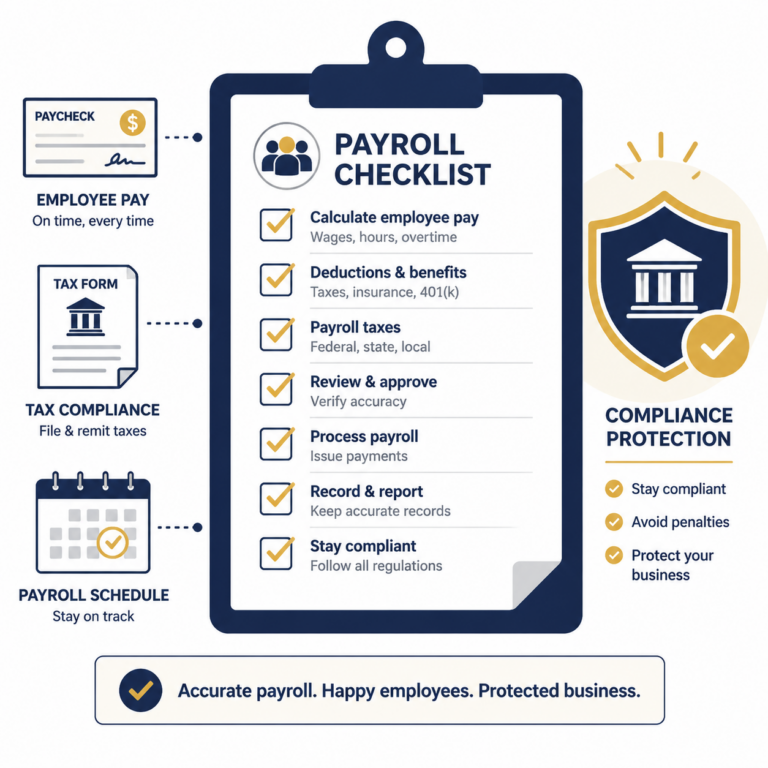
- Tax compliance: payroll tax calculations, filings, year-end forms, penalty support, local/state compliance coverage.
- Employee experience: self-service portal, pay stubs, onboarding forms, direct deposit, PTO visibility.
- HR features: hiring workflows, document storage, benefits administration, time tracking, onboarding checklists.
- Integrations: accounting software, time tracking, HRIS, benefits, expense tools.
- Support and reliability: setup help, tax support, response times, onboarding assistance.
- Pricing and TCO: base monthly fee, per-employee fee, add-ons, hidden setup costs, migration time.
Side-by-Side: What to Compare
Payroll Processing and Automation
The best payroll tools reduce repetitive admin. Look for:
- automatic payroll runs,
- direct deposit support,
- off-cycle payroll options,
- contractor payments,
- multi-state tax support,
- flexible pay schedules.
If your team includes hourly staff, salaried staff, and contractors, automation matters even more.
Tax Filing and Compliance
This is where payroll software earns its value.
Key questions:
- Does it calculate and file federal, state, and local payroll taxes?
- Does it file year-end forms like W-2s and 1099s?
- Does it handle new hire reporting?
- Does it offer tax penalty protection or support if filings go wrong?
Businesses with remote teams should also verify multi-state compliance, especially if employees work in different tax jurisdictions.
HR and Benefits Features
Many payroll platforms now act like lightweight HR systems. That can be helpful if you want fewer tools.
Useful HR features include:
- employee onboarding,
- offer letters and e-signatures,
- PTO tracking,
- benefits administration,
- org charts,
- employee document storage,
- compliance reminders.
If you already have a dedicated HRIS, you may prefer a payroll tool with lighter HR features and stronger integrations instead.
Reporting, Integrations, and Accountant Access
At minimum, a good payroll tool should provide:
- payroll summary reports,
- tax liability reports,
- employee earnings history,
- exportable payroll journals,
- accountant or bookkeeper access.
Integrations with QuickBooks, Xero, time tracking apps, and benefits providers can reduce rework and improve month-end close accuracy.
Pricing and Total Cost of Ownership
Payroll pricing usually combines:
- a base monthly fee,
- a per-employee fee,
- optional add-ons for benefits, HR, time tracking, or contractor payments.
The real total cost includes:
- setup time,
- migration work,
- support quality,
- compliance risk,
- admin time saved.
A cheaper system that causes tax mistakes is often more expensive in practice.
Top Picks and Who They Fit
Gusto – Best all-around for SMBs
Why it stands out
- Easy setup and clean UI.
- Full-service payroll with tax filing and direct deposit.
- Strong employee self-service and onboarding.
- Good balance between payroll, HR, and benefits.
Strengths
- Friendly for first-time payroll admins.
- Handles employees and contractors well.
- Good support for onboarding, PTO, and benefits.
- Strong ecosystem for modern SMBs.
Limitations
- Costs rise as features and headcount grow.
- Some advanced HR features require higher tiers.
- Can be more than very small businesses need.
Best fit
- Small businesses wanting a modern, all-in-one payroll + light HR platform.
QuickBooks Payroll – Best for QuickBooks users
Why it stands out
- Tight integration with QuickBooks accounting.
- Familiar workflow for businesses already using QuickBooks Online.
- Easy payroll journal sync for bookkeeping.
Strengths
- Strong fit for accounting-led businesses.
- Good visibility between payroll and books.
- Faster reconciliation if your accountant already works in QuickBooks.
Limitations
- HR depth is not as polished as HR-first competitors.
- Best value appears when you are already in the QuickBooks ecosystem.
- Some workflows feel more accounting-centered than employee-centered.
Best fit
- Small businesses already committed to QuickBooks for accounting.
ADP Run – Best for growing businesses needing broader HR support
Why it stands out
- Long-standing payroll provider with broad feature depth.
- Good compliance support and strong service coverage.
- Offers pathways to more advanced HR tools as you grow.
Strengths
- Mature platform and wide payroll capabilities.
- Good fit for growing headcount or more complex payroll needs.
- Access to HR and compliance resources.
Limitations
- Pricing can be less transparent.
- UX may feel less modern than newer SMB tools.
- Feature bundling can be harder to compare.
Best fit
- Businesses that expect to grow and want more service depth over time.
Rippling – Best for payroll plus IT and HR automation
Why it stands out
- Connects payroll with HR, identity, devices, and app provisioning.
- Powerful automation for onboarding and offboarding.
- Excellent if you want one operational system of record.
Strengths
- Great for tech-forward teams.
- Strong workflow automation.
- Scales beyond payroll into IT and employee operations.
Limitations
- Can be more complex and premium-priced than simple SMB payroll needs.
- Best value comes when you use multiple Rippling modules.
Best fit
- Modern businesses that want payroll tightly connected to HR and IT operations.
Patriot Payroll – Best budget option for simple payroll
Why it stands out
- Lower-cost payroll with straightforward setup.
- Good for very small employers with simple payroll requirements.
Strengths
- Affordable.
- Easy to understand.
- Practical for stable, low-complexity payroll.
Limitations
- Fewer advanced HR and automation features.
- Less attractive for larger or fast-growing teams.
- Smaller feature depth versus premium competitors.
Best fit
- Very small businesses that want basic payroll done correctly at a low cost.
Implementation Playbook (14 Days)
Days 1-3: Define payroll requirements
- Confirm employee vs contractor mix.
- Identify pay schedules and states involved.
- Decide whether you need time tracking, PTO, or benefits in the same platform.
Days 4-6: Gather payroll data
- Employee legal details,
- tax forms,
- bank info for direct deposit,
- prior payroll records,
- year-to-date totals if switching mid-year.
Days 7-9: Configure payroll settings
- Pay schedules,
- earning types,
- deductions,
- tax settings,
- contractor payment rules,
- payroll journal mapping.
Days 10-11: Test payroll
- Run a parallel or test payroll.
- Confirm taxes, deductions, net pay, and journal entries.
- Check direct deposit timing.
Days 12-14: Go live
- Invite employees to self-service.
- Finalize admin permissions.
- Document payroll approval and review process.
- Schedule monthly audit checks.
Recommendations by Business Scenario
First-time employer with 1-10 staff
- Pick: Gusto
- Why: easy onboarding, clear UI, good support, strong employee experience.
Business already using QuickBooks Online
- Pick: QuickBooks Payroll
- Why: simpler accounting sync and smoother bookkeeping workflow.
Growing business needing compliance depth
- Pick: ADP Run
- Why: stronger long-term service breadth and HR support options.
Tech-enabled business wanting one operational stack
- Pick: Rippling
- Why: payroll + HR + IT automation in one system.
Very small business with simple payroll and tight budget
- Pick: Patriot Payroll
- Why: practical, affordable, low-friction payroll.
FAQ
What is the best payroll software for a small business?
For many SMBs, Gusto is the strongest all-around option because it combines payroll, tax filing, employee self-service, and HR basics in one simple platform.
Is QuickBooks Payroll better than Gusto?
It depends on your stack. QuickBooks Payroll is often better for QuickBooks-first businesses. Gusto usually offers a smoother HR and employee experience.
What payroll software is cheapest?
Patriot Payroll is often among the lower-cost options, but the best value depends on your employee count, tax complexity, and whether you need HR features.
Can payroll software handle contractors too?
Yes, many payroll tools support contractor payments and 1099 workflows. Verify that contractor onboarding and filing are included in your chosen plan.
What matters most when choosing payroll software?
Tax filing reliability, direct deposit, employee experience, integrations, and support quality matter more than headline price alone.