
Executive Summary
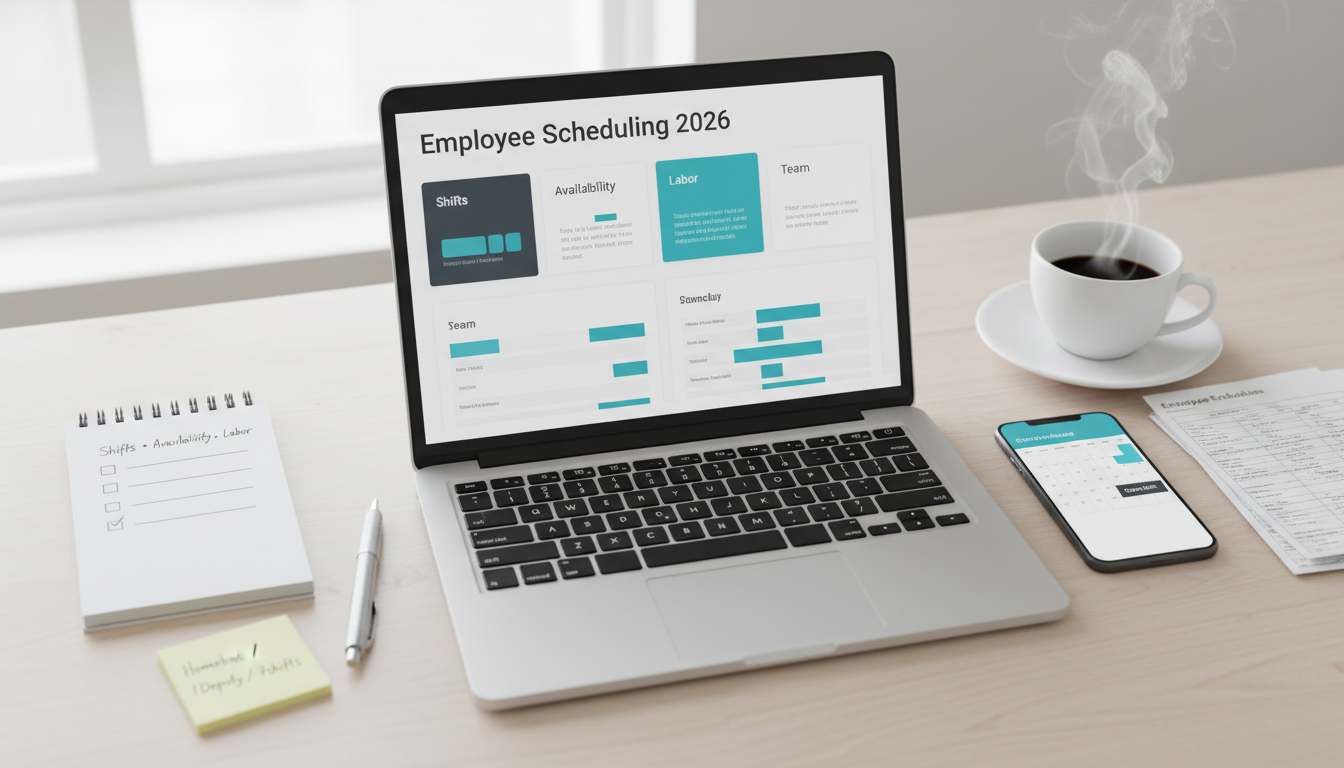
Employee scheduling software helps small businesses build shifts faster, reduce no-shows, improve staffing visibility, and control labor costs. The right tool can replace group chats, spreadsheets, and last-minute scheduling chaos with a more predictable and transparent workflow.
For many small businesses, Homebase remains one of the strongest all-around choices because it balances scheduling, team communication, time tracking, and ease of use. Deputy is a strong fit for businesses that need better labor cost control and compliance visibility. When I Work works well for teams that want simple scheduling and communication. Connecteam is useful for deskless and field-based teams that operate from mobile devices. 7shifts is one of the strongest options for restaurants and hospitality teams.
The best scheduling tool is not the one with the most advanced features. It is the one your managers and staff can actually use consistently during real shift changes and busy weeks.
Who This Guide Is For
This guide is for:
- small businesses with hourly staff,
- restaurants, retail stores, salons, clinics, gyms, and service teams,
- managers trying to reduce scheduling mistakes and improve staffing coverage,
- businesses replacing spreadsheets, paper schedules, or chat-based shift coordination.
It is especially relevant for teams where labor planning affects payroll, overtime, and service quality.
Evaluation Criteria (What Small Businesses Actually Need)
We focused on the areas that matter most in daily workforce scheduling:
- Schedule creation: drag-and-drop shift building, templates, recurring schedules, and copy-week features.
- Availability management: staff availability, time-off requests, shift swaps, open shifts, and manager approvals.
- Labor control: labor cost forecasting, overtime alerts, break compliance, and staffing level visibility.
- Communication: team announcements, messaging, reminders, and mobile notifications.
- Time tracking: clock-in/clock-out support, payroll export, attendance visibility, and timesheet review.
- Ease of use: manager setup speed, employee app experience, and low-friction daily adoption.
- Pricing and TCO: location-based pricing, employee caps, payroll sync, admin time, and premium feature gating.
Side-by-Side: What to Compare
Shift Planning and Schedule Building
A good scheduling tool should make it easy to:
- build recurring shifts,
- fill open shifts quickly,
- duplicate weekly templates,
- view coverage by role or location,
- spot conflicts before schedules go live.
For many SMBs, the biggest value comes from reducing the time managers spend manually rebuilding schedules every week.
Availability, Time Off, and Shift Swaps
Scheduling breaks down when employee availability is unclear.
Useful features include:
- staff availability profiles,
- leave requests,
- shift swap approvals,
- open shift claims,
- manager visibility into who is available and qualified.
If employees frequently trade shifts or work part-time, these features become much more important.
Labor Cost Control and Compliance
Scheduling software can also help managers avoid avoidable payroll problems.
Features worth comparing:
- overtime alerts,
- break compliance reminders,
- labor cost forecasting,
- schedule versus actual hour comparison,
- role-based staffing cost visibility.
This matters most in industries with tight margins or complex shift compliance.
Team Communication and Mobile Access
Many shift-based businesses operate through phones, not laptops.
Good scheduling tools should support:
- mobile apps,
- push notifications,
- shift reminders,
- schedule changes,
- messaging or team announcements.
If staff miss shifts because they did not see updates, communication features matter as much as scheduling features.
Pricing and Total Cost of Ownership
Real cost includes:
- per-location or per-user pricing,
- add-ons for time tracking or payroll export,
- setup and training time,
- manager admin effort,
- the cost of poor adoption if staff avoid the app.
A slightly more expensive tool can save money if it reduces overtime, scheduling mistakes, and payroll cleanup.
Top Picks and Who They Fit
Homebase – Best all-around for hourly teams
Why it stands out
- Strong mix of scheduling, time tracking, and team messaging.
- Easy for both managers and hourly workers to use.
- Good fit for many small local businesses.
Strengths
- Easy setup.
- Useful shift and communication tools.
- Good employee mobile experience.
- Practical for retail, food, and service businesses.
Limitations
- Some advanced features require paid tiers.
- Larger or more complex operations may want deeper labor controls.
Best fit
- Small businesses that want a balanced scheduling platform without too much complexity.
Deputy – Best for labor control and compliance visibility
Why it stands out
- Strong labor planning features.
- Helpful compliance and staffing visibility.
- Better fit for businesses that need cost control and rule enforcement.
Strengths
- Good labor forecasting.
- Helpful compliance support.
- Better operational depth for growing teams.
Limitations
- Can feel more operationally structured than very small teams need.
- Best value comes when labor management matters a lot.
Best fit
- Businesses that care deeply about labor cost control, compliance, and roster efficiency.
When I Work – Best for straightforward scheduling and communication
Why it stands out
- Simpler scheduling workflow.
- Useful team communication tools.
- Easy to understand for managers and staff.
Strengths
- Lower learning curve.
- Clear scheduling features.
- Good fit for small hourly teams.
Limitations
- Less deep labor analytics than more advanced competitors.
- May not scale as strongly for more complex operations.
Best fit
- Small businesses that want simple, reliable scheduling without heavy setup.
Connecteam – Best for deskless teams and mobile operations
Why it stands out
- Mobile-first approach.
- Strong fit for field teams, mobile operations, and non-desk staff.
- Goes beyond scheduling into communication and workforce coordination.
Strengths
- Strong mobile usability.
- Useful for operations-heavy businesses.
- Helpful for service teams and distributed workers.
Limitations
- Some teams may need time to configure modules well.
- Can feel broader than needed if you only want shift scheduling.
Best fit
- Field service, maintenance, cleaning, and other deskless team environments.
7shifts – Best for restaurant and hospitality teams
Why it stands out
- Built with restaurants in mind.
- Strong scheduling, labor forecasting, and team communication for hospitality workflows.
Strengths
- Industry-specific fit.
- Good staffing and labor views.
- Useful for shift-heavy food service teams.
Limitations
- Less universal outside hospitality.
- Best value appears in restaurant-focused operations.
Best fit
- Restaurants, cafes, bars, and hospitality teams.
Implementation Playbook (14 Days)
Days 1-3: Define scheduling rules
- Set roles, locations, and shift patterns.
- Define approval rules for time off and swaps.
- Clarify who can publish or edit schedules.
Days 4-6: Import staff and availability
- Add employees, roles, and qualifications.
- Collect availability and recurring constraints.
- Set up time-off request workflows.
Days 7-9: Build templates and automations
- Create weekly templates.
- Add open shift rules.
- Set overtime and conflict alerts.
- Connect clock-in or payroll tools if needed.
Days 10-11: Test live scheduling
- Publish a sample week.
- Test notifications, swaps, and attendance workflows.
- Review manager and employee experience.
Days 12-14: Roll out and refine
- Train staff on using the app.
- Keep rules simple at first.
- Review scheduling issues after the first live week.
- Adjust templates before adding more complexity.
Recommendations by Business Scenario
Small local business with hourly staff
- Pick: Homebase
- Why: balanced, practical, and easy to adopt.
Business needing overtime and labor cost control
- Pick: Deputy
- Why: stronger workforce and compliance visibility.
Team wanting simple scheduling and communication
- Pick: When I Work
- Why: lower friction and clearer manager/staff workflow.
Field-based or deskless workforce
- Pick: Connecteam
- Why: mobile-first coordination and operations support.
Restaurant or hospitality operation
- Pick: 7shifts
- Why: better fit for restaurant-style scheduling and labor planning.
FAQ
What is the best employee scheduling software for small businesses?
For many small businesses, Homebase is one of the strongest all-around options because it combines scheduling, time tracking, and team communication in an easy-to-use workflow.
Is Deputy better than Homebase?
It depends on your priorities. Deputy is often better for labor cost control and compliance visibility. Homebase is often easier and more approachable for smaller hourly teams.
Do small businesses really need scheduling software?
If you have hourly staff, frequent shift changes, or recurring overtime issues, yes. Scheduling software can save time, reduce mistakes, and improve communication.
What matters most in scheduling software?
Ease of use, availability management, mobile access, and enough labor visibility to avoid overtime and understaffing problems.
Should scheduling software connect to payroll?
If your team clocks in and out and payroll depends on actual worked hours, yes. Integration reduces admin cleanup and payroll errors.