
Executive Summary
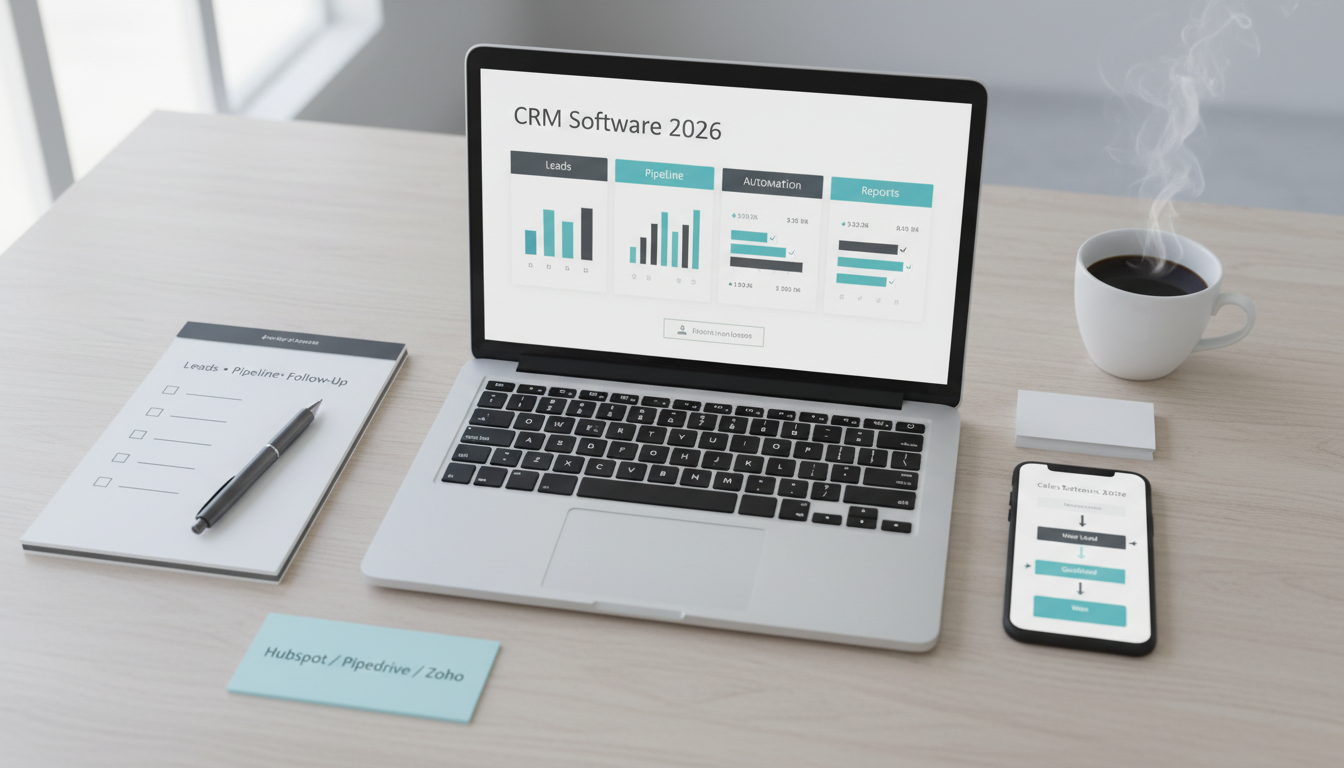
A CRM helps small businesses track leads, organize customer relationships, manage pipelines, and improve follow-up consistency. The right CRM can increase close rates, shorten sales cycles, and reduce the number of leads that quietly disappear because no one followed up.
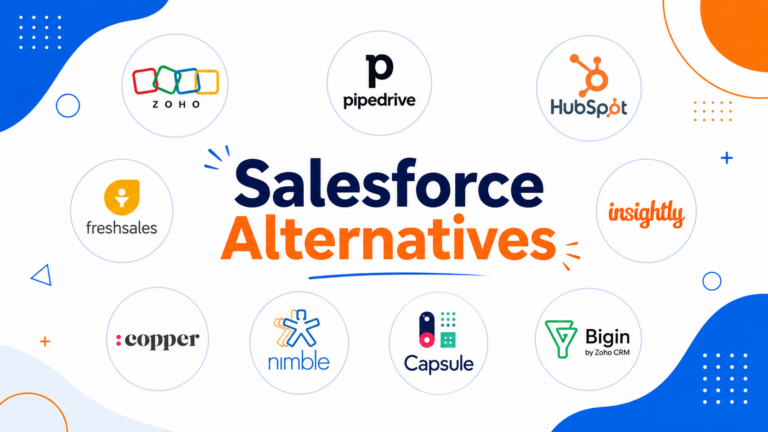
For most small businesses, HubSpot CRM remains one of the safest all-around choices because it balances usability, automation, and ecosystem depth. Pipedrive is excellent for sales-driven teams that live inside pipelines. Zoho CRM offers strong value and customization for budget-conscious businesses. Freshsales is worth considering when you want calling and communication tools built in. Simpler options like Monday CRM or Less Annoying CRM can work well for businesses that want structure without enterprise complexity.
The best CRM is not the one with the longest feature list. It is the one your team will actually use every day.
Who This Guide Is For
This guide is for:
- small businesses with 1-50 employees,
- founders managing leads manually in spreadsheets,
- sales teams needing clearer follow-up workflows,
- service businesses, agencies, consultants, and B2B sellers evaluating CRM tools.
It is especially useful for teams choosing their first real CRM.
Evaluation Criteria (What Small Businesses Need From a CRM)
We focused on the areas that matter most for smaller teams:
- Lead and contact management: easy data entry, custom fields, activity tracking, notes, and segmentation.
- Pipeline visibility: deal stages, forecasting, drag-and-drop boards, reminders, and task management.
- Automation: follow-up reminders, lead assignment, email sequences, workflow triggers, and recurring task rules.
- Communication tools: email sync, calling, meeting scheduling, shared inboxes, and templates.
- Reporting: deal conversion, pipeline health, rep activity, and basic revenue forecasting.
- Integrations: email, calendars, accounting, forms, ad platforms, customer support, and marketing tools.
- Pricing and TCO: monthly seat pricing, onboarding effort, automation limits, and required add-ons.
- Ease of adoption: interface clarity, mobile app quality, and admin complexity.
Side-by-Side: What to Compare
Contact and Lead Management
A good CRM should make it easy to:
- store lead and company information,
- track conversation history,
- attach notes and tasks,
- segment leads by source, stage, or interest,
- avoid duplication and messy records.
If your team struggles with scattered information across email, spreadsheets, and chat apps, this is the first area where a CRM pays off.
Pipeline and Deal Tracking
Pipeline management is where many small businesses see immediate value.
Key features to compare:
- visual deal boards,
- stage-based pipelines,
- close probability or forecasting,
- task reminders,
- follow-up deadlines,
- lost-deal reasons.
Businesses with longer sales cycles benefit most from strong pipeline visibility.
Automation and Follow-Ups
Even basic automation can improve consistency:
- auto-assign new leads,
- trigger follow-up reminders,
- send email sequences,
- update lead status automatically,
- notify reps when deals go cold.
The goal is not “more automation.” It is fewer dropped leads and less admin work.
Reporting, Integrations, and Team Collaboration
Useful CRM reporting for SMBs includes:
- leads by source,
- stage conversion rates,
- sales activity by rep,
- pipeline value,
- expected revenue,
- follow-up completion rate.
Integrations matter too. A CRM becomes more useful when it connects with:
- Gmail or Outlook,
- Google Calendar,
- accounting tools,
- contact forms,
- email marketing platforms,
- customer support tools.
Pricing and Total Cost of Ownership
CRM pricing usually starts low and grows through:
- more seats,
- advanced automation,
- reporting upgrades,
- calling features,
- email marketing add-ons,
- onboarding support.
Real total cost includes:
- admin setup time,
- training time,
- data cleanup,
- integration work,
- lower adoption risk when the UI is simpler.
Top Picks and Who They Fit
HubSpot CRM – Best all-around for growing businesses
Why it stands out
- Strong free entry point.
- Clean interface and broad ecosystem.
- Good mix of sales, marketing, and service capabilities.
Strengths
- Easy to adopt.
- Excellent contact history and activity timeline.
- Powerful if you later expand into automation and marketing tools.
- Strong educational resources and partner ecosystem.
Limitations
- Costs can rise quickly once you need advanced automation or marketing features.
- Some small teams may outgrow the free tier faster than expected.
Best fit
- Small businesses that want room to grow into a more complete customer platform.
Pipedrive – Best for pipeline-focused sales teams
Why it stands out
- One of the clearest visual pipeline experiences available.
- Easy for reps to use daily.
- Good balance of sales tracking and simplicity.
Strengths
- Fast adoption.
- Great deal-stage visibility.
- Strong for follow-up discipline and pipeline hygiene.
- Useful for B2B and agency-style selling.
Limitations
- Less broad than HubSpot across marketing/service features.
- Some automation and add-ons may require higher plans.
Best fit
- Sales-led businesses that want clarity, speed, and strong deal management.
Zoho CRM – Best for value and customization
Why it stands out
- Competitive pricing.
- Broad feature set.
- Strong fit if you want customization without enterprise cost.
Strengths
- Flexible modules and workflows.
- Good value for growing businesses.
- Strong ecosystem if you use other Zoho products.
Limitations
- Interface can feel less intuitive at first.
- Setup takes more planning than simpler CRMs.
Best fit
- Budget-conscious teams that want depth and flexibility.
Freshsales – Best for built-in communication tools
Why it stands out
- Useful email, phone, and communication tools inside the CRM.
- Strong fit for businesses that want fewer separate tools.
Strengths
- Built-in calling and conversation features.
- Good sales workflows for smaller teams.
- Clean interface.
Limitations
- Ecosystem depth may not match the biggest CRM vendors.
- Some advanced capabilities depend on higher plans.
Best fit
- SMBs that want sales communication and CRM in one platform.
Monday CRM / Less Annoying CRM – Best for simplicity
Why they stand out
- Lightweight, approachable, and easier for non-sales-heavy teams.
Strengths
- Lower learning curve.
- Good for consultants, service teams, and smaller operations.
- Less intimidating than full-featured CRMs.
Limitations
- Less sophisticated automation and forecasting.
- May not scale as well for more structured sales teams.
Best fit
- Businesses that want light CRM structure without a heavyweight system.
Implementation Playbook (14 Days)
Days 1-3: Define your CRM structure
- Identify pipeline stages.
- Decide which fields actually matter.
- Define lead sources and ownership rules.
- Agree on what counts as a qualified lead.
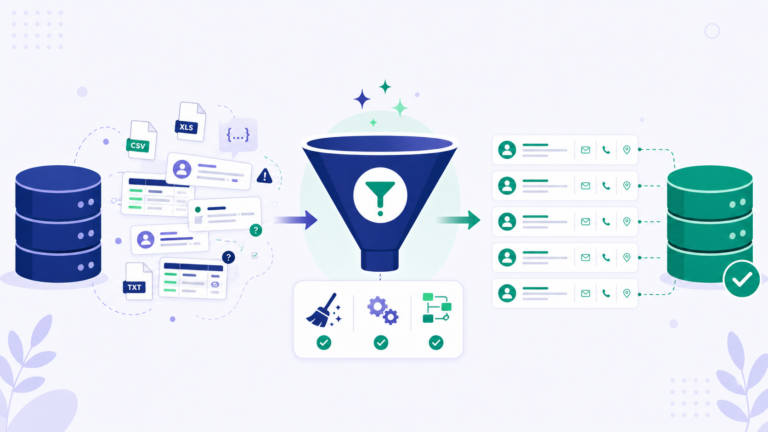
Days 4-6: Clean and import data
- Remove duplicates.
- Standardize company and contact names.
- Import leads, customers, and past activity where possible.
- Create tags or segments for source and priority.
Days 7-9: Set up workflows
- Create task reminders.
- Set up lead assignment rules.
- Build simple automations for follow-ups.
- Connect email and calendar tools.
Days 10-11: Build reporting
- Create dashboards for:
- leads by source,
- pipeline value,
- follow-up completion,
- conversion by stage.
Days 12-14: Roll out to the team
- Train users on daily habits.
- Define rules for updating deals and notes.
- Review pipeline hygiene weekly.
- Keep the first version simple.
Recommendations by Business Scenario
First CRM for a small growing business
- Pick: HubSpot CRM
- Why: balanced, easy to learn, strong ecosystem.
Sales-focused team that lives in deal pipelines
- Pick: Pipedrive
- Why: best pipeline visibility and everyday usability.
Budget-conscious business needing flexibility
- Pick: Zoho CRM
- Why: strong feature depth for the price.
Team wanting built-in calling and communication
- Pick: Freshsales
- Why: useful communication features inside the CRM.
Small team that wants simplicity over sophistication
- Pick: Less Annoying CRM or Monday CRM
- Why: easier adoption, lighter structure.
FAQ
What is the best CRM for a small business?
For many small businesses, HubSpot CRM is one of the safest all-around options because it is easy to adopt and has room to grow.
Is Pipedrive better than HubSpot?
It depends on your workflow. Pipedrive is often better for pure pipeline visibility and sales focus. HubSpot is broader and better if you also want marketing and service expansion.
What is the easiest CRM for beginners?
Less Annoying CRM, HubSpot CRM, and Pipedrive are often among the easiest for small teams to learn.
How much should a small business spend on a CRM?
Many SMBs start small, but total cost depends on seats, automation needs, integrations, and admin time. A more expensive CRM that gets used consistently can be better value than a cheap one nobody updates.
What matters most in a CRM?
Ease of use, consistent follow-up support, clear pipeline visibility, and reporting that helps the team act.