
TL;DR: Effective ransomware protection in 2026 requires four layers working together: endpoint detection and response (EDR) to catch threats early, segmented and tested backups so you can recover without paying a ransom, employee training to stop phishing-based entry points, and a written incident response plan so your team doesn’t freeze during an actual attack. No single tool prevents ransomware — it’s the combination that matters.
Executive Summary
Small businesses are now the most commonly targeted ransomware victims by volume, not because attackers specifically prefer them, but because automated attack tools scan the entire internet for any vulnerable entry point, and small businesses typically have weaker defenses than enterprises with dedicated security teams.
The financial impact extends far beyond any ransom payment — average recovery costs including downtime, lost business, and remediation routinely exceed $100,000 for small businesses, even when no ransom is paid.
This guide covers the complete defense stack: prevention, detection, backup strategy, and response planning.
Who This Guide Is For
- Small business owners without a dedicated IT security team
- Businesses that have experienced a near-miss or actual ransomware incident
- IT consultants building a security stack recommendation for SMB clients
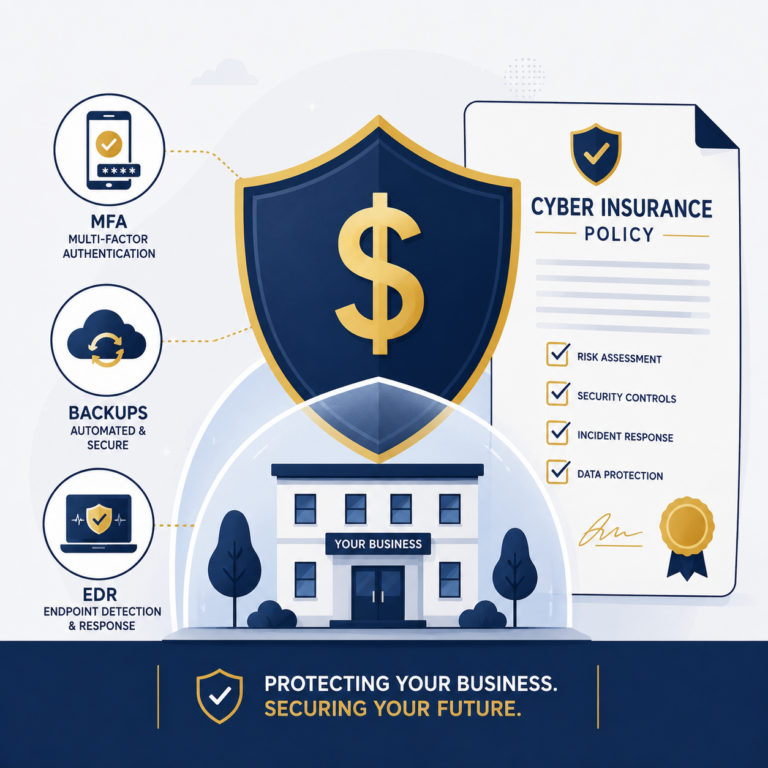
- Companies preparing for cyber insurance underwriting requirements
How Ransomware Actually Gets In
Understanding the entry points is the first step to blocking them effectively.
| Entry Point | Approx. Share of Incidents | Primary Defense |
|---|---|---|
| Phishing emails | ~40-50% | Email filtering, employee training |
| Compromised remote access (RDP/VPN) | ~20-30% | MFA, strong passwords, access restrictions |
| Unpatched software vulnerabilities | ~15-20% | Regular patching and updates |
| Malicious downloads/drive-by attacks | ~10% | Web filtering, EDR |
| Third-party/vendor compromise | ~5-10% | Vendor risk management |
Key insight: Phishing and remote access compromise together account for the majority of incidents. These are exactly the areas insurers and security frameworks emphasize most heavily.
Layer 1: Prevention
Email Security and Phishing Defense
Since phishing remains the top entry point, a dedicated email security gateway (beyond your basic spam filter) significantly reduces risk. Look for:
- Link rewriting and real-time URL scanning
- Attachment sandboxing before delivery
- DMARC, SPF, and DKIM authentication properly configured on your domain
Multi-Factor Authentication (MFA)
MFA should be enabled without exception on:
- Email accounts (especially admin/owner accounts)
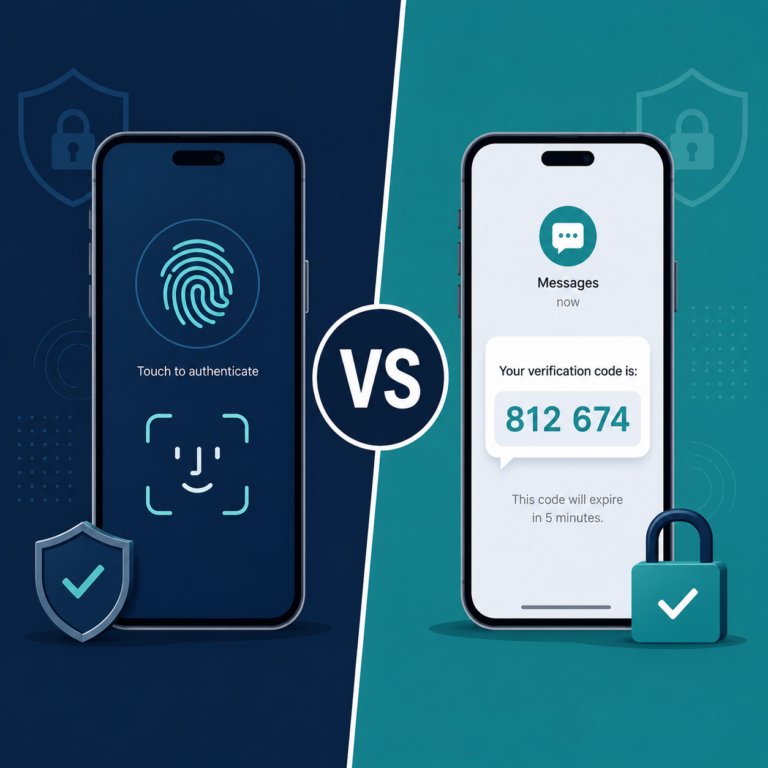
- VPN and remote desktop access
- Any cloud admin console (Microsoft 365, Google Workspace, AWS)
- Financial and banking platforms
Patch Management
Unpatched software is a direct invitation for automated exploitation. Establish a process to:
- Apply critical security patches within 72 hours of release
- Enable automatic updates wherever feasible for end-user devices
- Maintain an inventory of all software and operating systems in use
Network Segmentation
Separate your network so that a compromised device cannot freely access your entire infrastructure. At minimum, isolate:
- Backup systems from production network access
- Guest/customer Wi-Fi from internal business systems
- Point-of-sale systems from general office devices
Layer 2: Detection
Endpoint Detection and Response (EDR)
Modern EDR platforms (CrowdStrike, Sophos Intercept X, Microsoft Defender for Business) monitor for suspicious behavior patterns rather than just known malware signatures, catching novel ransomware variants that traditional antivirus misses.
(For a full platform comparison, see our Best Antivirus for Small Business guide.)
Network Monitoring
Even basic network monitoring tools can flag unusual data transfer patterns (large file movements, unusual after-hours activity) that often precede a ransomware encryption event.
Layer 3: Backup Strategy — Your Most Critical Defense
If prevention and detection fail, backups are what determine whether you recover in hours or face an existential business crisis.
The 3-2-1 Backup Rule
- 3 copies of your critical data
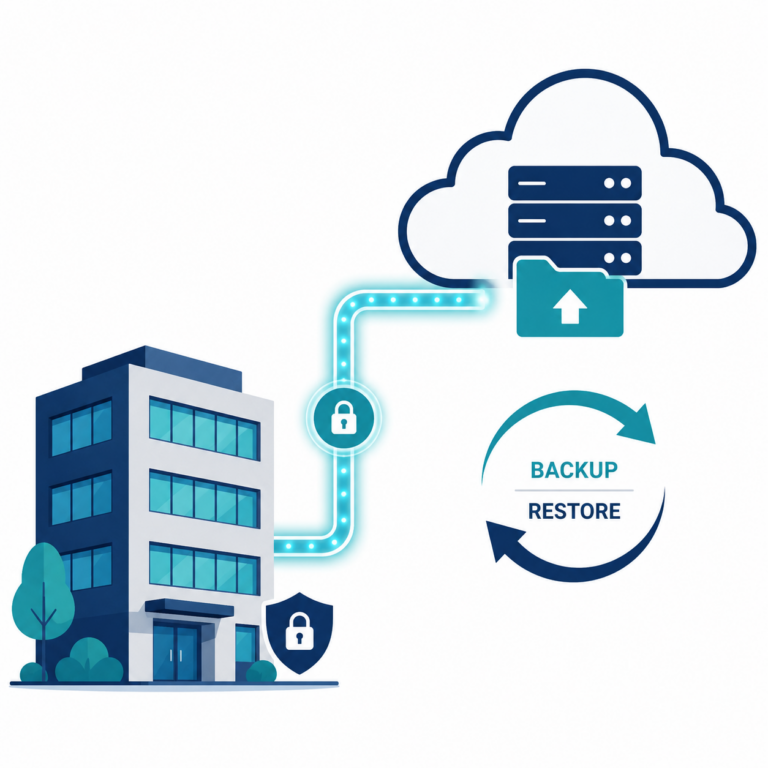
- 2 different storage media types (e.g., local disk and cloud)
- 1 copy stored offsite or offline, disconnected from your main network
Why Offline/Air-Gapped Backups Matter
Modern ransomware actively searches connected networks for backup systems and encrypts them along with production data. A backup accessible from your main network provides false security — if attackers can reach it, they will encrypt or delete it during the attack.
True air-gapped or immutable backups (cloud storage with write-once protection, or physically disconnected drives) cannot be reached or altered by ransomware spreading through your network.
Test Your Restores Regularly
A backup that has never been tested for restoration is a backup you cannot trust. Schedule quarterly restore tests, not just backup completion checks. Many businesses discover backup corruption only during an actual emergency — when it’s too late.
Layer 4: Employee Training
Since phishing remains the top entry vector, ongoing employee training has a measurable impact on incident reduction.
- Run phishing simulations at least quarterly to identify which employees need additional training
- Train on recognizing urgency-based social engineering — ransomware phishing often impersonates invoices, shipping notices, or executive requests
- Establish a clear reporting process — employees should know exactly how to report a suspicious email without fear of blame
- Repeat training regularly — one-time training has limited long-term retention; quarterly refreshers perform significantly better
Layer 5: Incident Response Planning
Even with strong defenses, plan for the possibility of a successful attack. A written incident response plan should cover:
The First Hour
- Isolate affected systems immediately — disconnect from network, do not power off (preserves forensic evidence)
- Notify your designated incident response contact (internal IT lead or external security partner)
- Do not attempt to negotiate or pay independently without professional guidance
The First 24 Hours
- Assess the scope — which systems, data, and backups are affected
- Contact your cyber insurance provider if you have a policy — many require notification within a specific window
- Engage a forensic investigator if available through your insurance or a retained security firm
Days 2-14
- Begin restoration from clean, verified backups
- Determine legal notification obligations — many jurisdictions require disclosure if customer data was affected
- Conduct a post-incident review to close the specific gap that allowed the attack
Should You Ever Pay the Ransom?
Law enforcement agencies, including the FBI, generally discourage paying ransoms because:
- Payment does not guarantee data recovery — some victims pay and still don’t receive a working decryption key
- Payment funds future criminal operations and may mark you as a willing target for repeat attacks
- In certain cases, paying entities sanctioned by OFAC or similar bodies can create legal liability
That said, some businesses without viable backups face genuine existential decisions. If you find yourself considering payment, involve legal counsel, your insurer, and a professional incident response firm before proceeding — this is not a decision to make unilaterally or under time pressure alone.
Ransomware Protection Budget by Business Size
| Business Size | Estimated Annual Security Budget | Key Allocations |
|---|---|---|
| 1-10 employees | $1,500–$5,000 | EDR, backup service, basic email security |
| 11-50 employees | $5,000–$20,000 | EDR, backup, email security, training platform |
| 51-200 employees | $20,000–$75,000+ | Full stack + dedicated IT/security support |
Frequently Asked Questions
What is the single most important defense against ransomware?
Tested, segmented backups. Even with strong prevention, backups are what determine whether an attack becomes a minor disruption or a business-ending event.
Is antivirus enough to stop ransomware?
No. Modern ransomware often evades traditional signature-based antivirus. EDR, which monitors behavior rather than just known signatures, provides significantly stronger protection.
How quickly does ransomware typically encrypt a network once it gets in?
This varies widely, but modern ransomware can move from initial access to full network encryption in as little as a few hours in fast-moving attacks, which is why early detection (EDR) is critical.
Should small businesses have cyber insurance for ransomware?
Yes, given that recovery costs often exceed $100,000 even without a ransom payment. However, insurers increasingly require the security controls covered in this guide as a condition of coverage.
Can ransomware spread through cloud backups?
If your cloud backup is continuously synced and accessible from an infected device, yes — ransomware can encrypt synced cloud files just like local ones. Immutable or versioned backup storage prevents this.
How often should we test our backup restoration process?
At minimum quarterly. Many businesses only discover backup failures during an actual crisis, which defeats the purpose of having backups in the first place.
What’s the difference between EDR and traditional antivirus?
Traditional antivirus primarily blocks known malware signatures. EDR monitors behavior patterns and can detect and respond to novel threats, including ransomware variants that haven’t been seen before.
Does paying the ransom guarantee data recovery?
No. A meaningful percentage of ransom-paying victims either receive non-functional decryption keys or experience repeat attacks after payment, since payment confirms the business is willing to pay.
Final Verdict
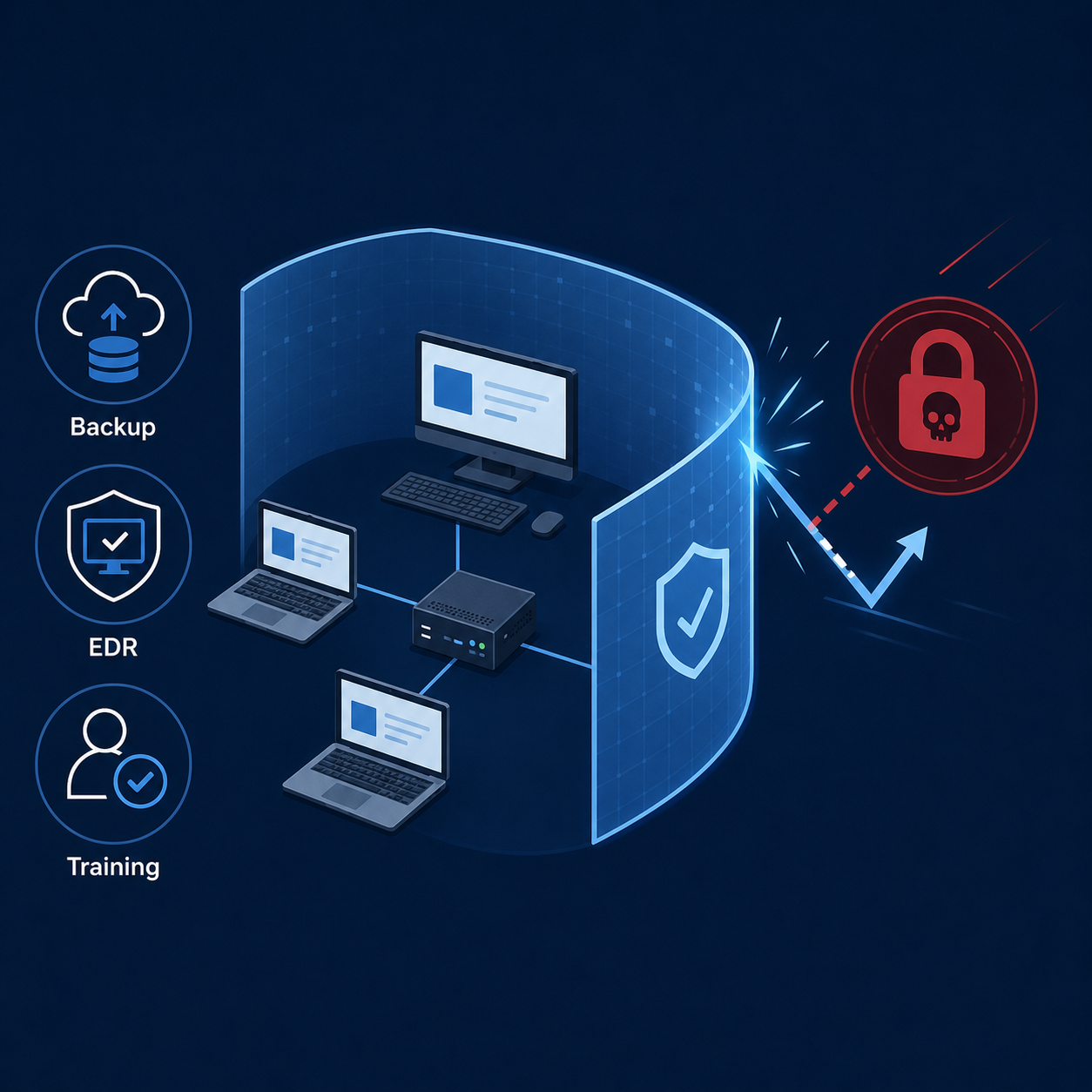
Ransomware protection isn’t a single product you buy — it’s a layered system combining prevention (MFA, patching, email security), detection (EDR), recovery (tested, segmented backups), and people (employee training and incident response planning).
The businesses that recover quickly from ransomware attacks are almost always the ones with tested backups disconnected from their main network — not the ones with the most expensive single security tool. Start there if your budget is limited, then build outward toward full-stack protection.
This guide provides general security guidance and does not constitute professional cybersecurity or legal advice. Consult a qualified security professional to assess your specific business risk and compliance obligations.