
Executive Summary
Time tracking software helps small businesses understand where time goes, improve profitability, support payroll, and invoice more accurately. The right tool can reduce missed billable hours, improve project visibility, and give managers a clearer view of workload and team capacity.
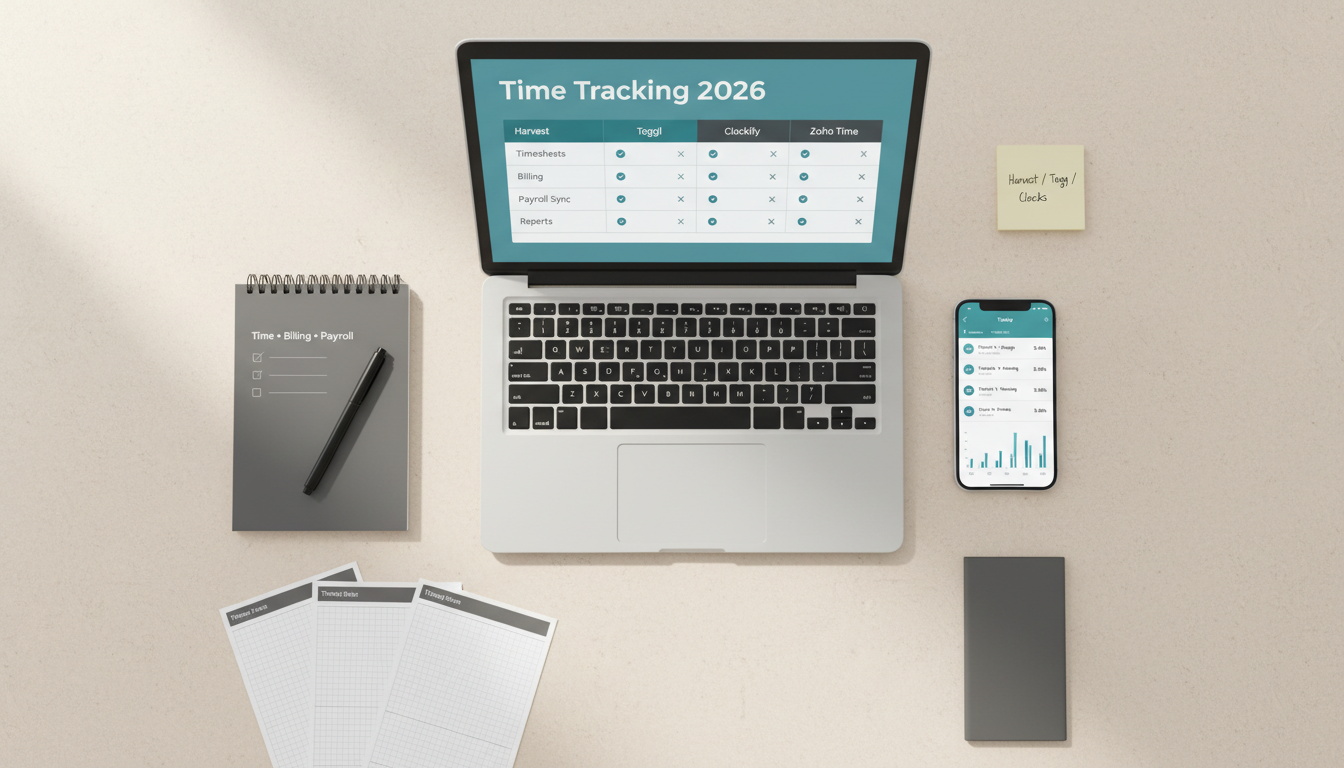
For many small businesses, Harvest remains one of the strongest all-around options because it combines time tracking, reporting, and invoicing in a clean, practical workflow. Toggl Track is excellent for teams that want flexible and easy time entry without extra complexity. Clockify offers strong value for budget-conscious teams. Hubstaff is a better fit for remote teams that want monitoring and workforce analytics. QuickBooks Time makes the most sense when time tracking needs to connect tightly with payroll.
The best time tracking software is not the one with the most surveillance features. It is the one your team will actually use consistently.
Who This Guide Is For
This guide is for:
- small businesses with hourly, project-based, or billable work,
- agencies, consultancies, service teams, and freelancers,
- teams needing better payroll inputs or invoicing accuracy,
- managers trying to improve visibility into time, utilization, and workload.
It is especially relevant for teams replacing spreadsheets or manual timesheets.
Evaluation Criteria (What Small Businesses Actually Need)
We focused on the features that matter most for real operational use:
- Time entry: manual entry, timers, calendar-based tracking, mobile apps, and browser extensions.
- Billing support: billable vs non-billable time, rates, invoicing, and exportability.
- Payroll support: approvals, overtime logic, PTO visibility, payroll sync, and timesheet workflows.
- Reporting: project hours, team utilization, profitability, client time allocation, and trends over time.
- Integrations: project management, accounting, payroll, invoicing, CRM, and calendar tools.
- Ease of adoption: fast entry, low friction, intuitive UX, and minimal resistance from staff.
- Pricing and TCO: user pricing, admin overhead, reporting limits, and setup effort.
Side-by-Side: What to Compare
Time Entry and Ease of Use
A good time tracking tool should make it easy to:
- start and stop timers,
- add manual entries,
- tag time by project or client,
- switch between tasks quickly,
- submit timesheets without confusion.
If logging time feels annoying, people stop doing it. Ease of use matters more than feature overload.
Billing, Payroll, and Invoicing Support
Some businesses need time tracking mainly for billing. Others need it for payroll. Some need both.
Features worth comparing:
- billable time rates,
- approvals before invoicing,
- payroll export or sync,
- contractor time records,
- overtime support,
- invoice creation from time entries.
If your time data affects payroll, accuracy and review workflows matter even more.
Reporting and Team Visibility
Good reporting helps answer:
- which projects consume the most time,
- who is overloaded,
- how much work is billable,
- whether estimates match actual effort,
- which clients are profitable.
For growing teams, time tracking is often less about policing staff and more about understanding capacity and margins.
Integrations and Workflow Fit
Time tracking software becomes more valuable when it connects with:
- project management tools,
- payroll software,
- accounting systems,
- invoicing tools,
- calendars,
- team collaboration platforms.
The best choice often depends on where your team already works every day.
Pricing and Total Cost of Ownership
Real cost includes:
- monthly seat pricing,
- premium reporting features,
- admin review time,
- training effort,
- integration setup,
- friction cost if the tool is disliked and adoption drops.
A cheaper tool that the team avoids can become expensive in lost data quality.
Top Picks and Who They Fit
Harvest – Best all-around for billable work
Why it stands out
- Strong combination of time tracking, reporting, and invoicing.
- Clean interface and practical project-based workflow.
- Very good fit for agencies, consultants, and service teams.
Strengths
- Easy time entry.
- Clear reporting.
- Good invoice workflow for billable hours.
- Strong client/project visibility.
Limitations
- Less focused on workforce monitoring than some alternatives.
- Some advanced operational needs may require integrations.
Best fit
- Service businesses and agencies that bill for time and need simple profitability visibility.
Toggl Track – Best for ease of use and flexibility
Why it stands out
- Very easy to adopt.
- Flexible timer-based workflow.
- Good for individuals and small teams that value simplicity.
Strengths
- Low friction.
- Clean interface.
- Easy manual and timer-based entry.
- Good cross-device experience.
Limitations
- Less operational depth than more payroll-oriented tools.
- Some reporting and team management features depend on higher plans.
Best fit
- Teams that want accurate time capture without heavy admin structure.
Clockify – Best budget option for growing teams
Why it stands out
- Affordable and widely adopted.
- Good enough feature set for many SMB use cases.
- Useful for timesheets, projects, and reporting on a budget.
Strengths
- Strong value.
- Multiple ways to log time.
- Good for teams scaling from simple needs.
Limitations
- Interface and workflows may feel less polished than premium tools.
- Some advanced controls and reporting require paid tiers.
Best fit
- Budget-conscious businesses needing broad functionality at lower cost.
Hubstaff – Best for workforce monitoring and remote teams
Why it stands out
- Includes employee monitoring, screenshots, activity levels, and workforce analytics.
- Better fit for remote operations that need operational visibility.
Strengths
- Detailed team activity insights.
- Good for distributed workforce management.
- Time tracking plus operational oversight.
Limitations
- Monitoring features can feel invasive for some teams.
- Not the best fit for trust-based creative environments.
Best fit
- Remote or outsourced teams where operational oversight is a key requirement.
QuickBooks Time – Best for payroll-connected time tracking
Why it stands out
- Strong fit for businesses that need timesheets to flow into payroll.
- Good integration with QuickBooks ecosystem.
Strengths
- Useful for payroll approval workflows.
- Better operational fit for accounting-led businesses.
- Practical for mobile or field-based teams.
Limitations
- Best value depends on already using QuickBooks.
- UX may feel less lightweight than simpler timer tools.
Best fit
- Businesses that want time tracking tightly connected to payroll and accounting.
Implementation Playbook (14 Days)
Days 1-3: Define why you are tracking time
- Decide whether the main purpose is billing, payroll, utilization, or project visibility.
- Define billable and non-billable categories.
- Keep categories simple at the start.
Days 4-6: Set up projects and users
- Create clients, projects, and internal categories.
- Add users and permissions.
- Define rate structures if billing applies.
Days 7-9: Connect integrations
- Connect accounting or payroll tools.
- Connect project management tools.
- Set up approval workflows if timesheets affect invoicing or payroll.
Days 10-11: Build reporting
- Create dashboards for:
- billable vs non-billable time,
- project hours,
- utilization,
- late timesheets,
- overtime or capacity issues.
Days 12-14: Roll out and reinforce habits
- Train the team on when and how to log time.
- Keep entry simple.
- Review reports weekly.
- Adjust categories only after real usage patterns appear.
Recommendations by Business Scenario
Agency or consultancy billing by the hour
- Pick: Harvest
- Why: strong balance of time tracking, invoicing, and reporting.
Small team wanting easy adoption and low friction
- Pick: Toggl Track
- Why: clean interface and simple daily use.
Budget-sensitive business needing broad functionality
- Pick: Clockify
- Why: practical features at lower cost.
Remote team needing activity visibility
- Pick: Hubstaff
- Why: stronger workforce monitoring and remote operations oversight.
Business needing payroll-connected timesheets
- Pick: QuickBooks Time
- Why: better fit for payroll workflows and approvals.
FAQ
What is the best time tracking software for small businesses?
For many small businesses, Harvest is one of the strongest all-around options because it combines time tracking, reporting, and invoicing in a practical way.
Is Toggl better than Harvest?
It depends on your goal. Toggl is often better for simplicity and ease of use. Harvest is often better when billing and project profitability matter more.
Is Clockify good enough for a small business?
Yes, especially for budget-conscious teams. It covers a wide range of use cases well, though premium tools may feel more polished.
Should time tracking connect to payroll?
If payroll depends on hours worked, yes. A cleaner payroll workflow reduces manual errors and approval bottlenecks.
What matters most in time tracking software?
Ease of adoption, accurate entry, useful reporting, and a workflow that matches how the team already works.