
Executive Summary
Expense management software helps small businesses control spending, capture receipts, reimburse employees faster, and keep bookkeeping cleaner. The right platform can reduce manual expense reporting, improve policy compliance, and give finance teams better visibility into where money is going.
For many small businesses, Expensify remains one of the strongest all-around options because it balances receipt capture, reimbursements, and usability. Ramp is a strong fit for companies that want tighter spend controls, approvals, and finance visibility. Brex works well for startups and card-first spending workflows. Zoho Expense offers strong value, especially for businesses already using Zoho apps. SAP Concur is more suitable for larger organizations with stricter policy and approval complexity.
The best expense platform is not the one with the most enterprise features. It is the one that reduces admin, improves visibility, and actually gets used by employees consistently.
Who This Guide Is For
This guide is for:
- small businesses reimbursing employee expenses,
- teams issuing corporate cards,
- agencies, startups, and distributed teams with recurring travel or software spend,
- finance managers trying to reduce receipt chasing and approval bottlenecks.
It is especially relevant for businesses that want cleaner accounting and better spend visibility.
Evaluation Criteria (What Small Businesses Actually Need)
We focused on the operational areas that matter most in daily finance workflows:
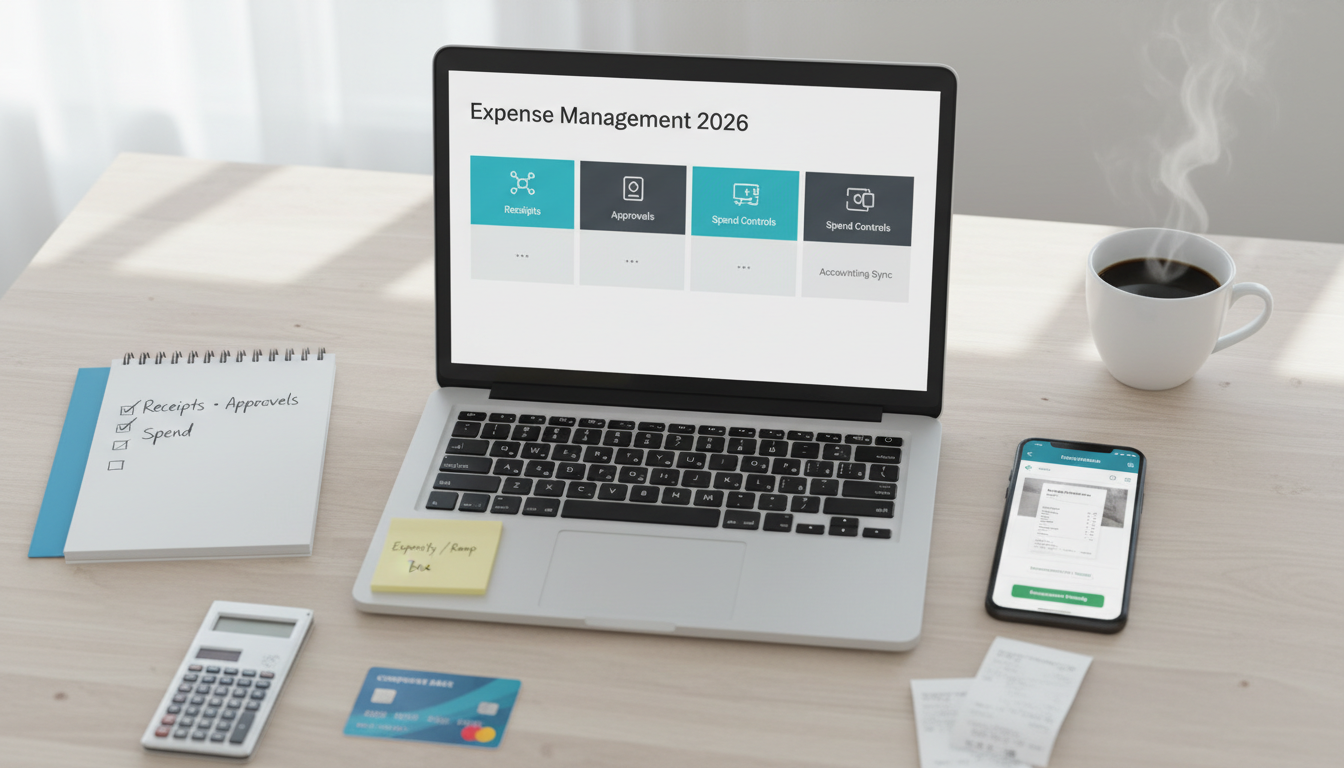
- Receipt capture: mobile uploads, email forwarding, OCR, mileage tracking, and ease of submission.
- Approvals: manager review, policy rules, reimbursement workflows, and escalation paths.
- Cards and controls: virtual cards, physical cards, spend limits, category restrictions, and merchant controls.
- Accounting sync: QuickBooks, Xero, NetSuite, ERP mapping, and clean export workflows.
- Reporting: spend by team, category, merchant, employee, and budget visibility.
- Ease of adoption: mobile app quality, employee experience, and low-friction submission.
- Pricing and TCO: subscription fees, card requirements, implementation effort, and admin time saved.
Side-by-Side: What to Compare
Receipt Capture and Expense Submission
A good expense platform should make it easy to:
- snap and upload receipts,
- forward receipts by email,
- auto-read merchant, amount, and date,
- classify expenses quickly,
- submit reports without confusion.
If employees delay filing expenses because the workflow is annoying, finance data becomes less accurate and reimbursements take longer.
Approval Workflows and Reimbursements
Approval workflows matter when:
- multiple managers sign off,
- policy exceptions need review,
- reimbursements must happen quickly,
- teams travel or spend across departments.
Look for:
- manager approval chains,
- auto-approval rules,
- policy flagging,
- reimbursement status tracking,
- audit trails.
Corporate Cards and Spend Controls
Some platforms are stronger when corporate cards are part of the workflow.
Useful features include:
- virtual cards,
- physical cards,
- spend limits,
- vendor-specific controls,
- pre-approvals,
- instant visibility into card transactions.
Card-first platforms can reduce reimbursement volume, but they also change how policy enforcement works.
Accounting Sync, Reporting, and Visibility
Expense software becomes far more valuable when it connects with:
- QuickBooks,
- Xero,
- ERP tools,
- payroll systems,
- travel booking tools,
- finance reporting workflows.
Good reporting should help answer:
- where spending is rising,
- which teams are overspending,
- which merchants dominate software costs,
- how reimbursements and card spend compare,
- whether policies are being followed.
Pricing and Total Cost of Ownership
Real cost includes:
- per-user fees,
- premium workflow tiers,
- reimbursement processing overhead,
- card program requirements,
- accounting cleanup time,
- employee adoption friction.
A tool with stronger automation and accounting sync can save more money than it costs.
Top Picks and Who They Fit
Expensify – Best all-around for receipts and reimbursements
Why it stands out
- Strong receipt capture.
- Practical reimbursement workflow.
- Good fit for general SMB expense management.
Strengths
- Easy mobile submission.
- Good OCR and email receipt handling.
- Familiar workflow for many finance teams.
- Useful for employee reimbursements and expense reports.
Limitations
- Some teams may want deeper spend controls or card management.
- Total value depends on the exact plan and workflow complexity.
Best fit
- Small businesses wanting straightforward receipt and reimbursement workflows.
Ramp – Best for spend control and finance visibility
Why it stands out
- Strong spend management and approval control.
- Good visibility into card activity and company spend.
- Useful for finance-led operations.
Strengths
- Strong card controls.
- Good reporting and policy visibility.
- Useful automation around spend approval and tracking.
Limitations
- Best fit often assumes a card-first spend model.
- Smaller businesses with simple reimbursement-only needs may not need its depth.
Best fit
- Businesses focused on controlling card spend and improving finance visibility.
Brex – Best for startups and card-first spend workflows
Why it stands out
- Startup-friendly positioning.
- Good virtual card workflows.
- Useful for software subscriptions and team spend controls.
Strengths
- Card-focused spend management.
- Good for distributed teams and startup workflows.
- Useful controls for modern finance operations.
Limitations
- Best fit depends on company profile and eligibility.
- Less ideal if your main need is simple reimbursements without broader spend controls.
Best fit
- Startups and fast-moving teams managing software and operational spend through cards.
Zoho Expense – Best for value and ecosystem fit
Why it stands out
- Strong value.
- Good receipt and approval capabilities.
- Natural fit for businesses already using Zoho products.
Strengths
- Affordable.
- Useful SMB feature set.
- Good ecosystem integration.
Limitations
- Interface and workflow polish may not match premium finance platforms.
- More complex spend control needs may outgrow it.
Best fit
- Budget-conscious businesses or teams already committed to Zoho.
SAP Concur – Best for larger policy-driven organizations
Why it stands out
- Strong enterprise policy workflows.
- Deep travel and expense process controls.
- Useful for more structured finance organizations.
Strengths
- Broad policy and approval support.
- Strong reporting and enterprise process depth.
- Good for larger-scale spend operations.
Limitations
- Can feel heavy and overbuilt for many SMBs.
- More complex rollout and administration.
Best fit
- Larger or highly process-driven businesses with complex approval structures.
Implementation Playbook (14 Days)
Days 1-3: Define your expense policy
- Identify reimbursable categories.
- Define approval paths.
- Clarify card usage rules.
- Decide how expenses map into accounting.
Days 4-6: Set up users and categories
- Add employees and approvers.
- Create expense categories and policy rules.
- Connect accounting software and set coding defaults.
Days 7-9: Configure workflows
- Set approval rules.
- Enable receipt OCR and email forwarding.
- Add reimbursement or card controls.
- Define reporting categories.
Days 10-11: Test finance workflows
- Submit sample expenses.
- Test approvals, reimbursements, and accounting sync.
- Review coding accuracy and user experience.
Days 12-14: Roll out and reinforce habits
- Train employees on how to submit expenses correctly.
- Keep categories simple.
- Review the first reporting cycle.
- Tighten policy rules only after seeing real usage.
Recommendations by Business Scenario
Small business needing balanced expense reporting and reimbursements
- Pick: Expensify
- Why: practical, familiar, and easy to adopt.
Finance-led company wanting stronger spend control
- Pick: Ramp
- Why: better spend visibility, approvals, and card control.
Startup with card-first software and operational spend
- Pick: Brex
- Why: stronger fit for virtual cards and startup-style workflows.
Budget-conscious business using Zoho apps
- Pick: Zoho Expense
- Why: strong value and ecosystem fit.
Policy-heavy or larger organization
- Pick: SAP Concur
- Why: deeper approval and policy workflows.
FAQ
What is the best expense management software for small businesses?
For many small businesses, Expensify is one of the strongest all-around options because it balances receipt capture, reimbursements, and usability.
Is Ramp better than Expensify?
It depends on your workflow. Ramp is often better for spend control and card-based finance operations. Expensify is often better for classic employee expense reporting and reimbursements.
Do small businesses need expense management software?
If employees submit receipts, travel expenses, or software-related reimbursements regularly, yes. Expense software reduces admin and improves accounting accuracy.
What matters most in expense management software?
Easy receipt capture, approval flow clarity, accounting sync, spend visibility, and employee adoption matter most.
Should expense software connect to accounting tools?
Yes. Clean accounting sync reduces manual coding, month-end cleanup, and reporting errors.