
Executive Summary
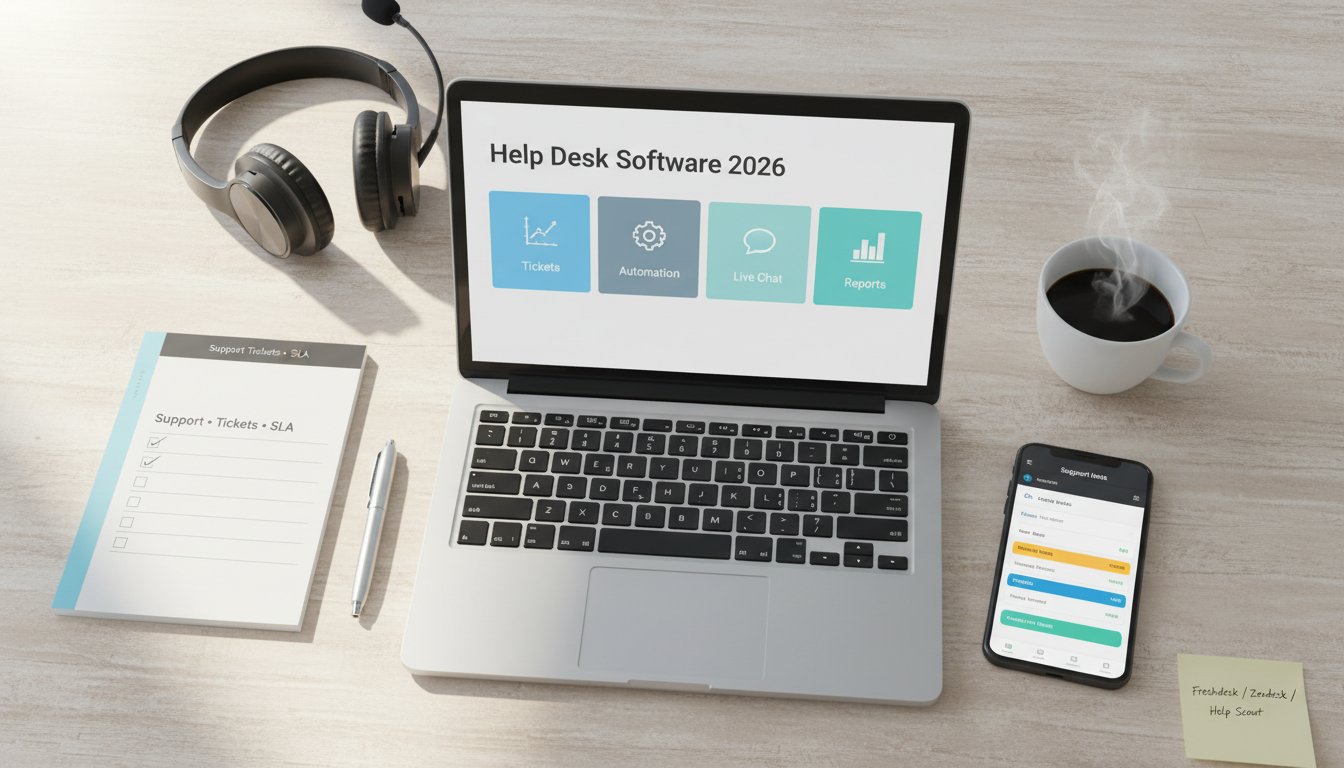
Help desk software gives small businesses a structured way to manage customer support across email, chat, forms, and internal workflows. The right platform can reduce missed messages, improve response times, and help teams deliver more consistent customer service without relying on scattered inboxes.
For many small businesses, Freshdesk remains one of the strongest all-around choices because it balances usability, automation, and pricing. Zendesk is often the better fit for teams that want more structured support operations and reporting depth. Help Scout is excellent for businesses that want a simpler, more email-like support experience. Zoho Desk offers strong value, especially for teams already using other Zoho tools. Intercom works well for chat-first support and businesses that want customer messaging and support in one platform.
The best help desk is not just about more channels. It is about making support easier to manage, easier to measure, and easier for customers to use.
Who This Guide Is For
This guide is for:
- small businesses with growing customer support needs,
- ecommerce teams handling order and product questions,
- agencies and service businesses managing client requests,
- companies moving from shared Gmail inboxes to a real support workflow.
It is especially useful for teams that need better ownership, routing, and response visibility.
Evaluation Criteria (What Small Businesses Actually Need)
We focused on the features that matter most for day-to-day support operations:
- Ticket management: shared inboxes, assignments, priorities, tags, status tracking, collision detection.
- Automation: ticket routing, SLA triggers, canned replies, workflow rules, escalation rules.
- Channels: email, live chat, contact forms, knowledge base, social, and messaging apps.
- Self-service: help center, FAQs, customer portals, and article suggestions.
- Reporting: first response time, resolution time, backlog, SLA performance, and agent workload.
- Team usability: interface clarity, speed, mobile support, and ease of onboarding.
- Integrations: CRM, ecommerce, billing, chat, project management, and internal communication tools.
- Pricing and TCO: agent-based pricing, feature gating, automation limits, and admin overhead.
Side-by-Side: What to Compare
Ticketing and Shared Inbox Features
A good help desk should make it easy to:
- convert emails into tickets,
- assign ownership,
- track status,
- prevent duplicate replies,
- prioritize urgent cases,
- search past conversations quickly.
For many small teams, the move from inbox chaos to structured ticketing is the biggest immediate upgrade.
Automation and Workflow Routing
Automation helps support teams stay fast without adding headcount.
Key features to compare:
- auto-assignment rules,
- SLA reminders,
- priority tagging,
- escalation paths,
- canned responses,
- trigger-based workflows.
The goal is not just speed. It is consistency and less manual sorting.
Live Chat, Self-Service, and Omnichannel Support
Modern support software often goes beyond email.
Useful features include:
- live chat,
- chatbot or routing assistant,
- knowledge base,
- self-service portal,
- customer history across channels,
- social or messaging integrations.
Not every small business needs all of these. But for ecommerce and online-first teams, chat and self-service can reduce repetitive ticket volume.
Reporting, SLA Visibility, and Team Management
Support teams need to know:
- how quickly tickets get answered,
- how long they stay open,
- where bottlenecks happen,
- who is overloaded,
- whether SLA targets are being met.
Without reporting, it becomes difficult to improve support operations over time.
Pricing and Total Cost of Ownership
Real help desk cost includes:
- agent seat pricing,
- feature upgrades for automation or reporting,
- knowledge base add-ons,
- live chat modules,
- setup and migration time,
- admin maintenance.
The cheapest tool is not always the best value if it lacks the workflows your team needs.
Top Picks and Who They Fit
Freshdesk – Best all-around for SMB support teams
Why it stands out
- Good balance of ticketing, automation, and pricing.
- Easy for small teams to adopt.
- Useful features without too much complexity.
Strengths
- Strong SMB fit.
- Good ticketing and workflow automation.
- Solid multi-channel support options.
- Easier onboarding than many enterprise-heavy tools.
Limitations
- Some deeper reporting and advanced features require higher plans.
- Can become more expensive as channels and needs expand.
Best fit
- Small businesses that want a capable help desk without enterprise complexity.
Zendesk – Best for structured support operations
Why it stands out
- Mature support platform with strong process depth.
- Good reporting and scalable support workflows.
- Strong fit for teams that want more structure and control.
Strengths
- Deep ticketing functionality.
- Good SLA and reporting capabilities.
- Scales well as support operations mature.
Limitations
- Pricing can climb quickly.
- Can feel heavier than smaller teams need at the start.
Best fit
- Support teams that want stronger process structure and plan to scale.
Help Scout – Best for simplicity and email-style support
Why it stands out
- Clean, customer-friendly support workflow.
- Looks and feels more natural for teams used to email.
- Strong fit for service-first support cultures.
Strengths
- Simple interface.
- Good shared inbox experience.
- Helpful knowledge base tools.
- Lower friction for smaller teams.
Limitations
- Less operational depth than larger platforms.
- Some complex workflow needs may outgrow it.
Best fit
- Small businesses that want a simple, human support experience.
Zoho Desk – Best for value and ecosystem fit
Why it stands out
- Strong value for price.
- Good fit if you already use Zoho CRM or Zoho apps.
- Capable support workflows for SMB teams.
Strengths
- Affordable.
- Decent automation and reporting.
- Good ecosystem integration.
Limitations
- UI and setup may feel less polished than top premium competitors.
- Some teams need more time to configure it well.
Best fit
- Budget-conscious teams or businesses already invested in Zoho.
Intercom – Best for chat-first support and customer messaging
Why it stands out
- Strong for live chat, proactive messaging, and modern support workflows.
- Better fit for product-led or online-first teams.
Strengths
- Strong messenger experience.
- Good for support plus customer communication.
- Useful for onboarding and product engagement flows.
Limitations
- Can become expensive.
- Less ideal if your support is mostly traditional email ticketing.
Best fit
- Online-first businesses that want support and messaging in one system.
Implementation Playbook (14 Days)
Days 1-3: Define support workflow
- Identify ticket sources.
- Define statuses and priorities.
- Set response targets.
- Decide who owns what.
Days 4-6: Set up the system
- Connect support email.
- Create ticket categories and automations.
- Add macros or canned responses.
- Set up assignment rules.
Days 7-9: Build self-service basics
- Create a simple help center or FAQ.
- Add common customer answers.
- Link support forms to categories.
Days 10-11: Configure reporting
- Track:
- first response time,
- resolution time,
- backlog,
- agent workload,
- top issue categories.
Days 12-14: Roll out and refine
- Train the team.
- Review ticket quality.
- Tune automations.
- Keep categories simple in the beginning.
Recommendations by Business Scenario
Small business needing balanced support features
- Pick: Freshdesk
- Why: practical, capable, and easier to adopt.
Team needing stronger support operations and reporting
- Pick: Zendesk
- Why: deeper structure, reporting, and scalability.
Team wanting simple inbox-style support
- Pick: Help Scout
- Why: lower friction and more natural email-style workflow.
Budget-conscious business using Zoho tools
- Pick: Zoho Desk
- Why: strong value and ecosystem alignment.
Online-first business with chat-heavy support
- Pick: Intercom
- Why: stronger messaging and chat experience.
FAQ
What is the best help desk software for a small business?
For many small businesses, Freshdesk is one of the strongest all-around choices because it offers a good balance of usability, automation, and affordability.
Is Zendesk better than Freshdesk?
It depends on your needs. Zendesk is often better for more structured and scalable support operations. Freshdesk is often easier and more approachable for smaller teams.
Do small businesses need live chat?
Not always. But for ecommerce and online-first businesses, live chat can reduce support friction and improve response speed for common questions.
What matters most in help desk software?
Clear ticket ownership, strong automation, useful reporting, and an interface the team will actually use every day.
Is email-only support software enough?
For some businesses, yes. But once ticket volume grows, shared inboxes, routing, and reporting become much more important.