Skip to content
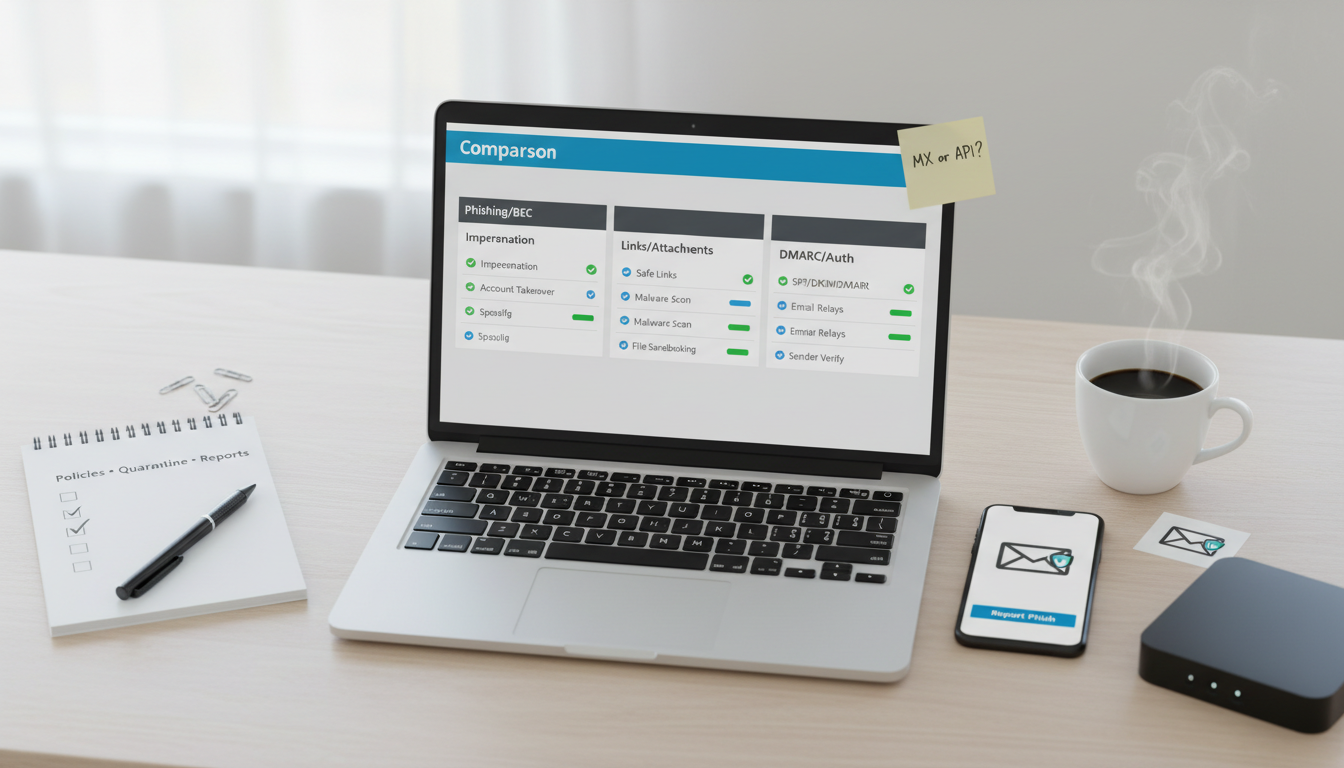
Email security gateway comparison in 2026 showing phishing/BEC defense, link/attachment scanning, and DMARC policy on a desk flat‑lay.
Modern email threats target people, not just spam filters. SMBs need a gateway that catches commodity spam, detects phishing/BEC, and enforces authentication (SPF/DKIM/DMARC)—without overwhelming admins.
If you’re all‑in on Microsoft 365, Defender for Office 365 gives strong native coverage; for Google Workspace, built‑in controls plus domain authentication do a lot. Proofpoint/Mimecast add advanced BEC detection, granular policy, and continuity features. API‑first options (Area 1, Barracuda Email Protection) are good value with simpler deployment.
Model TCO beyond licenses: time to tune policies, false positives handling, and incident response workflows.
SMBs and agencies (5–250 mailboxes) on M365/Google Workspace seeking better protection against phishing/BEC and malware.
Teams wanting DMARC‑aligned enforcement and simple admin/reporting without enterprise overhead.
Detection quality: spam catch rate, BEC detection (display name spoofing, supplier fraud), link/attachment defense.
Authentication & policy: SPF/DKIM/DMARC checks and enforcement, TLS policy, outbound filtering/DLP basics.
Admin UX & reporting: quarantine handling, user self‑service, audit logs, SIEM export, alerting.
Deployment & compatibility: MX record change vs API‑inline, M365/GWS tightness, mail flow reliability.
Continuity & resilience: mailbox failover, archiving, backup/restore (optional, but valuable).
Pricing & TCO: per‑user/month, tiers (Essentials/Business), add‑ons (archiving, continuity).
Anti‑Spam & Phishing/BEC Protection
MDO: solid phishing/BEC with ML + impersonation settings; safe links/attachments.
Google: strong baseline; configure advanced phishing settings and attachment/link scanning.
Proofpoint/Mimecast: advanced BEC/impersonation, supplier risk signals, executive protection.
Area 1/Barracuda: good anti‑phish with API‑level scanning and pre‑delivery checks.
Safe links/attachments (MDO) rewrite and detonate content; similar features on Mimecast/Proofpoint.
Google: attachment scanning and link protection; consider add‑ons for sandboxing depth.
Authentication & Policy (SPF/DKIM/DMARC, TLS, DLP)
All support SPF/DKIM/DMARC checks; pair with strict DMARC enforcement on your domain.
TLS policies per partner; basic DLP (keywords, attachments) varies—Mimecast/Proofpoint deeper.
MDO/Google: native consoles; integrate with existing admin workflows.
Proofpoint/Mimecast: rich dashboards, granular policy, useful digests; SIEM export.
API options: lighter UIs but quick to deploy and integrate.
MX‑front gateways (Mimecast/Proofpoint/Barracuda classic) sit in front of your mail server—powerful, but requires MX change.
API‑inline (Area 1, Barracuda Email Protection) hooks into M365/GWS without MX flip—simpler rollout.
Expect per‑user monthly fees; bundles for archiving/continuity cost more.
Consider time saved on incidents and training; false‑positive tuning cost is real.
Top Picks and Who They Fit
Microsoft Defender for Office 365 (MDO) — Best for M365‑native stacks
Strengths: tight M365 integration, safe links/attachments, impersonation controls.
Limits: requires careful policy tuning; advanced reporting best in higher tiers.
Best fit: M365 tenants seeking native controls with minimal vendor sprawl.
Strengths: strong baseline filtering; easy admin; integrates with your domain auth.
Limits: fewer granular knobs than dedicated SEG vendors.
Best fit: GWS orgs that want simplicity; pair with DMARC/BIMI and user training.
Strengths: robust impersonation/BEC detection, quarantine digests users like.
Limits: extra vendor to manage; pricing higher than baseline suites.
Best fit: SMBs with executive spoofing/supplier fraud risks.
Strengths: deep policy engine, archiving/continuity options, strong detection.
Limits: MX change adds complexity; tuning needed to balance false positives.
Best fit: Teams needing granular policy and business continuity for mail.
Strengths: fast rollout (no MX flip), good anti‑phish; value pricing.
Limits: fewer enterprise features; confirm reporting depth and support SLAs.
Best fit: SMBs wanting better phishing catch without heavy lift.
Implementation Playbook (14 Days)
Days 1–2: Domain hygiene: SPF, DKIM, DMARC (monitor), TLS enforced; admin MFA.
Days 3–4: Pilot gateway on a test group; enable phishing/BEC policies at recommended level.
Days 5–7: Turn on link/attachment protection; configure sender allow/deny lists sparingly.
Days 8–10: Roll out org‑wide; set user quarantine digests; train on reporting phish.
Days 11–14: Review false positives/negatives; tighten DMARC (p=quarantine → reject when ready); enable SIEM export if available.
All‑Microsoft stack, minimal vendors
Pick: MDO; add policy packs; consider Defender XDR tie‑ins.
Google Workspace simplicity
Pick: Google baseline + stricter auth + optional API‑first gateway for extra phish defense.
High‑risk targets (BEC, executive spoofing)
Pick: Proofpoint or Mimecast with impersonation policies and executive protection.
Budget‑sensitive, fast rollout
Pick: Area 1 or Barracuda Email Protection (API‑first).
Do I still need training if I buy a gateway?
Yes. Human factors matter. Run quarterly phishing simulations and teach “report phish” habits.
Will strict DMARC break legitimate emails?
Stage it. Start with p=none, fix legit senders, then move to quarantine/reject.
MX change vs API?
API is faster to deploy but can be less comprehensive than front‑door MX gateways. Choose based on risk and resources.
The Code
The Code