Skip to content
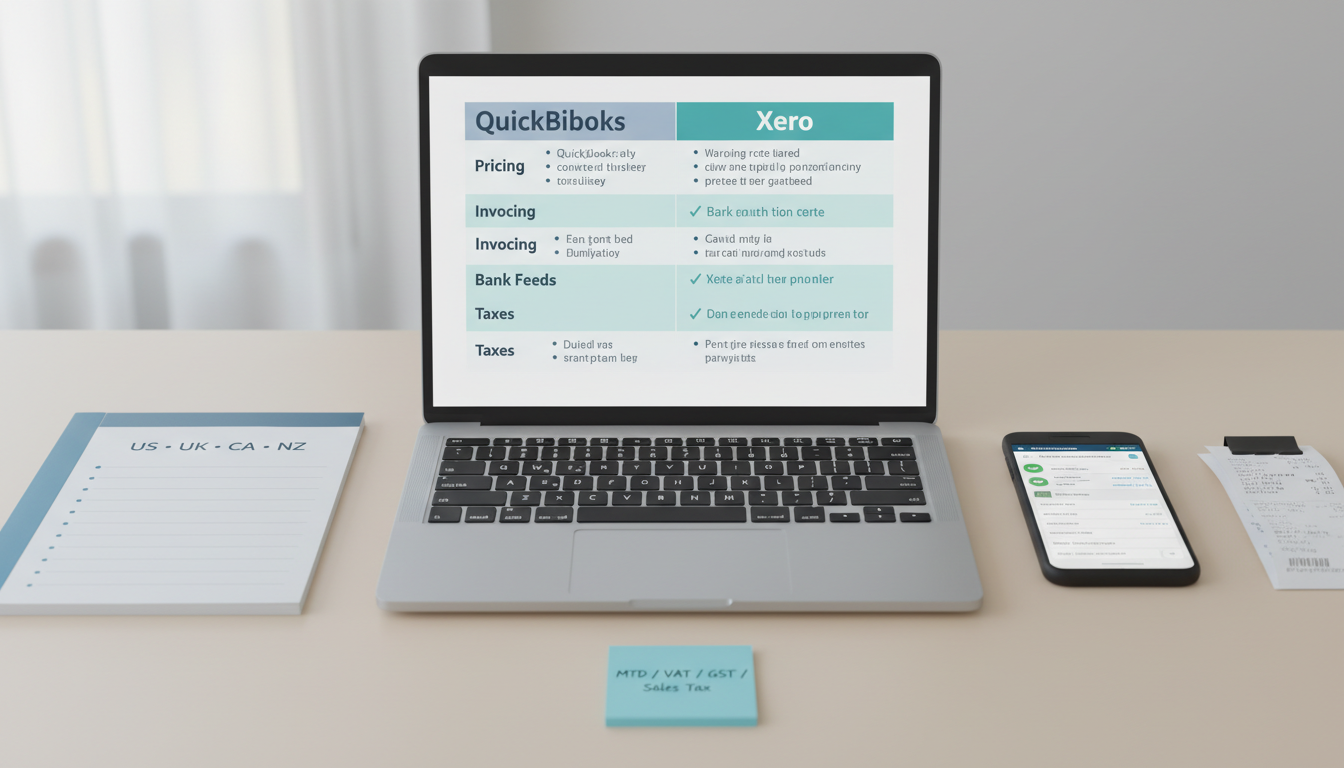
Side‑by‑side comparison of QuickBooks and Xero in 2026 showing pricing, invoicing, bank feeds, and tax support for US/UK/CA/NZ.
QuickBooks and Xero cover 90% of freelancer/SMB accounting needs, but they shine in different regions and workflows. QuickBooks dominates in the US with vast accountant support and deep integrations; Xero is beloved in the UK/NZ with clean reconciliation and MTD/VAT workflows.
Don’t pick on sticker price alone. Bank feed reliability, tax localization, and accountant familiarity often save more time and fees than a few dollars per month.
Quick picks: QuickBooks for US‑centric freelancers/SMBs and those with a local QB‑savvy accountant; Xero for UK/NZ users and multi‑currency workflows.
Freelancers and SMBs in US/UK/CA/NZ choosing between QuickBooks and Xero for invoicing, expenses, bank feeds, and basic taxes.
Teams switching from spreadsheets or lighter tools and needing accountant‑friendly software.
Evaluation Criteria (What Matters Day‑to‑Day)
Pricing & plans: features by tier, hidden limits, add‑ons (payroll, multicurrency, projects).
Invoicing & payments: templates, recurring, deposits, online payments, late fees.
Bank feeds & reconciliation: coverage, stability, smart matching, receipt capture.
Taxes & localization: Schedule C (US), MTD/VAT (UK), GST/HST (CA), GST (NZ), currency handling.
Reporting & integrations: P&L, cash flow, aging, accountant access, ecosystem apps.
Ease of use & support: setup wizard, help docs, community, accountant familiarity in your region.
Side‑by‑Side Comparison
Pricing and Plans
QuickBooks
Multiple tiers; features scale (invoices, bills, projects, inventory). Add‑ons: Payroll, Payments.
Accountant ecosystem often secures discounted “wholesale” pricing if you join via your accountant.
Xero
Tiers with invoice/bill limits on lower plans; multi‑currency on higher tiers. Add‑ons: Projects, Expenses, Payroll (region‑specific).
Often competitively priced in UK/NZ; clear plan delineations.
Invoicing and Payments
QuickBooks
Polished invoices, recurring, deposits, reminders, online payments via QB Payments/Stripe/PayPal.
Strong estimate → invoice flow; decent proposals via integrations.
Xero
Clean invoice templates; branded quotes → invoices; online payments via Stripe/PayPal/GoCardless.
Excellent recurring invoices and payment matching.
Bank Feeds and Reconciliation
QuickBooks
Robust US bank coverage; rules for auto‑categorization; receipt capture; good for mixed Stripe/PayPal payouts.
Xero
Renowned reconciliation flow; bank rule engine is fast; UK/NZ feeds highly reliable.
Taxes and Localization (US/UK/CA/NZ)
QuickBooks
US: Schedule C, 1099 contractor tracking; sales tax engine; state nuances supported.
CA: GST/HST; support varies by province; check specific needs.
UK/NZ: supported, but many accountants prefer Xero there.
Xero
UK/NZ: excellent MTD/VAT/GST; HMRC‑compatible submissions (UK); localized reports.
US/CA: capable, but confirm state/provincial specifics and bank feeds.
Reporting and Integrations
QuickBooks
Broad reporting for freelancers/SMBs; deep app store; widespread accountant familiarity.
Xero
Clean standard reports; strong third‑party ecosystem in UK/NZ; many advisors certified.
Platform Deep Dives
QuickBooks Online — Strengths, Limitations, Best Fit
Strengths
Huge accountant ecosystem in US; strong invoicing/payments; solid app integrations; familiar UI.
Limitations
UI can feel busy; some features gated to higher tiers; regional support depth varies outside US.
Best Fit
US‑centric freelancers/SMBs; anyone with a QB‑centric accountant; mixed income from Stripe/PayPal plus bank.
Xero — Strengths, Limitations, Best Fit
Strengths
Smooth bank reconciliation; UK/NZ tax localization; multi‑currency on higher tiers; clean UI.
Limitations
Some advanced features on higher tiers; verify US bank feeds and state tax nuances.
Best Fit
UK/NZ businesses; global invoicing with multi‑currency; teams who value tidy reconciliation UX.
Recommendations by Scenario
US freelancer with Stripe/PayPal payouts and local accountant
UK/NZ business needing MTD/VAT/GST submissions and reliable feeds
Multi‑currency invoices to US/UK/CA/NZ clients
Pick: Xero (multi‑currency tier)
You already work with a QB‑preferred accountant
Pick: QuickBooks (benefit from shared workflows and discounts)
Migration and Data Portability
Timing: migrate at month/quarter boundaries for cleaner cut‑over.
Data to move: chart of accounts, contacts, open invoices/bills, bank balances; full history optional.
Evidence: export prior P&Ls, tax summaries, and reconciliation reports as PDFs/CSV before switching.
Test: run a parallel month if possible; reconcile both systems to confirm parity.
Implementation Checklist (7 Days)
Day 1: Choose base currency, fiscal year; confirm tax region (US/UK/CA/NZ).
Day 2: Set up chart of accounts for freelancers/SMB; invite accountant with appropriate role.
Day 3: Connect bank/credit card feeds; import 90 days; define reconciliation rules.
Day 4: Customize invoice templates; enable online payments; set reminders.
Day 5: Configure tax (sales tax/VAT/GST); test sample invoice.
Day 6: Create recurring invoices/retainers; enable receipt capture; document monthly close routine.
Day 7: Run P&L, cash flow, and tax summary; export backups; validate with accountant.
FAQ
Which is cheaper?
It depends on plan tiers and add‑ons. Xero can be cost‑effective in UK/NZ; QuickBooks often nets out with accountant discounts in the US.
Which has better bank feeds?
Xero is praised in UK/NZ; QuickBooks is strong in the US. Test with your actual bank and Stripe/PayPal flows.
Can I switch later?
Yes, but plan carefully. Export critical reports, set opening balances, and consider a quarter‑end switch.
Do I need multi‑currency?
If invoicing across USD/GBP/CAD/NZD, yes—Xero’s higher tier handles it smoothly.
The Code
The Code