
Executive Summary
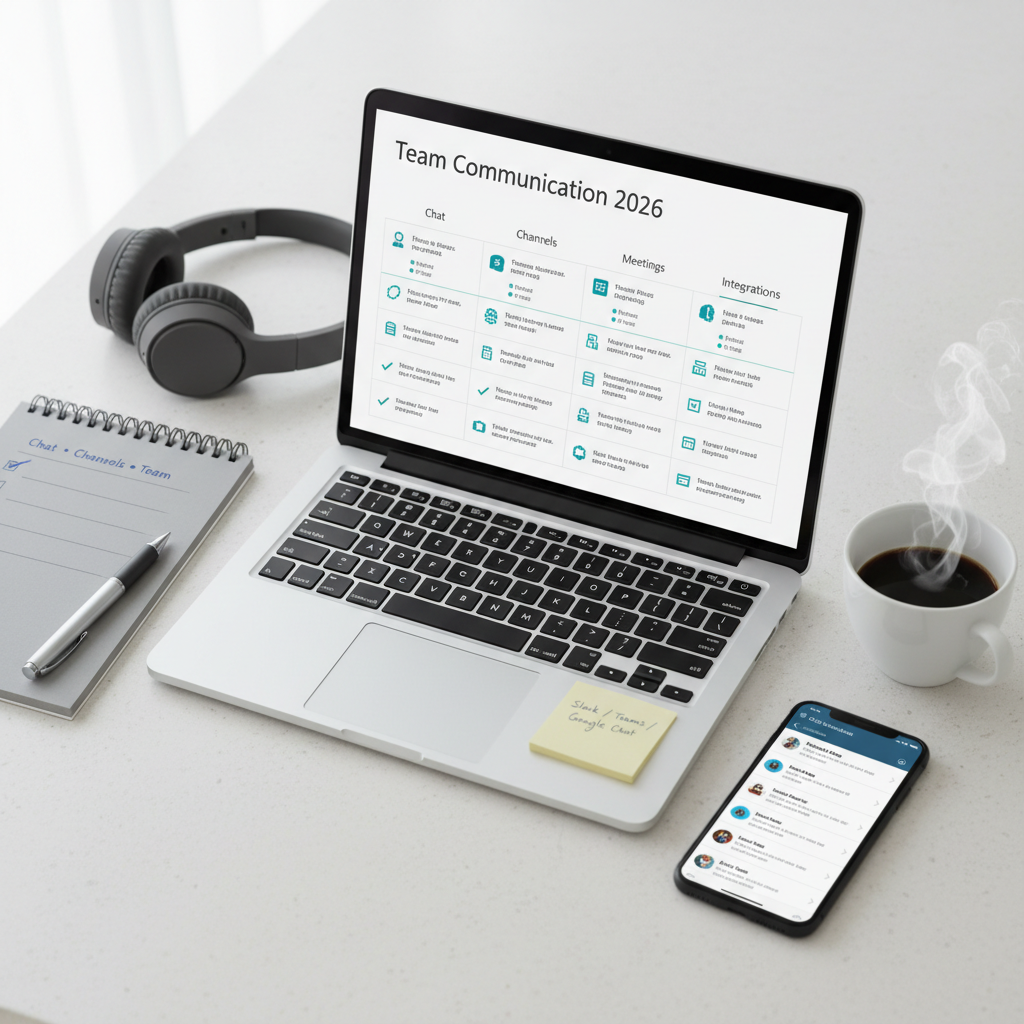
Team communication software helps small businesses reduce email clutter, organize conversations, improve visibility, and move decisions faster. The right tool can make day-to-day work clearer by giving teams a shared place for updates, quick questions, files, calls, and cross-functional collaboration.
For many small businesses, Slack remains one of the strongest all-around choices because it balances usability, integrations, and team structure. Microsoft Teams is a strong fit for businesses already using Microsoft 365. Google Chat works well for teams that live in Google Workspace. Discord can be useful for informal, community-style communication. Zoho Cliq offers good value, especially for teams already using the Zoho ecosystem.
The best communication tool is not the one with the most features. It is the one your team can actually use consistently without conversations becoming scattered or noisy.
Who This Guide Is For
This guide is for:
- small businesses with 2-100 employees,
- teams moving from email-heavy communication,
- remote, hybrid, and office-based teams,
- businesses trying to reduce communication chaos and improve collaboration.
It is especially useful for companies choosing a primary internal communication platform.
Evaluation Criteria (What Small Businesses Actually Need)
We focused on the areas that matter most in daily team communication:
- Messaging structure: channels, direct messages, threads, mentions, and notification controls.
- Calls and meetings: voice, video, screen sharing, and lightweight collaboration support.
- Integrations: project management, CRM, support, file storage, calendars, and automation tools.
- Search and history: message search, file search, retention, and shared knowledge value.
- Admin and security: role controls, guest access, permissions, SSO, and audit visibility.
- Ease of adoption: mobile apps, interface clarity, and how quickly people actually start using it well.
- Pricing and TCO: user pricing, message history limits, admin overhead, and how much it replaces email or other tools.
Side-by-Side: What to Compare
Chat, Channels, and Team Structure
A good team communication platform should make it easy to:
- create channels by topic or team,
- keep discussions organized,
- separate urgent from low-priority messages,
- support direct messages without hiding important decisions,
- control notifications without losing visibility.
The best tools reduce noise by structuring communication clearly.
Calls, Meetings, and Collaboration Features
Some businesses need more than chat.
Useful communication features include:
- quick huddles or calls,
- scheduled meetings,
- screen sharing,
- lightweight collaboration around files and links,
- status indicators and availability visibility.
If your team already uses Zoom or Google Meet, chat may remain the main priority. But all-in-one communication tools can reduce app switching.
Integrations and Workflow Fit
Communication tools become much more useful when they connect with:
- project management software,
- CRM,
- help desk systems,
- cloud storage,
- calendars,
- automation tools.
For many SMBs, the real value comes from notifications and workflows flowing into the right channels at the right time.
Admin Controls, Security, and Search
As your team grows, structure matters more.
Key things to compare:
- guest access,
- channel permissions,
- retention policies,
- SSO and MFA support,
- message and file search,
- admin visibility and user controls.
A communication platform quickly becomes part of your company knowledge base, so search quality matters more than many teams expect.
Pricing and Total Cost of Ownership
Real cost includes:
- user licenses,
- message history limits,
- meeting features,
- admin overhead,
- external collaboration features,
- the cost of poor adoption if people keep going back to email and side chats.
A tool that fits your existing ecosystem often saves money indirectly through better adoption.
Top Picks and Who They Fit
Slack – Best all-around for flexible team communication
Why it stands out
- Excellent user experience.
- Strong integrations.
- Good balance between structure and flexibility.
Strengths
- Strong channel-based collaboration.
- Good app ecosystem.
- Widely adopted and familiar to many teams.
- Useful for fast-moving businesses and mixed workflows.
Limitations
- Costs can rise with team size.
- Communication can become noisy without good channel discipline.
Best fit
- Small businesses that want a strong general-purpose communication hub.
Microsoft Teams – Best for Microsoft 365 businesses
Why it stands out
- Strong fit for companies already using Outlook, OneDrive, and Microsoft 365.
- Combines chat, meetings, and collaboration in one environment.
Strengths
- Good ecosystem fit.
- Strong meeting capabilities.
- Useful for document-heavy businesses.
- Better value when included in existing Microsoft licensing.
Limitations
- Can feel heavier than simpler chat-first tools.
- Interface may be less intuitive for some small teams.
Best fit
- Microsoft-first businesses that want communication integrated with their broader workspace stack.
Google Chat – Best for Google Workspace users
Why it stands out
- Natural fit for Gmail, Google Drive, and Google Meet users.
- Simple and lightweight for Workspace-based teams.
Strengths
- Good integration with Google ecosystem.
- Lower friction for teams already working inside Gmail and Drive.
- Easy to adopt.
Limitations
- Less feature-rich than Slack in some workflow and ecosystem areas.
- Not always the strongest choice for highly structured cross-functional communication.
Best fit
- Google Workspace-based teams that want communication embedded in their existing workflow.
Discord – Best for casual or community-style team communication
Why it stands out
- Informal and fast-moving communication style.
- Strong voice and room-style interaction.
- Works for some startups and creator-led teams.
Strengths
- Good real-time interaction.
- Familiar for some younger or online-native teams.
- Flexible voice and channel experiences.
Limitations
- Not built primarily for formal business operations.
- Admin, compliance, and structured workflow needs may outgrow it quickly.
Best fit
- Informal teams, communities, or creator-led businesses with less traditional internal communication needs.
Zoho Cliq – Best for value and ecosystem fit
Why it stands out
- Good value.
- Strong fit for businesses already using Zoho apps.
- Useful internal communication features without premium pricing pressure.
Strengths
- Affordable.
- Good ecosystem integration.
- Practical for SMB workflows.
Limitations
- Smaller ecosystem familiarity than Slack or Teams.
- May not feel as polished to every team.
Best fit
- Cost-conscious teams already using Zoho tools.
Implementation Playbook (14 Days)
Days 1-3: Design the communication structure
- Define channel naming rules.
- Decide what belongs in channels versus direct messages.
- Set expectations for urgent versus non-urgent communication.
Days 4-6: Create the workspace
- Build core channels.
- Add team and project spaces.
- Connect calendars, file tools, and core business apps.
Days 7-9: Set up guardrails
- Define notification guidance.
- Set permissions, guest access, and channel ownership.
- Turn on MFA and admin controls where available.
Days 10-11: Test workflows
- Route project updates, support alerts, or CRM notifications into channels.
- Review whether the signal-to-noise ratio is healthy.
- Simplify where necessary.
Days 12-14: Roll out and refine
- Train the team on communication norms.
- Encourage channel-first communication for shared work.
- Review adoption after the first week.
- Adjust channel sprawl early.
Recommendations by Business Scenario
Small business wanting the most flexible communication hub
- Pick: Slack
- Why: strong balance of usability, integrations, and team structure.
Company already committed to Microsoft 365
- Pick: Microsoft Teams
- Why: better ecosystem fit and stronger bundled value.
Google Workspace-based team
- Pick: Google Chat
- Why: lower friction inside the Google environment.
Informal or community-style team communication
- Pick: Discord
- Why: lighter, faster, and more conversational environment.
Budget-conscious business using Zoho apps
- Pick: Zoho Cliq
- Why: value pricing and better ecosystem alignment.
FAQ
What is the best team communication software for small businesses?
For many small businesses, Slack is one of the strongest all-around options because it balances usability, integrations, and communication structure.
Is Microsoft Teams better than Slack?
It depends on your environment. Teams is often better for Microsoft 365-heavy businesses. Slack is often better for broader app integrations and more flexible channel-based communication.
Is Google Chat enough for a small business?
Yes, especially for teams already using Google Workspace. It may not be as deep as Slack, but it can be more than enough for many SMBs.
What matters most in team communication software?
Clear structure, good search, manageable notifications, ecosystem fit, and a tool the team will actually use every day.
Should teams use one communication platform only?
Ideally yes for internal communication. Too many parallel tools create confusion, duplicate conversations, and missed decisions.