Skip to content
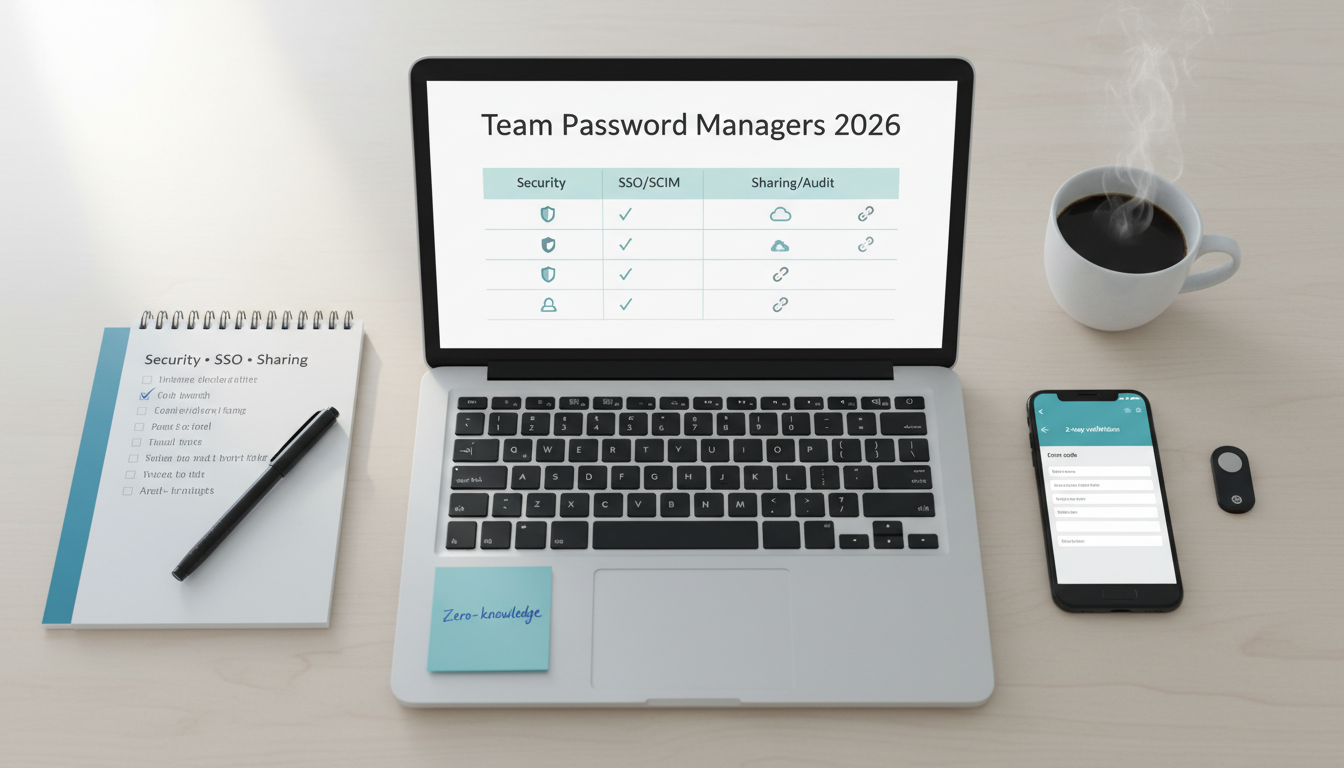
Comparison of team password managers in 2026 showing security, SSO/SCIM, sharing, and audit considerations on a desk flat‑lay.
Team password managers protect access to tools, cloud accounts, and shared secrets. The best options combine zero‑knowledge encryption, strong admin controls, and smooth SSO/SCIM provisioning—without making daily work painful.
1Password Business is the most balanced for SMBs (usability + security + travel mode); Bitwarden offers exceptional value with open‑source transparency; Dashlane brings polished admin UX and policy depth. Keeper and LastPass Business are used widely but require due diligence on history, policies, and current controls.
Model total cost of ownership beyond list prices: SSO/SCIM add‑ons, Secrets/Passkeys vaults, shared device use, and the time to onboard/coach teams.
Who This Guide Is For
SMBs and agencies (5–200 seats) needing shared credentials, role‑based access, auditability, and future‑proofing for passkeys.
Teams standardizing security hygiene (MFA by default, unique accounts, no plaintext sharing).
Evaluation Criteria (What Matters for Teams)
Security model: end‑to‑end, zero‑knowledge encryption, architecture docs, cryptographic transparency.
SSO/MFA/Provisioning: SAML SSO (Okta, Entra ID, Google), MFA options, SCIM for auto‑provision/deprovision.
Sharing & access: shared vaults/collections, item‑level permissions, targeted sharing, emergency access, client‑side soft delete/restore.
Admin & compliance: audit logs, SIEM export, policies (password rules, 2FA required), compliance docs (SOC 2, ISO 27001), DPAs.
Usability & performance: browser extensions, desktop/mobile apps, autofill accuracy, travel mode, recovery flows.
Pricing & TCO: per‑seat price, SSO/SCIM extras, secrets management add‑ons, support tiers.
1Password: strong zero‑knowledge design with Secret Key; detailed security whitepapers.
Bitwarden: open‑source codebase, end‑to‑end encryption; public audits; self‑host option.
Dashlane: zero‑knowledge architecture; regular independent assessments.
SSO/MFA and Provisioning (SAML/SCIM)
1Password: SSO via Duo/Okta/Entra; SCIM provisioning; granular recovery options.
Bitwarden: SSO add‑on; SCIM; directory sync; flexible providers; self‑host can integrate with on‑prem IdP.
Dashlane: SSO with major IdPs; granular policies; SCIM on business tiers.
1Password: shared vaults, item‑level sharing, fine‑grained permissions; robust audit logs.
Bitwarden: collections and organizations; per‑item and folder controls; event logs exportable.
Dashlane: groups/policies; item sharing; admin console with clear event views.
Ketiganya menyiapkan dokumen SOC 2/ISO dan DPA; verifikasi versi/ruang lingkup terbaru saat procurement.
Expect per‑user monthly pricing with discounts annually.
Add‑ons: SSO/SCIM (kadang tier terpisah), secrets management, advanced reporting.
Self‑hosting (Bitwarden) menambah biaya server/ops tetapi dapat menekan biaya lisensi jangka panjang.
1Password Business — Best all‑around for SMBs
Strengths
Excellent UX, Secret Key, travel mode, strong client apps, granular vaults.
Good SSO/SCIM support; recovery flows that balance security and practicality.
Limitations
Pricing on par with premium peers; secrets management add‑ons increase TCO.
Best fit
SMBs/agencies yang butuh adopsi cepat dan kontrol admin kuat.
Strengths
Open‑source, auditable; competitive pricing; self‑host option; flexible SSO/SCIM.
Strong browser extensions; fast performance; active community.
Limitations
Admin UX sedikit lebih teknis; beberapa fitur premium pada tier enterprise.
Best fit
Tim yang menghargai transparansi, value, dan opsi self‑host.
Strengths
Polished admin console, clear policy management, good reporting.
Solid autofill and extensions; straightforward onboarding.
Limitations
Harga bersaing dengan 1Password; fitur tertentu terkunci di tier lebih tinggi.
Best fit
Tim yang ingin admin experience rapi dan kontrol kebijakan terpusat.
(Optional) Keeper/LastPass Business — Considerations
Keeper: kuat di secrets management; banyak kontrol; evaluasi harga/fungsi dengan use‑case Anda.
LastPass: pertimbangkan track record keamanan dan kebijakan terbaru; lakukan due diligence dan pilot ketat.
Days 1–3: Decide SSO/SCIM and org structure (groups, vaults/collections).
Days 4–7: Roll out MFA defaults; disable browser‑saved passwords; import shared creds.
Days 8–14: Create least‑privilege vaults per team (Marketing, Finance, Dev); define break‑glass recovery.
Days 15–21: Train users (15‑minute session) on autofill, sharing, passkeys, phishing safety.
Days 22–30: Turn on audit exports/SIEM, quarterly access reviews, policy for password length/passkeys.
Recommendations by Scenario
Fast adoption with strong UX, good travel features
Best value, transparency, self‑hosting option
Pick: Bitwarden Teams/Enterprise
Admin‑first with clean policy controls and reports
Heavy secrets management and infra focus
Consider: Keeper (evaluate pricing/features)
FAQ
Do we still need a password manager with passkeys?
Yes. You’ll manage passkeys, shared secrets, and long‑tail passwords for tools that lack passkey support.
Can we migrate from Google‑saved passwords?
Export and import flows exist; enforce policies to disable browser saving and require the extension.
Is self‑hosting worth it?
If you have ops capacity and compliance demands. Otherwise, managed cloud reduces overhead.
What policies should we enforce first?
MFA required, minimum length (or passphrases), no sharing outside vaults, quarterly access reviews.
Compliance & Security Notes
Obtain vendor security docs (SOC 2/ISO, DPA). Enable SSO + MFA for admins first.
Run quarterly access reviews and export audit logs to your SIEM if available.